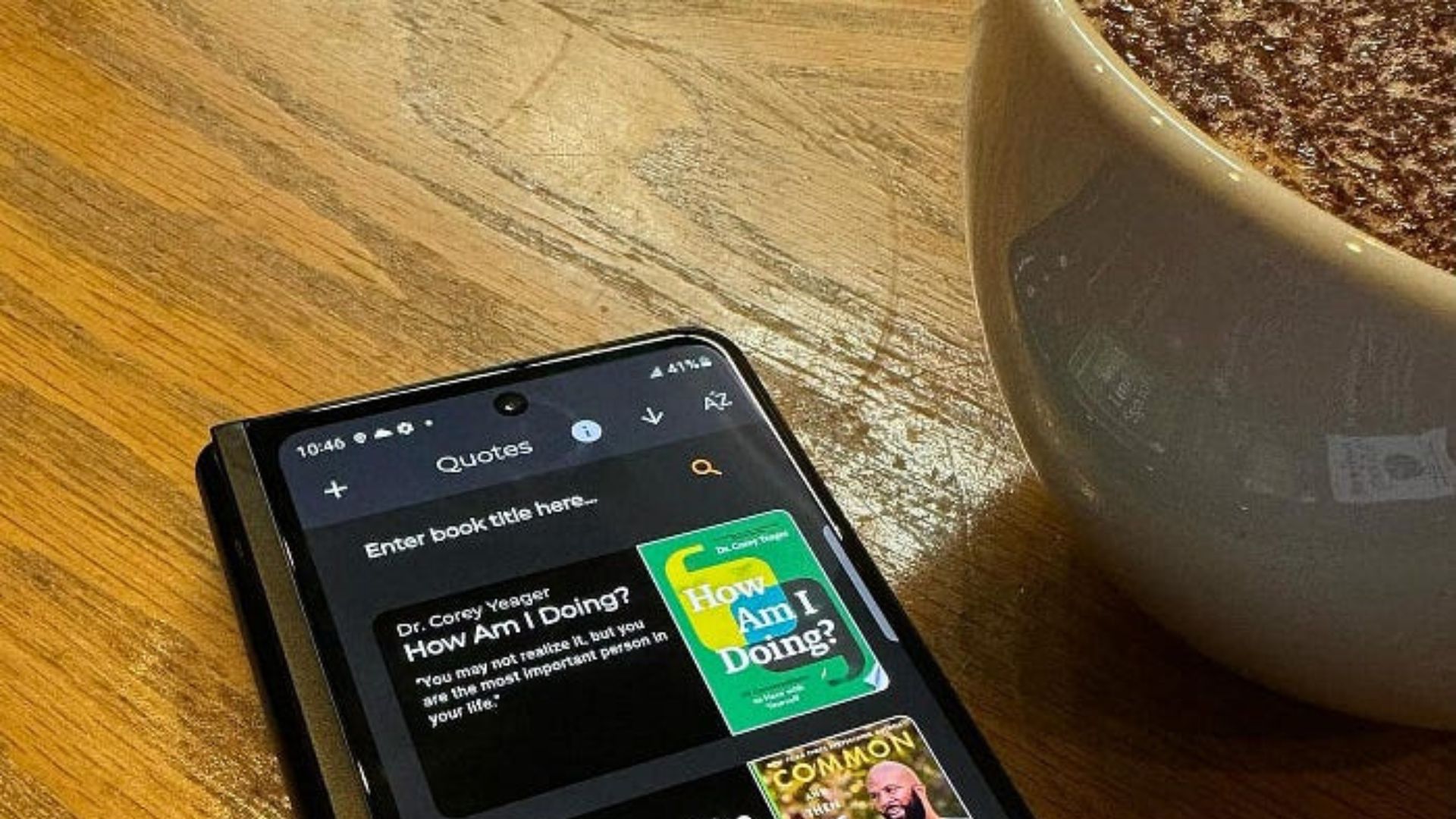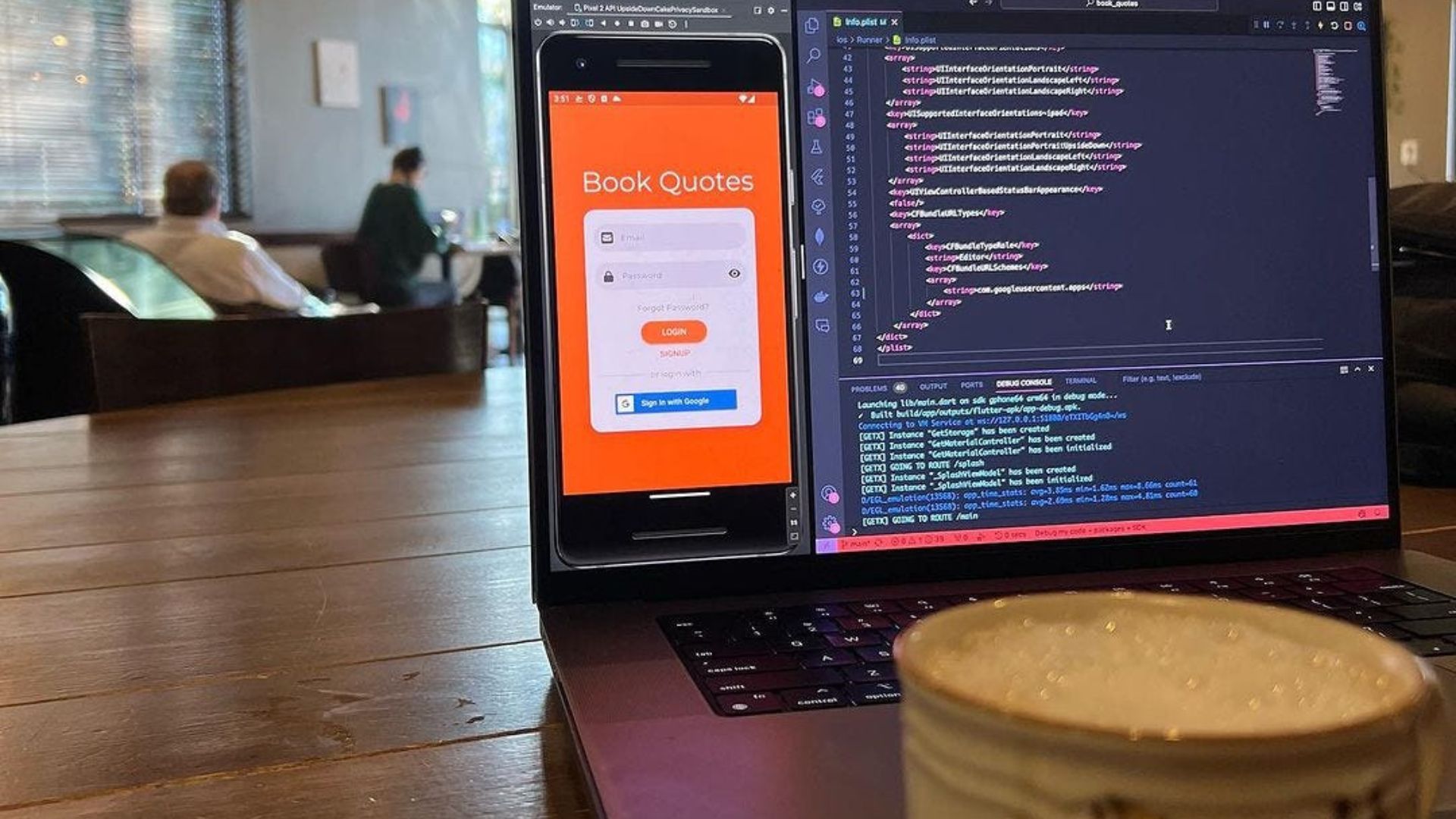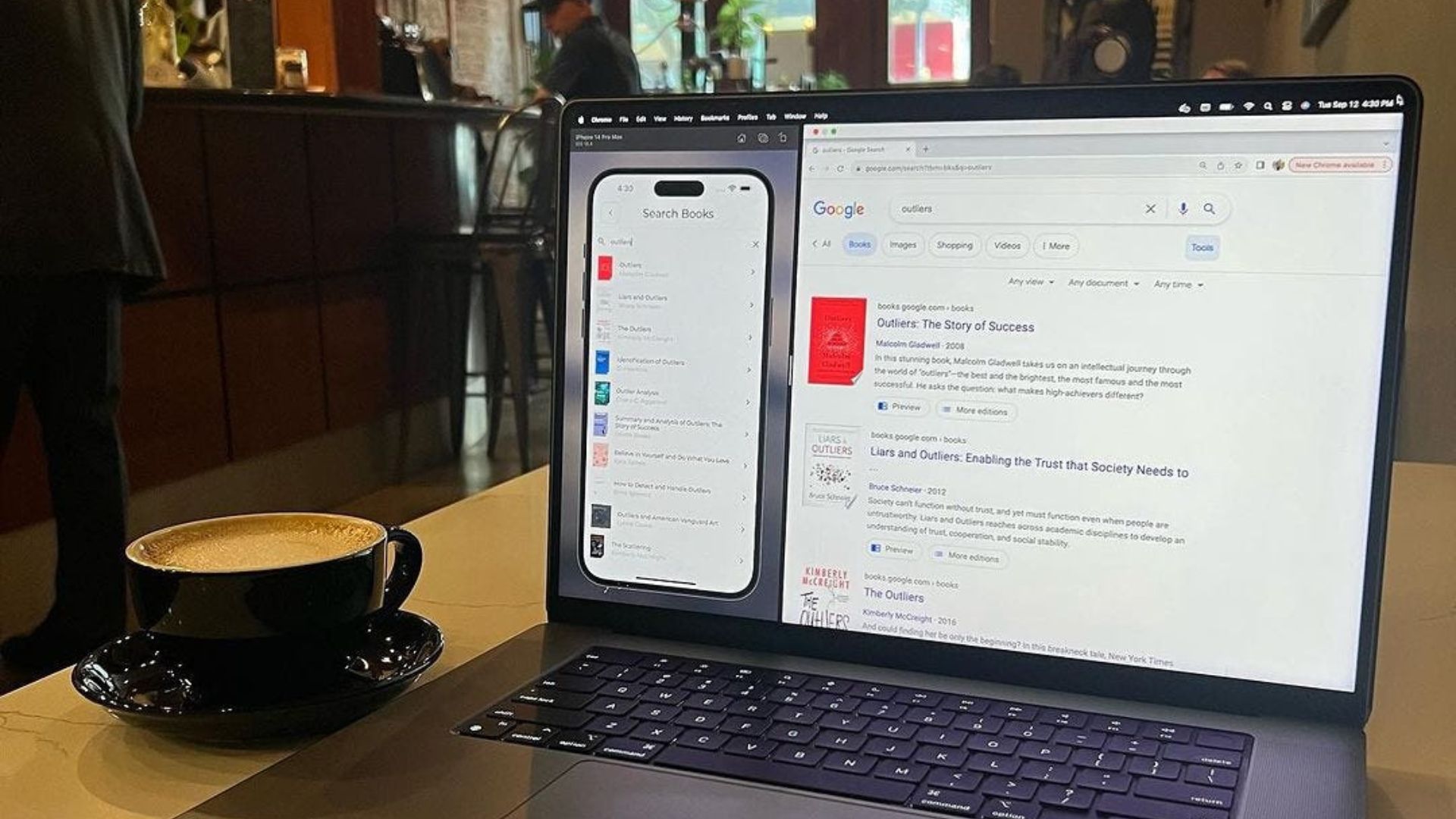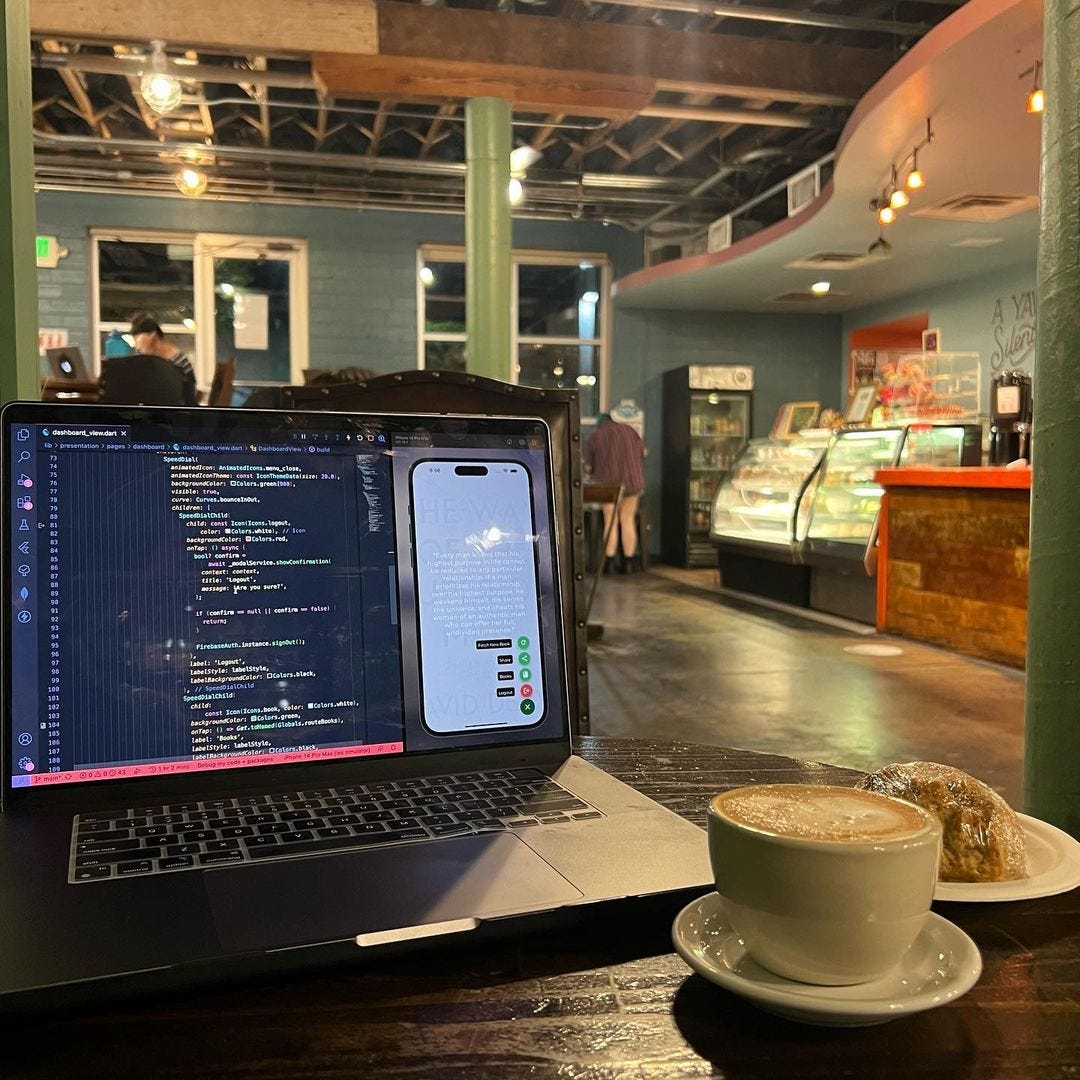
Back on the Book Quotes app for a bit.
Some minor adjustments to the dashboard, where there’s now a Speed Dial widget, which contains SpeedDialChild widgets as its children.
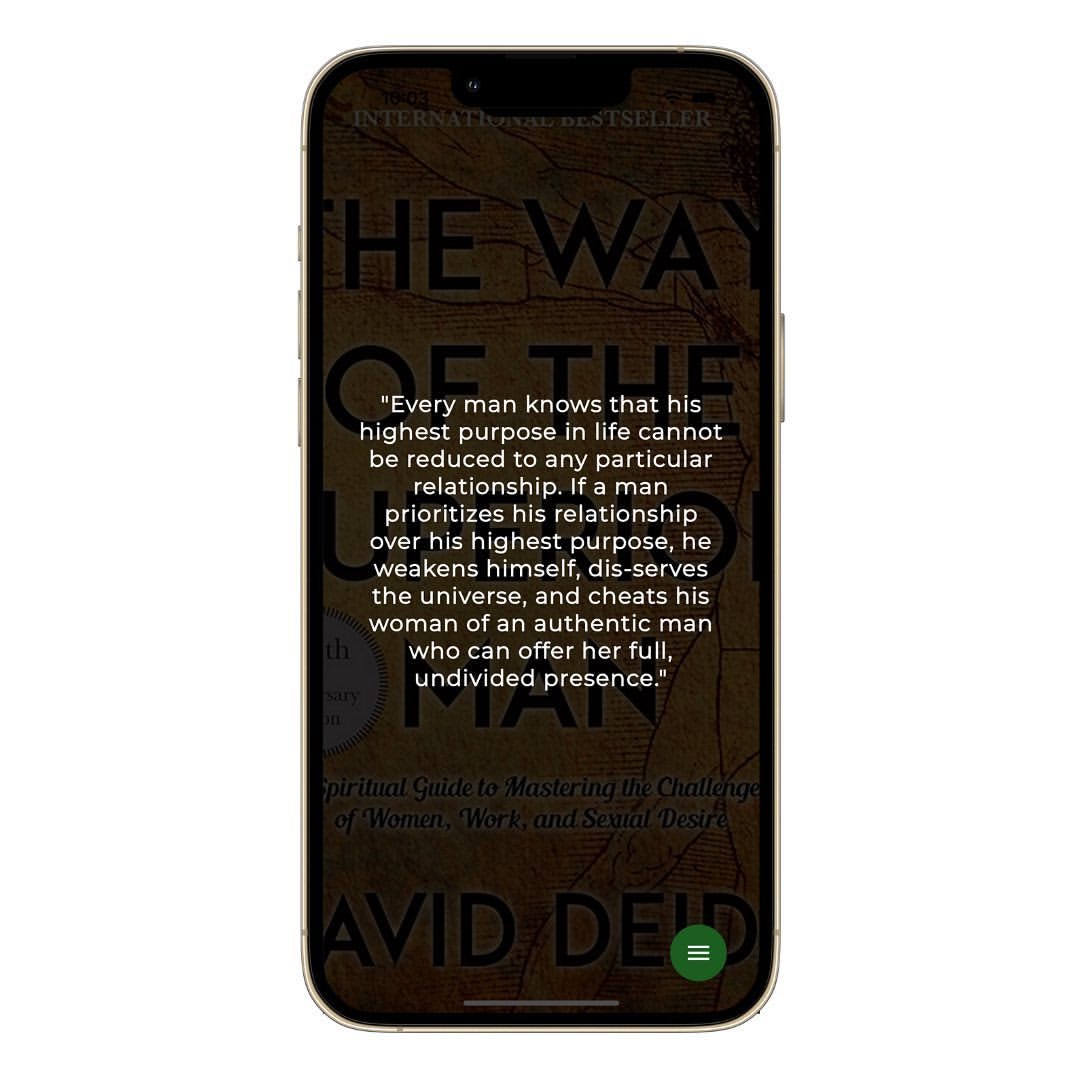
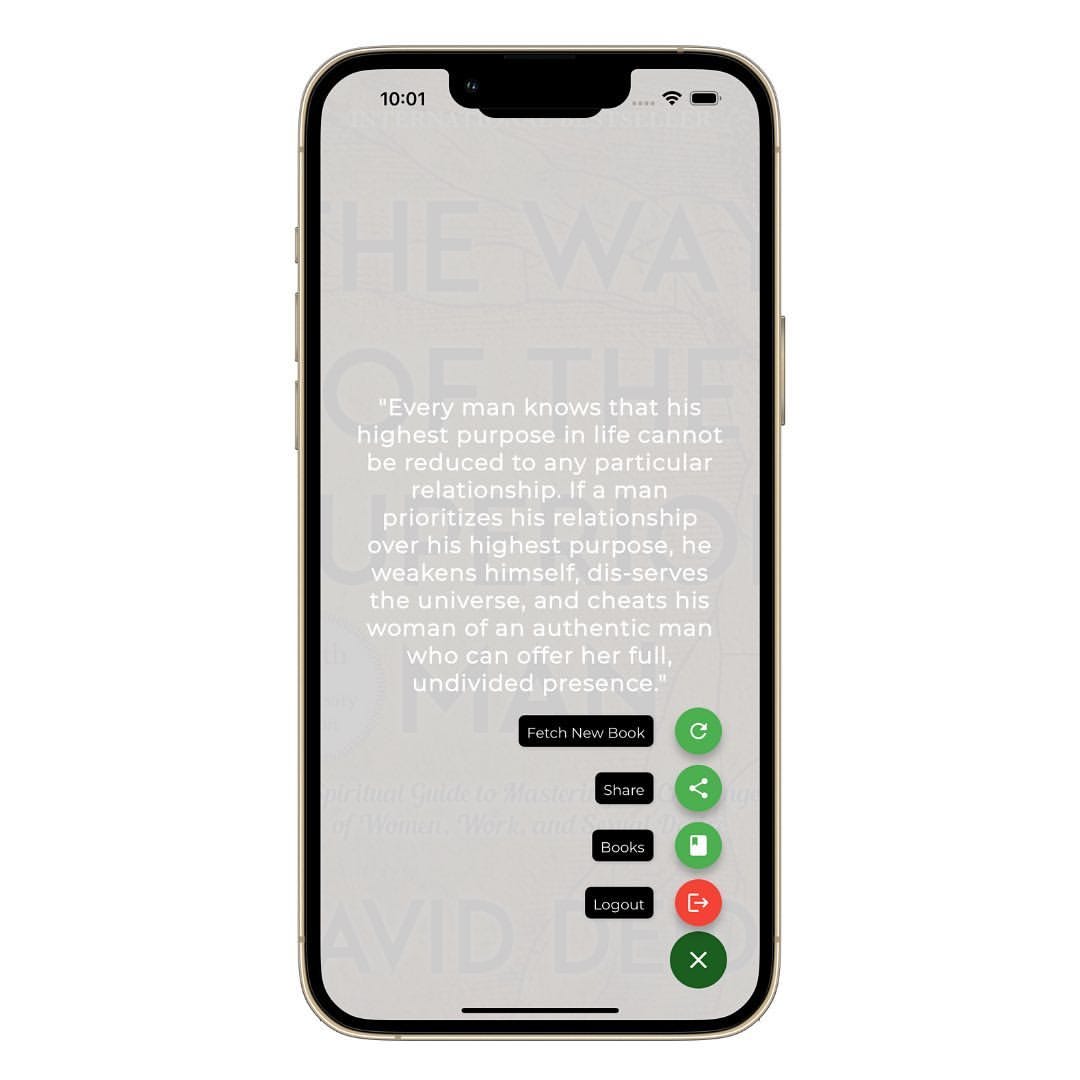
This button opens into a cascade of buttons that display vertically.
// Parent widget.
SpeedDial(
  animatedIcon: Animated Icons.menu_close,
  animatedIconTheme: const IconThemeData(size: 28.0),
  backgroundColor: Colors.green [900],
  visible: true,
  curve: Curves. bounceInOut,
  children: [ ... ],
)
// Child widget that displays once parent widget pressed.
Speed DialChild(
  child: const Icon(
    Icons.logout,
    color: Colors.white,
  )
  backgroundColor: Colors.red,
  onTap: () {
    FirebaseAuth. instance.signOut();
  }
  label: 'Logout',
  labelStyle: labelStyle,
  labelBackgroundColor: Colors.black
)
I figured this would give the home page more space to breath.
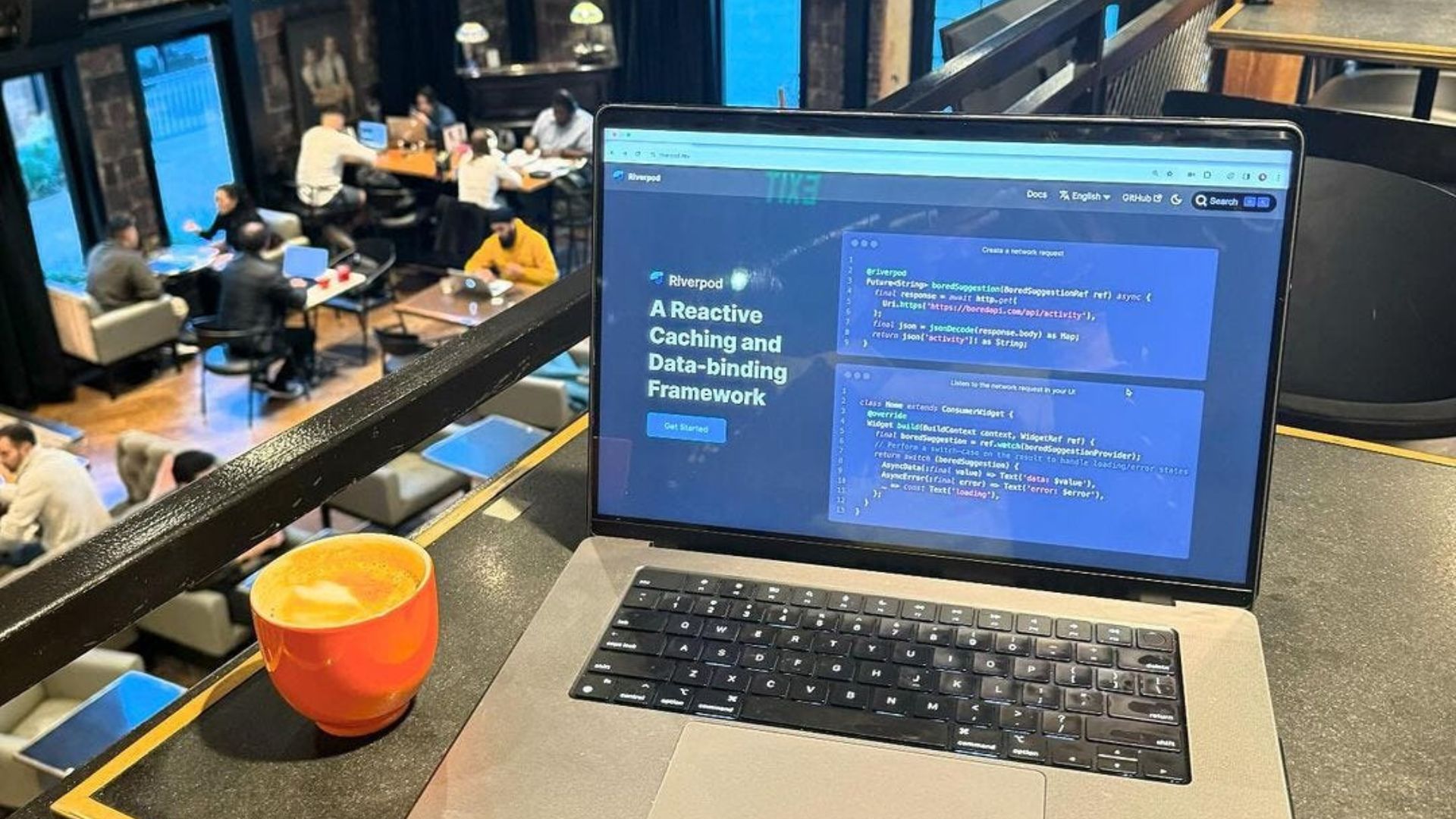
I’m also in the process of converting the state management of the app from GetX to Riverpod.
I’ve never used Riverpod before, but I like it so far.
The concept of Providers being the source of data for each screen allows me to write less code and allow for instant updates when any of the data changes on those providers.
class PhotoProvider extends ChangeNotifier {
  CroppedFile? selectedCroppedFile;
  PhotoProvider();

  Future updateImage() async {
    try {
      XFile? file = await ImagePicker().pickImage(
        source: ImageSource.gallery,
      )

      if (file == null) return;
      CroppedFile? croppedFile = await ImageCropper().cropImage(sourcePath: file.path);
      if (croppedFile == null) return;
      selectedCroppedFile = croppedFile;
      notifyListeners();
  } catch (error) {
      debugPrint (error.toString());
  }
}