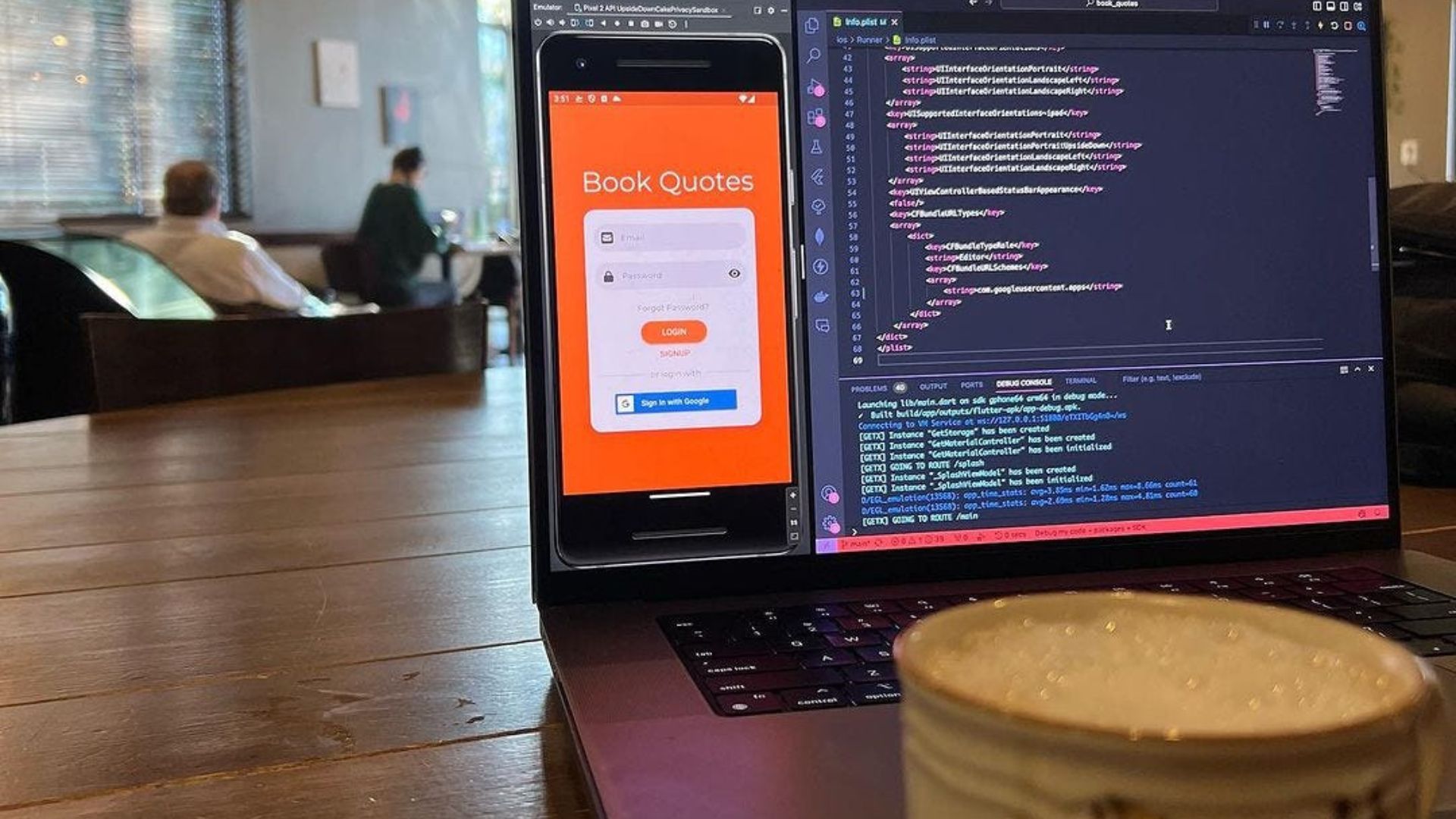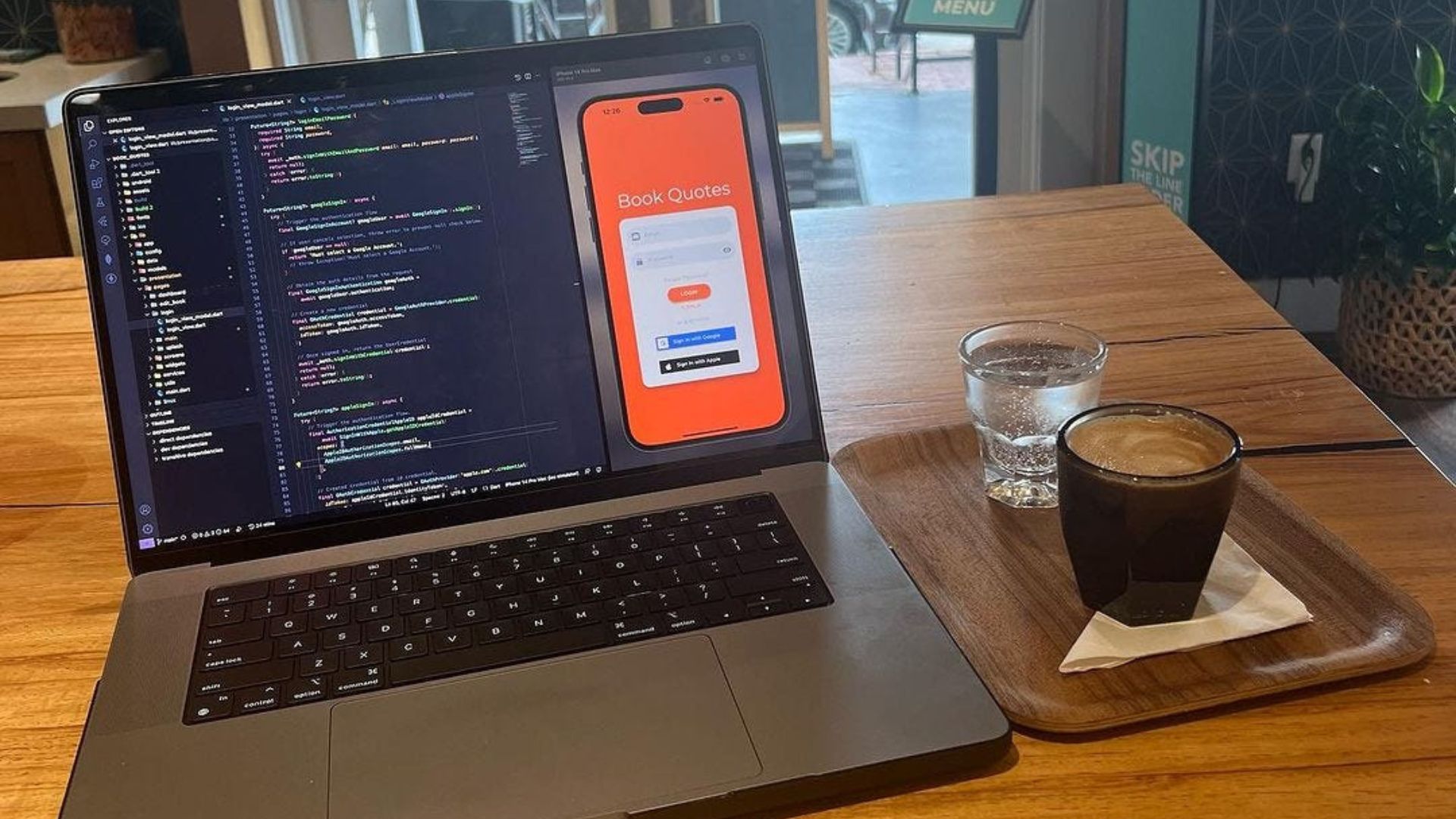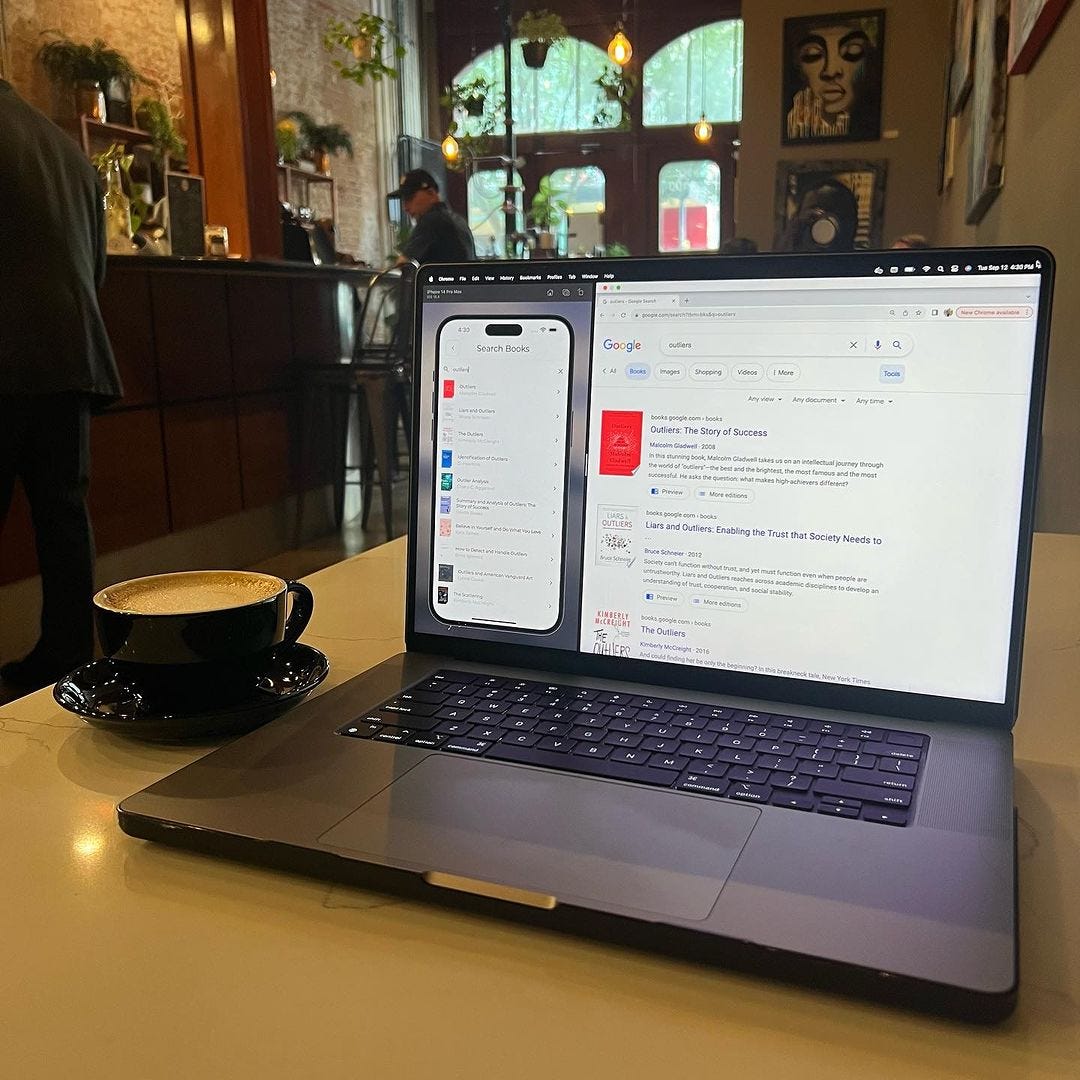
I decided to get back on the Book Quotes app since it’s been a little while.
As of now, users had to manually enter the books they wanted to save a quote for, which was a very tedious task to say the least.
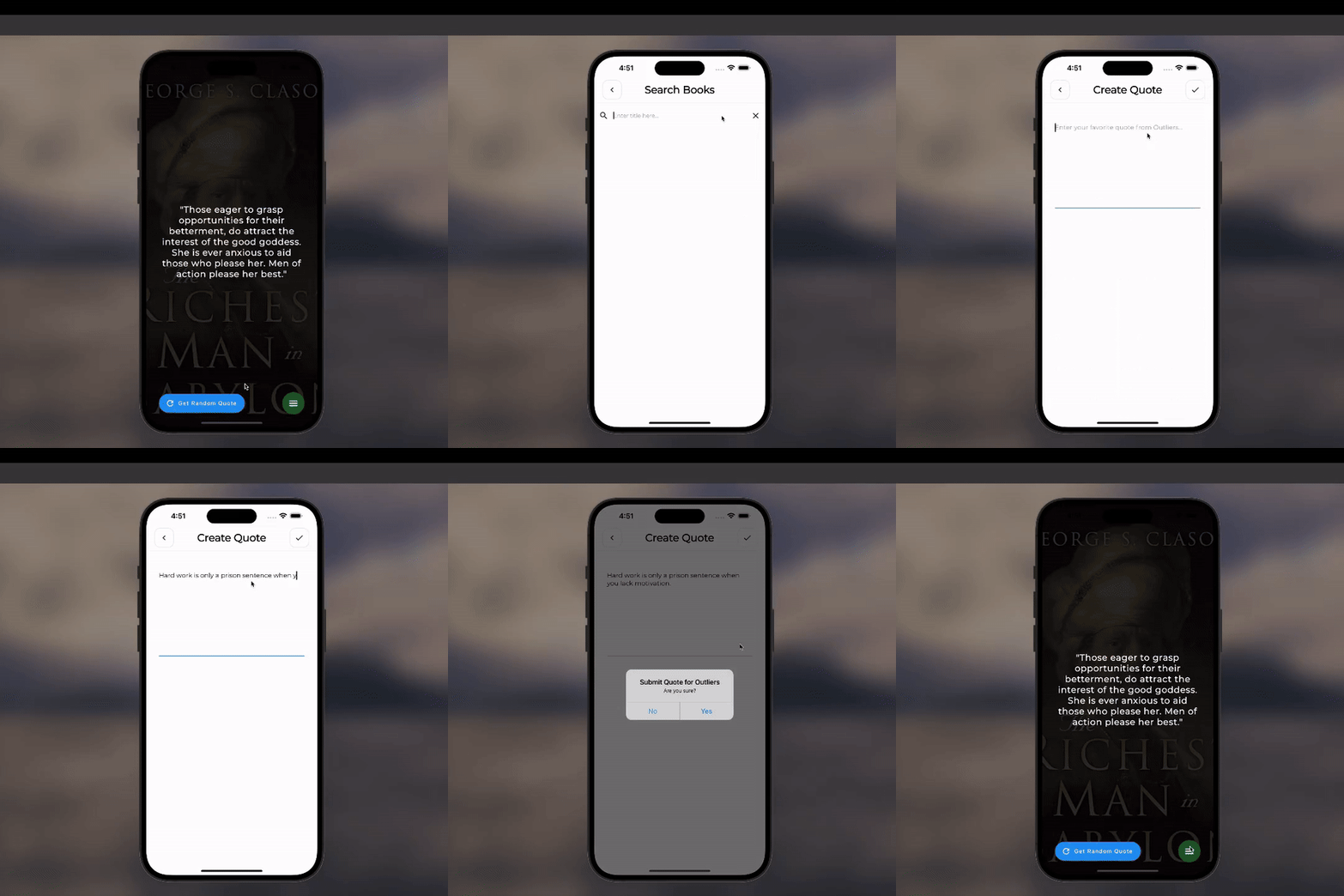
Typing in the title, author, quote, and then uploading a picture is a process I wouldn’t wish on my worse enemy. However, it was the process I had running for so long on the app.
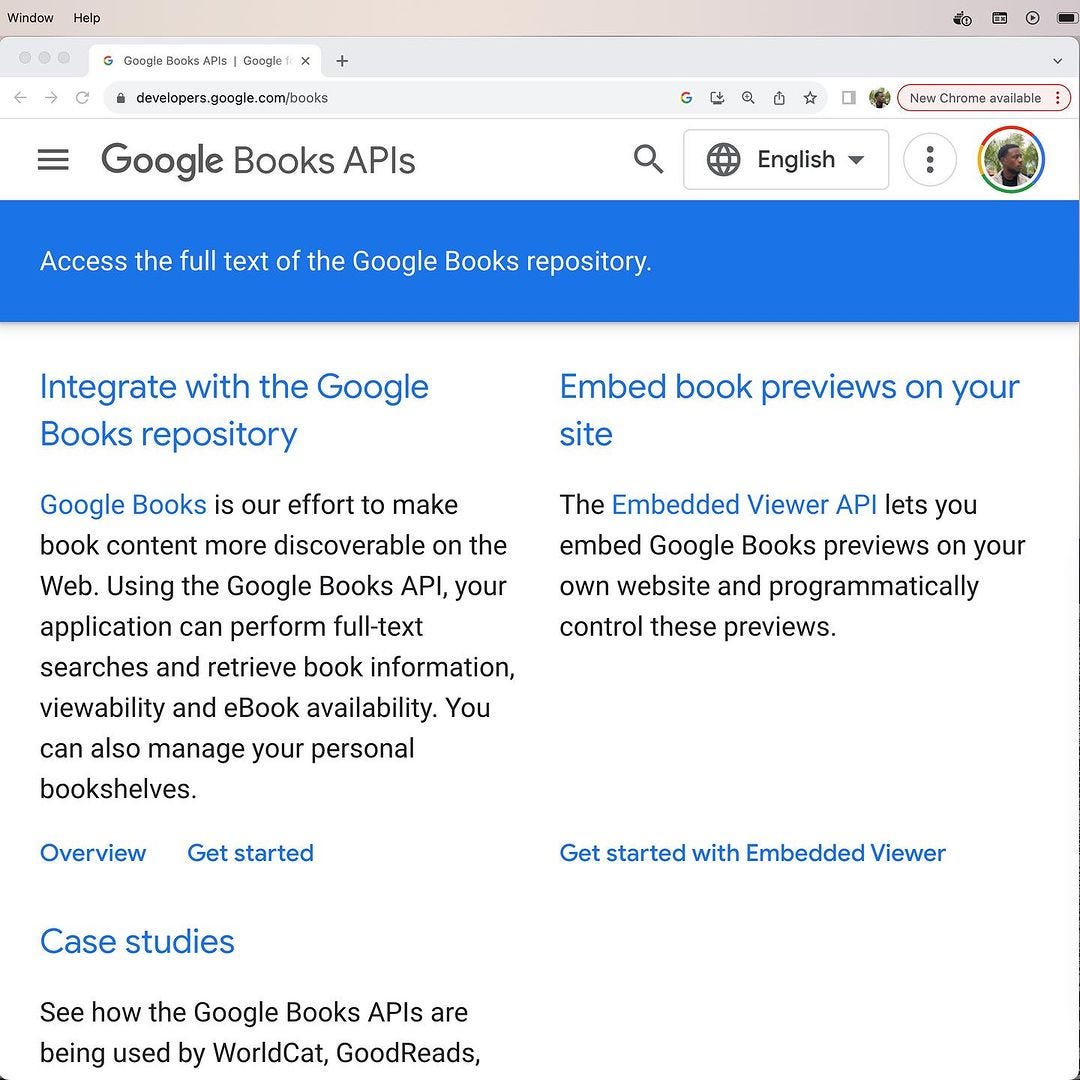
There was a dire need to fix this as you can imagine, and that’s where the Google Books API comes in.
/// Search for books by search term.
Future<SearchBooksResult> searchGoogleBooks({
  required String term,
  required int limit,
}) async {
  const baseUrl = 'https://www.googleapis.com/books/v1/volumes?q';
  // Build endpoint.
  final String endpoint =
    '$baseUrl=$term&maxResults=$limit&key=${Globals.googleAPIKeys.booksAPIKey}';
  try {
    // Send http request.
    final response = await http.get(Uri.parse(endpoint));
    // Convert body to json.
    final results = json.decode(response.body);
    if (results['error'] != null) {
      throw Exception(results['error']['message']);
    }
    return SearchBooksResult.fromJson(results);
  } catch (e) {
    rethrow;
  }
}
/// The book data model.
final newBook = BookModel(
  quote: book.quote,
  title: searchBooksResultModel.title,
  author: searchBooksResultModel.author ?? 'Unknown Author',
  imgPath: searchBooksResultModel.imgUrl,
  hidden: book.hidden,
  created: DateTime.now(),
  modified: DateTime.now(),
  uid: book.uid,
  complete: book.complete,
);
Using the Google Books API (which is completely free), users can now search from a vast database of books to create their quotes.
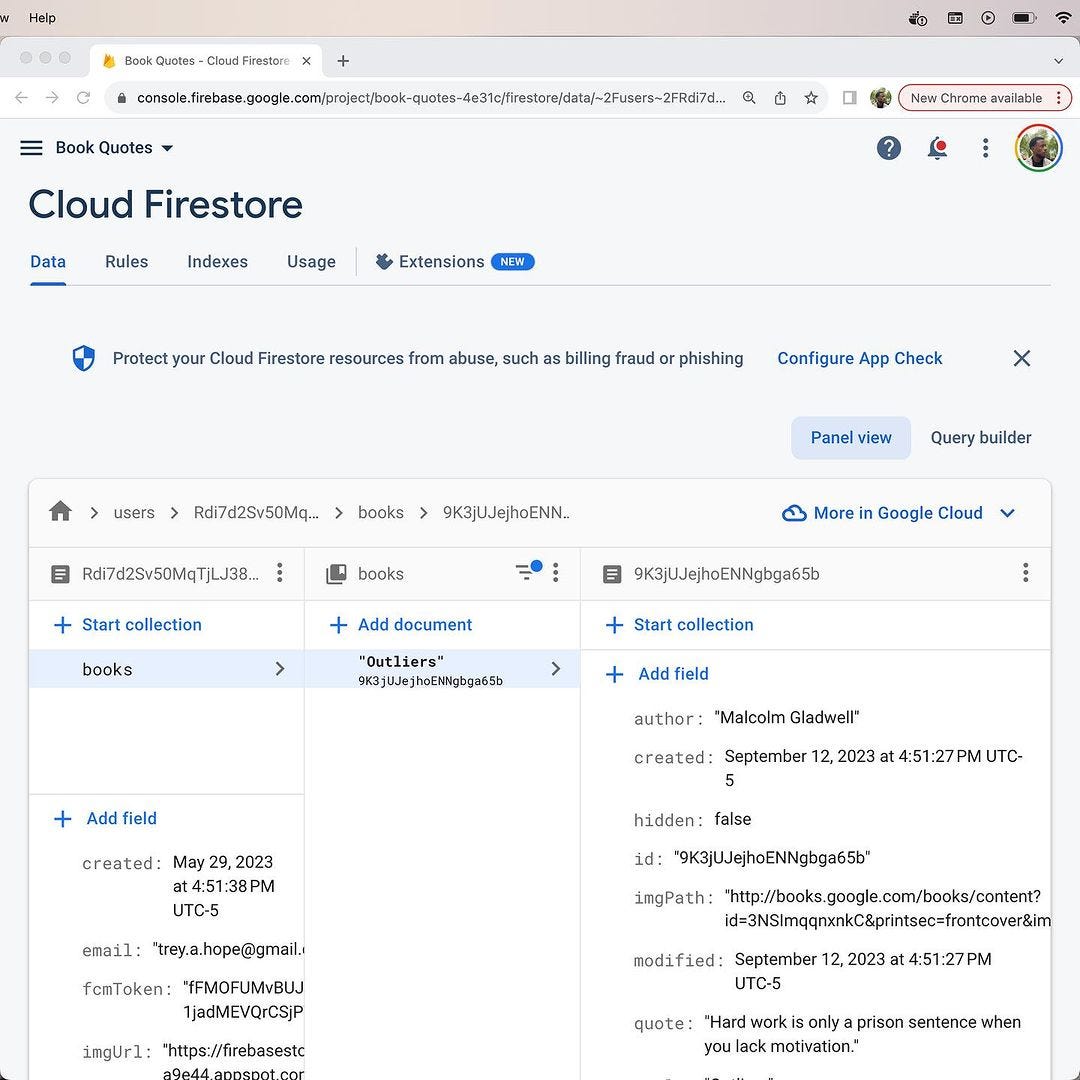
Now instead of entering the information manually, they can instead pick their book and just enter their quote, saving a lot of time.