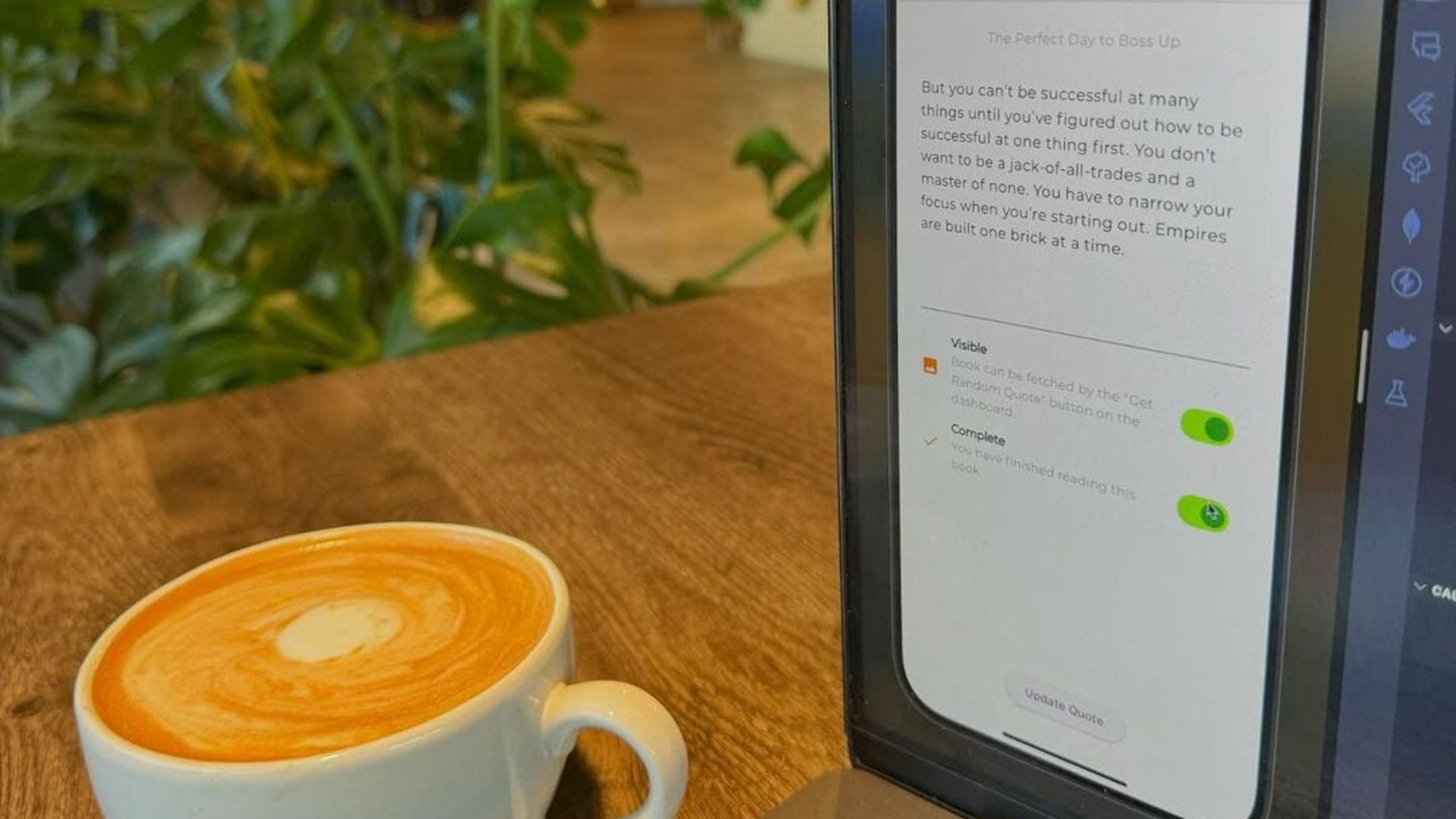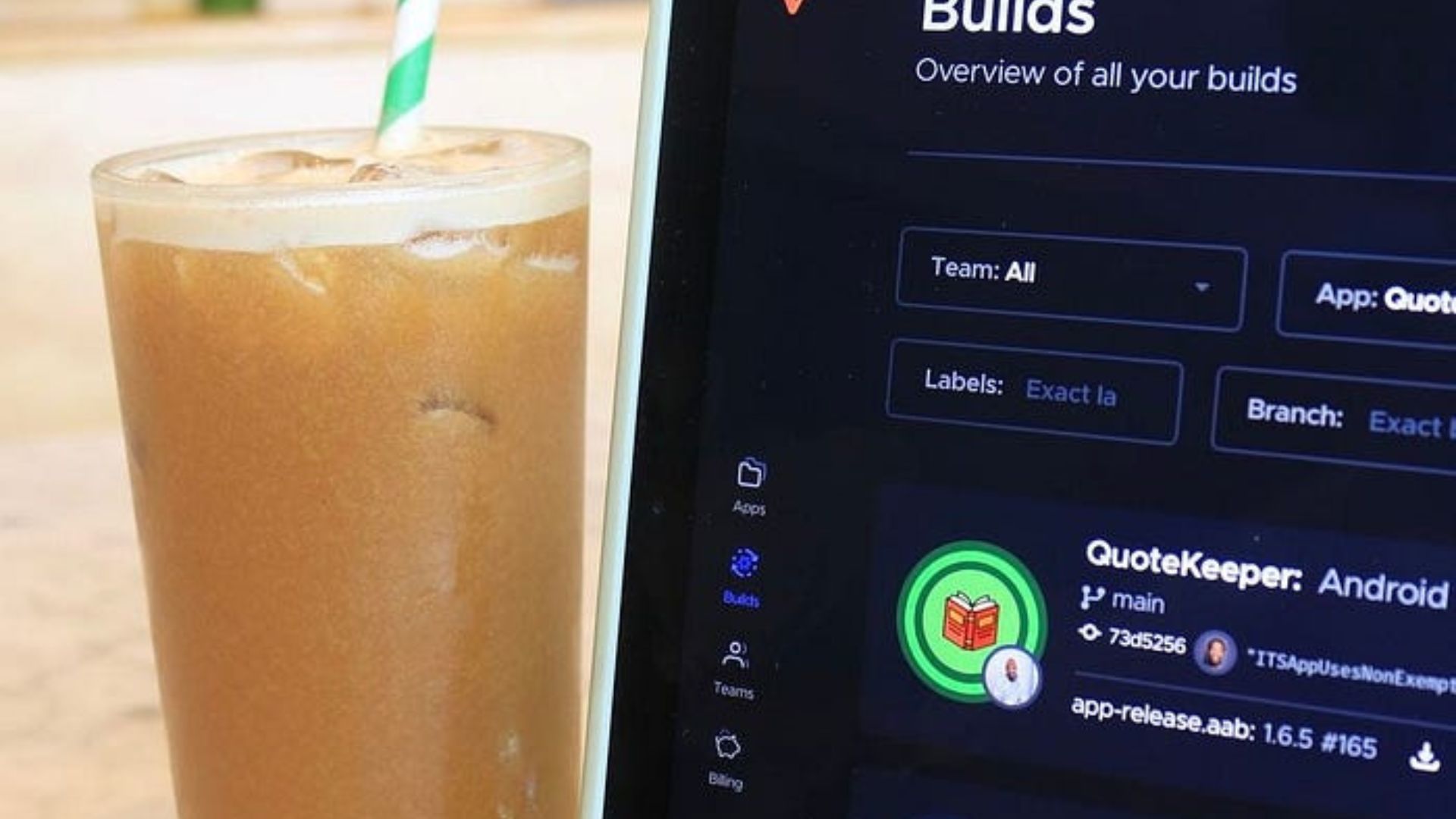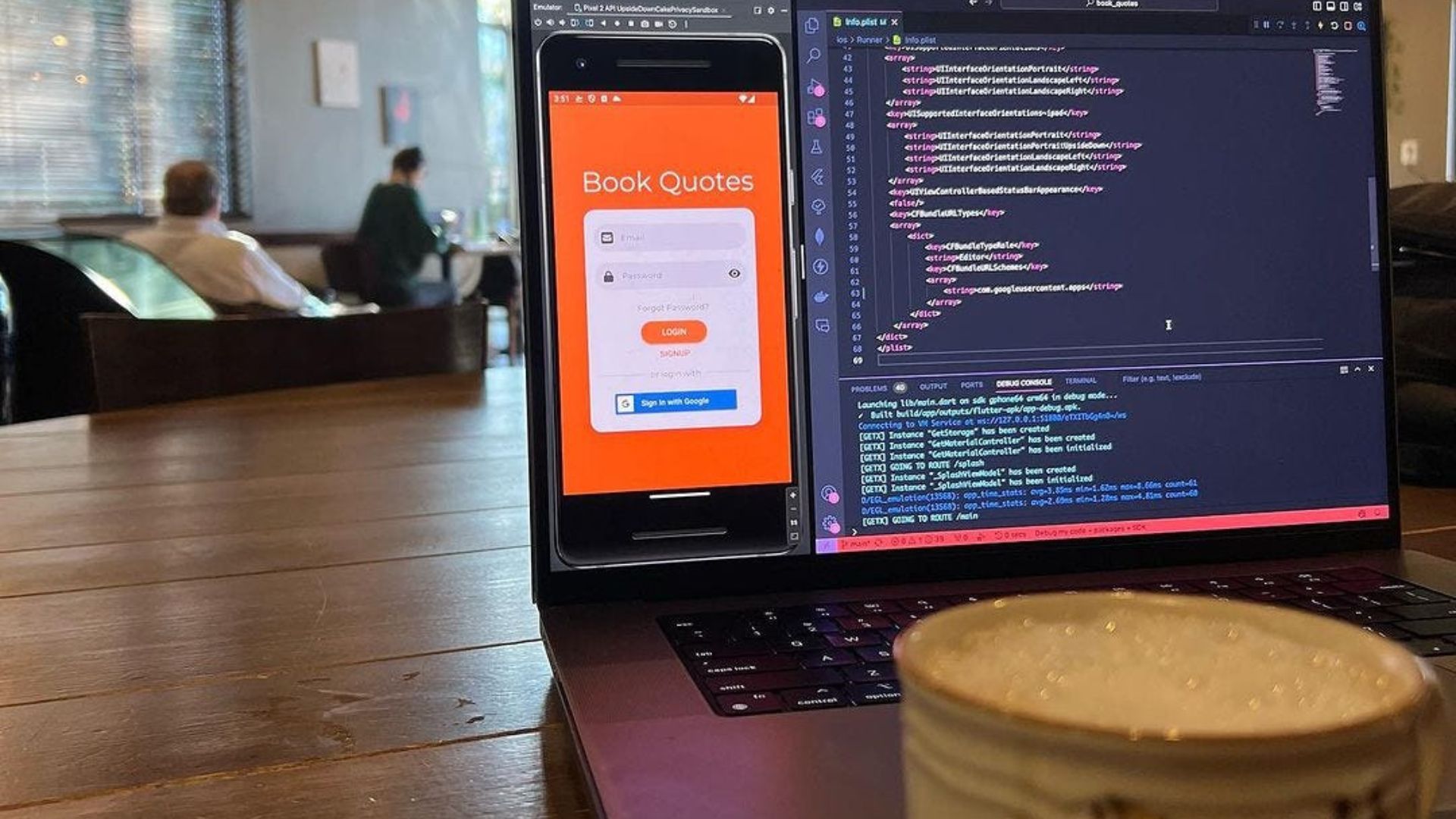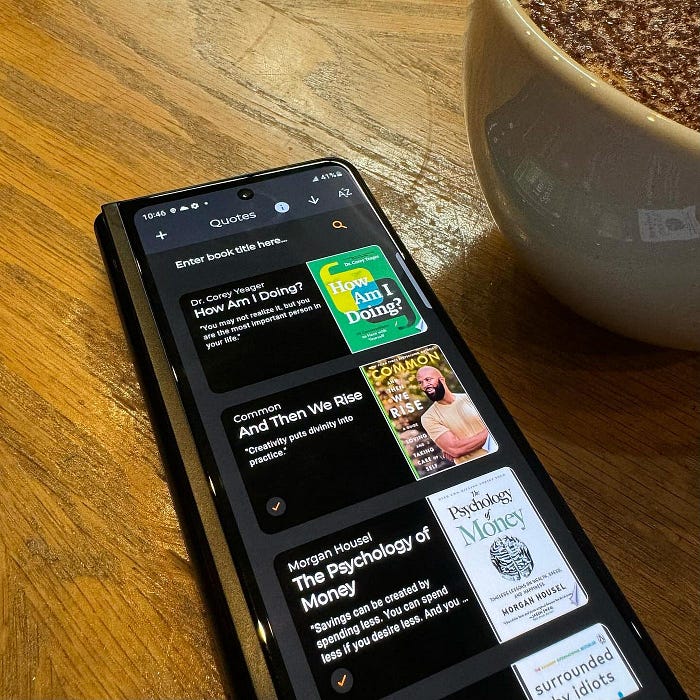
Back on the QuoteKeeper app per usual.
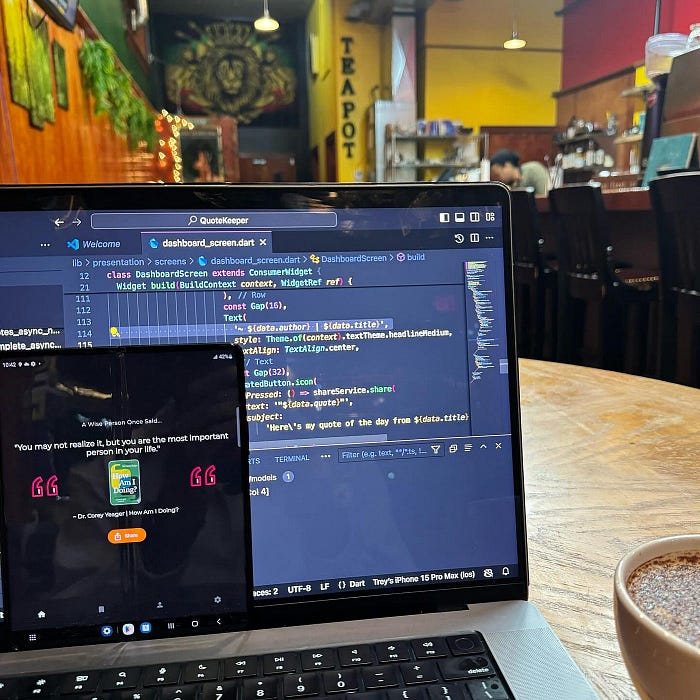
Some features I've been working on this sprint is the ability to sort the books and display toasts messages.
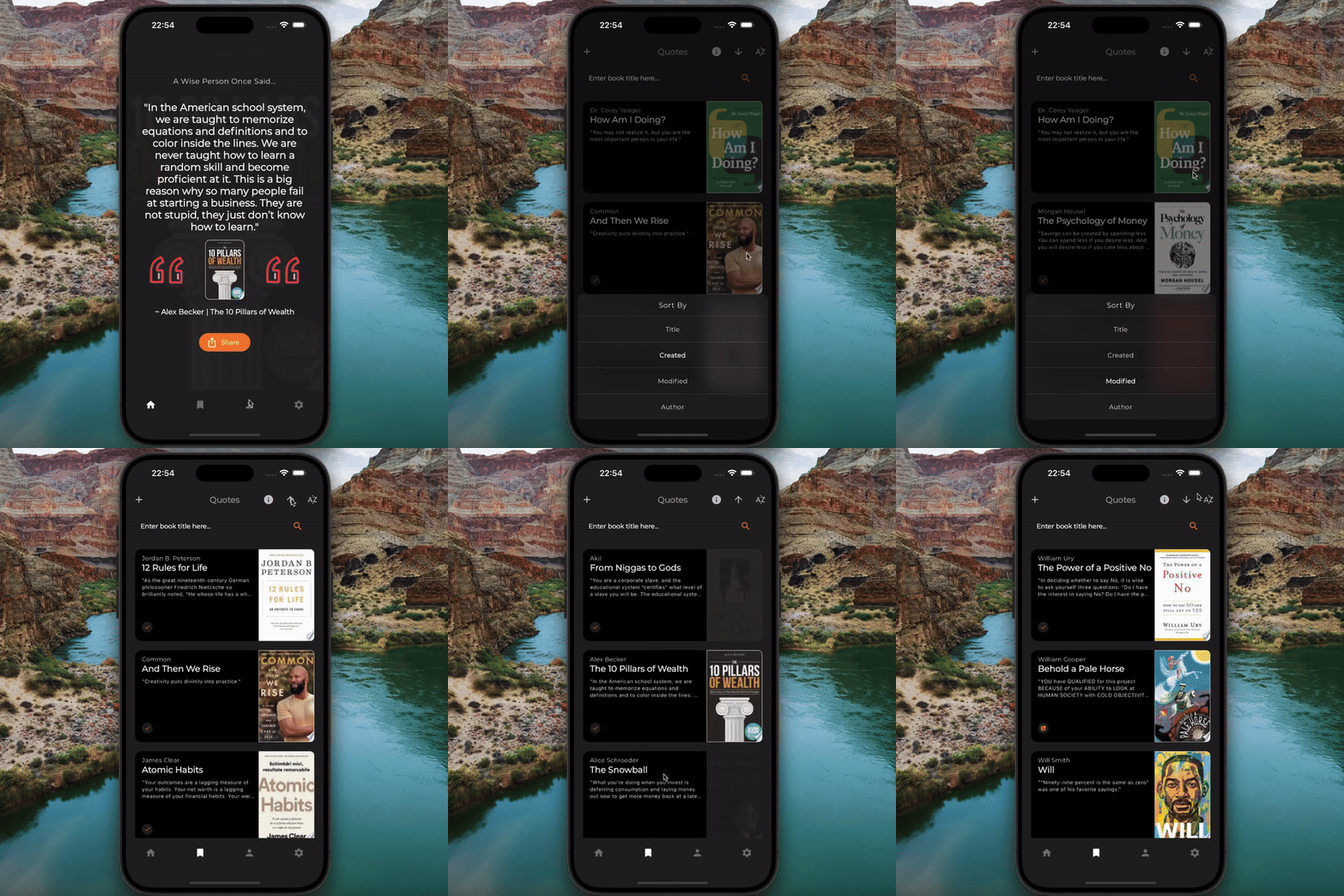
Video Demo
For sorting, I updated the method for fetching books to accept a string query param and a boolean isDescending param.
import 'dart:async';
import 'package:cloud_firestore/cloud_firestore.dart';
import 'package:quote_keeper/data/services/book_service.dart';
import 'package:quote_keeper/domain/models/book_model.dart';
import 'package:quote_keeper/utils/config/providers.dart';

/// Fetch the next list of books using
void getNextBooks() async {
  try {
    state = const AsyncLoading();

    // Order by term, i.e. name, author, title, etc.
    final orderBy = ref.read(Providers.bookSearchTermProvider).query;

    // Is the list descending or not.
    final descending = ref.read(Providers.bookSearchIsDescendingProvider);

    // Return the quotes for this user.
    final uid = ref.read(Providers.authAsyncProvider.notifier).getUid();

    final querySnapshot = await _bookService.getBooks(
      orderBy: orderBy,
      descending: descending,
      uid: uid,

      // Previous firestore document used for pagination.
      lastDocument: _lastDocument,

      // Number of results to fetch with each query.=
      limit: 10,
    );

    _lastDocument = querySnapshot.docs.last;

    List<BookModel> books = _convertQuerySnapshotToBooks(querySnapshot);

    state = AsyncData([...state.value!, ...books]);
 } catch (e) {}
The BookSearchIsDescendingNotifier returns true/false if the list should be descending.
import 'package:flutter_riverpod/flutter_riverpod.dart';

/// Holds the value of whether the search results are descending or not.
class BookSearchIsDescendingNotifier extends AutoDisposeNotifier<bool> {

  /// Default isDescending to true.
  @override
  bool build() => true;

  /// Update to the inverse of its current value.
  void toggle() => state = !state;
}
The BookSearchTermNotifier returns the current BookSearchTerm, (name, author, created date, or modified date).
import 'package:flutter_riverpod/flutter_riverpod.dart';

/// Options for sorting a users quotes.
enum BookSearchTerm {
  title('Title', 'title'),
  created('Created', 'created'),
  modified('Modified', 'modified'),
  author('Author', 'author');

  const BookSearchTerm(this.label, this.query);

  final String label;
  final String query;
}

/// Holds the current query for searching quotes.
class BookSearchTermNotifier extends AutoDisposeNotifier<BookSearchTerm> {
  // Default the book search to sort by created value.
  @override
  BookSearchTerm build() => BookSearchTerm.created;

  // Update the book search term enum value.
  void updateTerm(BookSearchTerm term) => state = term;
}
For displaying modal toasts, which are temporary messages displayed in the UI, I incorporated the Toastification flutter package.
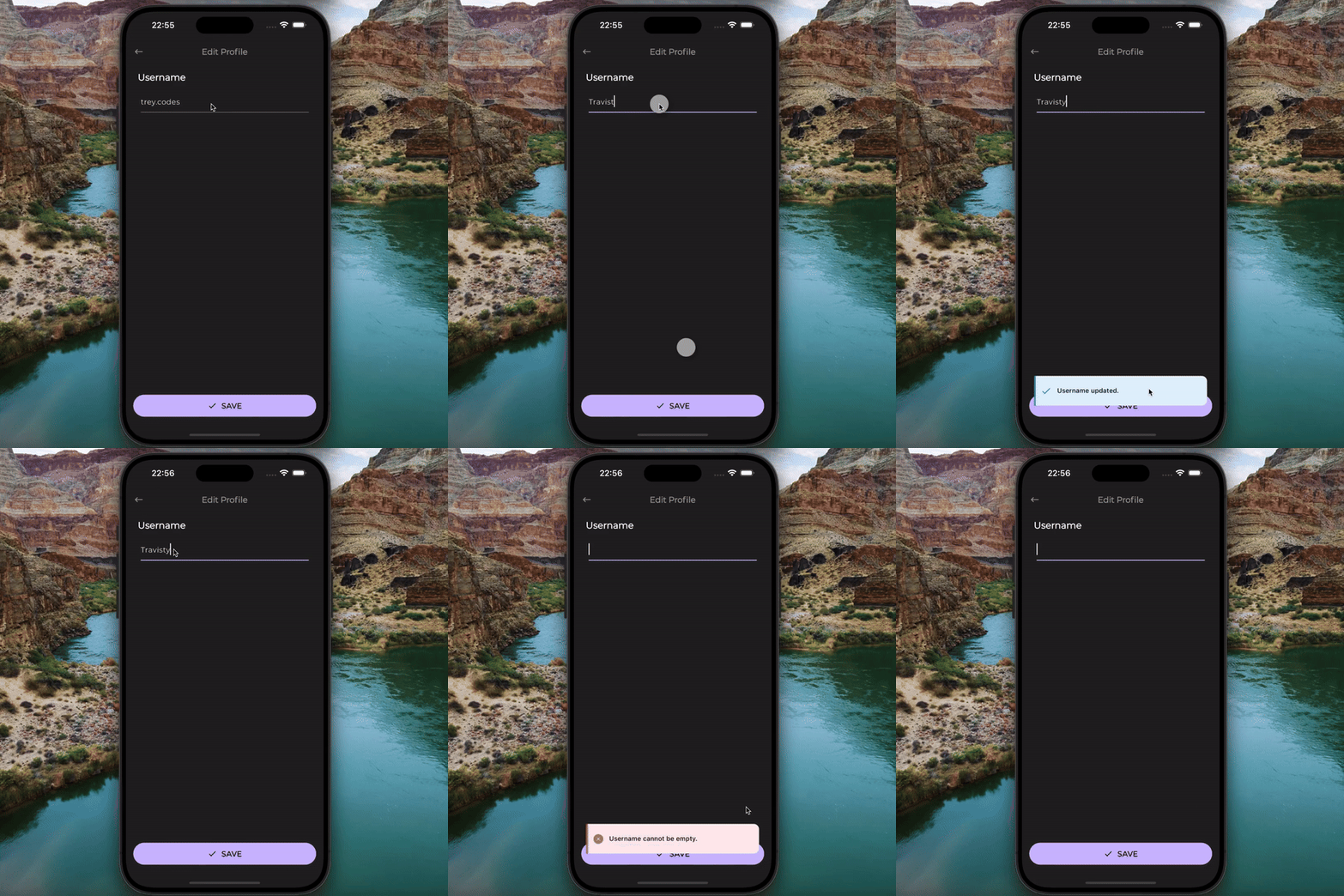
Updating username.
It is a very lightweight and flexible package for making use of toast messages.
import 'package:flutter/material.dart';
import 'package:quote_keeper/utils/constants/toast_type.dart';
import 'package:toastification/toastification.dart';

class ModalService {
  /// Displays a toast message.
  /// Takes in a required context and message.
  /// The toastType modifies ui icons and colors.
  /// The alignment determines position on screen.
  static void showToast({
    required BuildContext context,
    required String message,
    ToastType toastType = ToastType.success,
    Alignment alignment = Alignment.bottomCenter,
  }) =>
      toastification.show(
        context: context,
        style: ToastificationStyle.minimal,
        autoCloseDuration: const Duration(seconds: 5),
        title: Text(message),
        alignment: alignment,
        animationDuration: const Duration(milliseconds: 300),
        icon: toastType.icon,
        primaryColor: toastType.color,
        backgroundColor: toastType.color.shade50,
        foregroundColor: Colors.black,
        padding: const EdgeInsets.symmetric(horizontal: 12, vertical: 16),
        margin: const EdgeInsets.symmetric(horizontal: 12, vertical: 8),
        borderRadius: BorderRadius.circular(12),
        showProgressBar: false,
        closeButtonShowType: CloseButtonShowType.onHover,
        closeOnClick: true,
      );
}
import 'package:flutter/material.dart';

enum ToastType {
  success(Colors.blue, Icon(Icons.check)),
  failure(Colors.red, Icon(Icons.cancel));

  const ToastType(
    this.color,
    this.icon,
  );

  final MaterialColor color;
  final Icon icon;
}