Coffee & Code - Google Auth Integration for Book Quotes

Coffee & Code - Google Auth Integration for Book Quotes

Adding Google Authentication to the Book Quotes app using Firebase, including SHA fingerprint setup for Android and third-party sign-in integration.


Sample Image
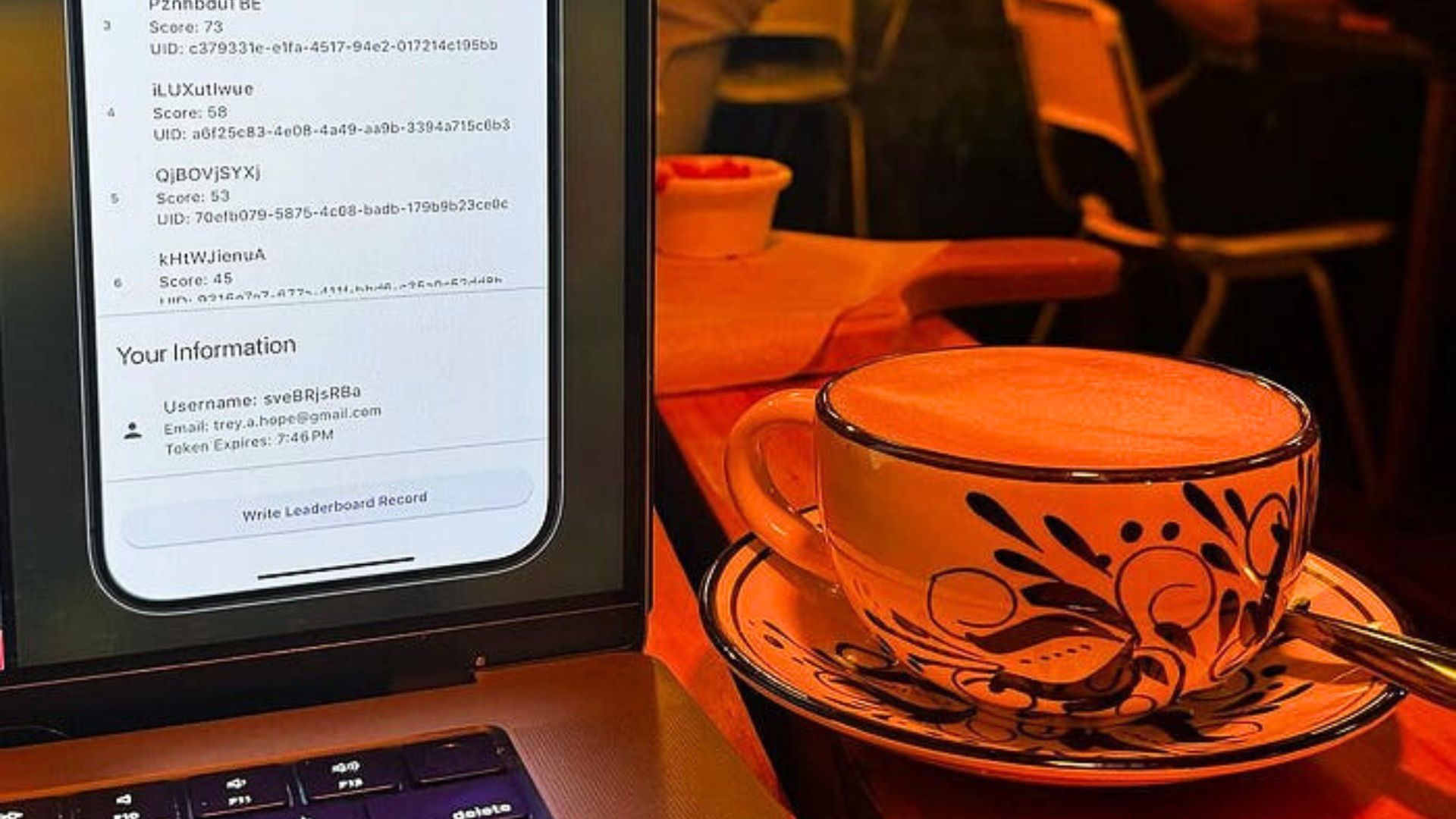
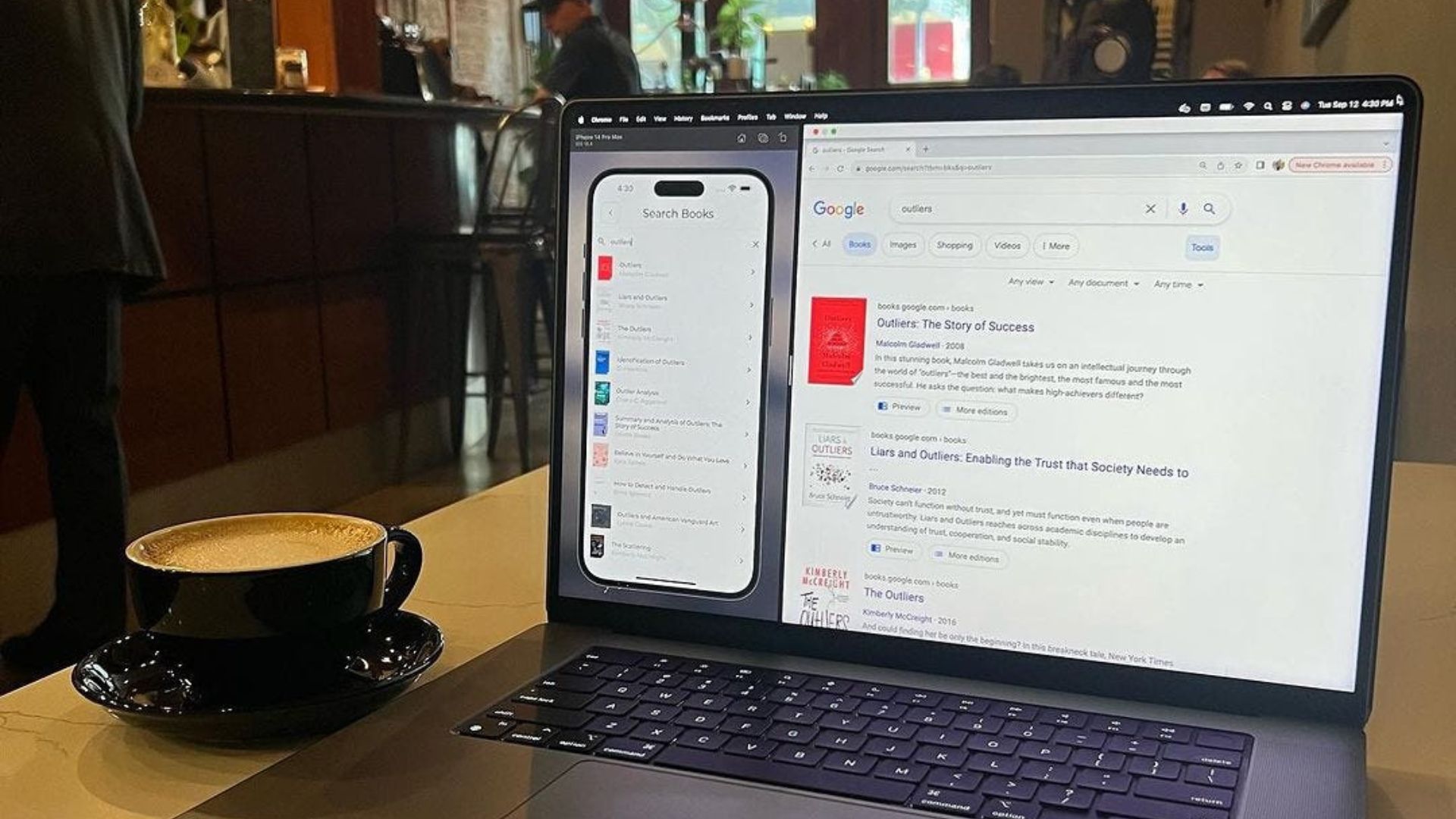
Cappuccino from Tastefully Roasted Coffee in Dayton, OH.

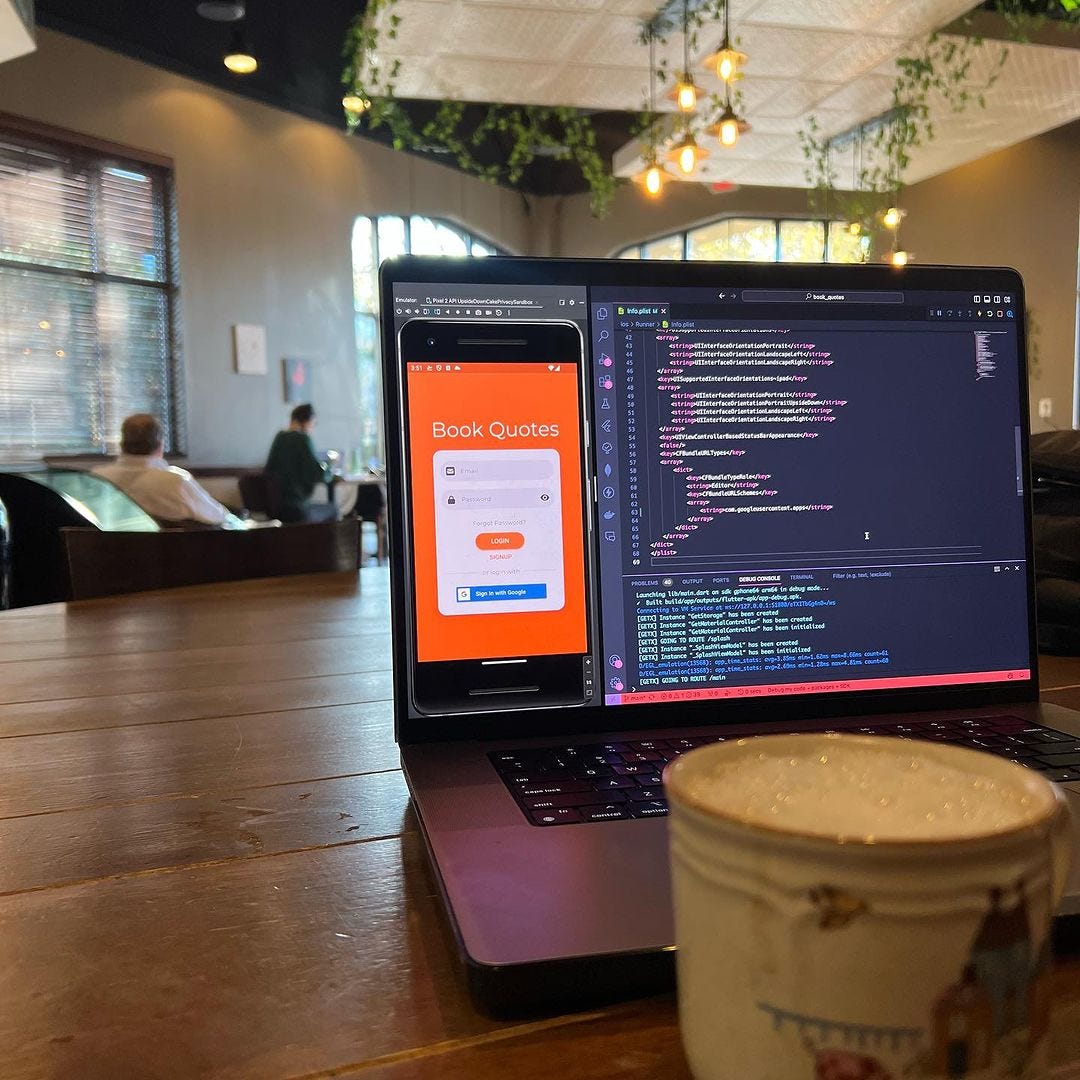
The Book Quotes app hasn’t been touched in a minute, and I realised today that I never ran the app on Android. That’s bad practice as a developer, but luckily everything was running pretty smooth.
Sample Image
Cappuccino from Tastefully Roasted Coffee in Dayton, OH.

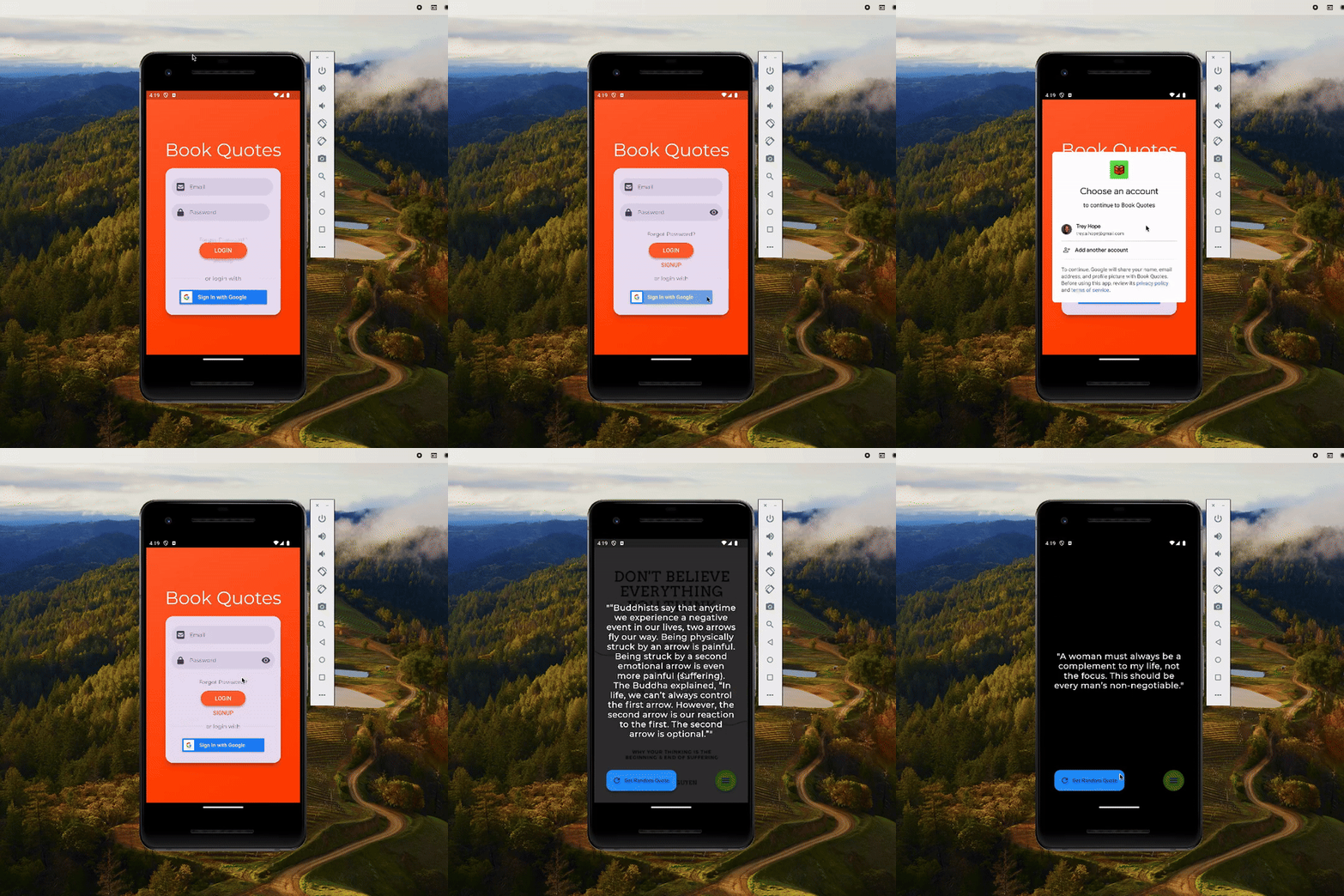
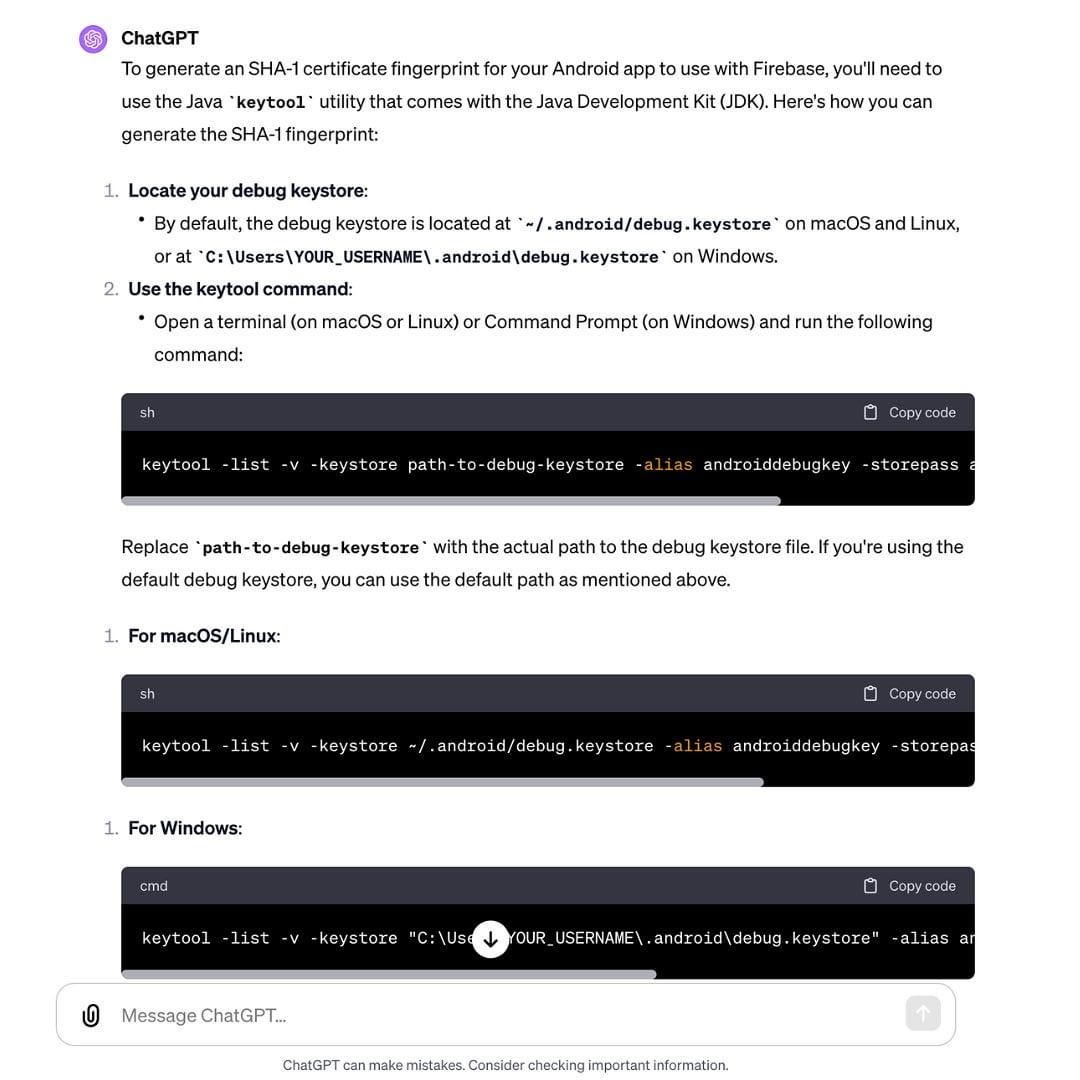
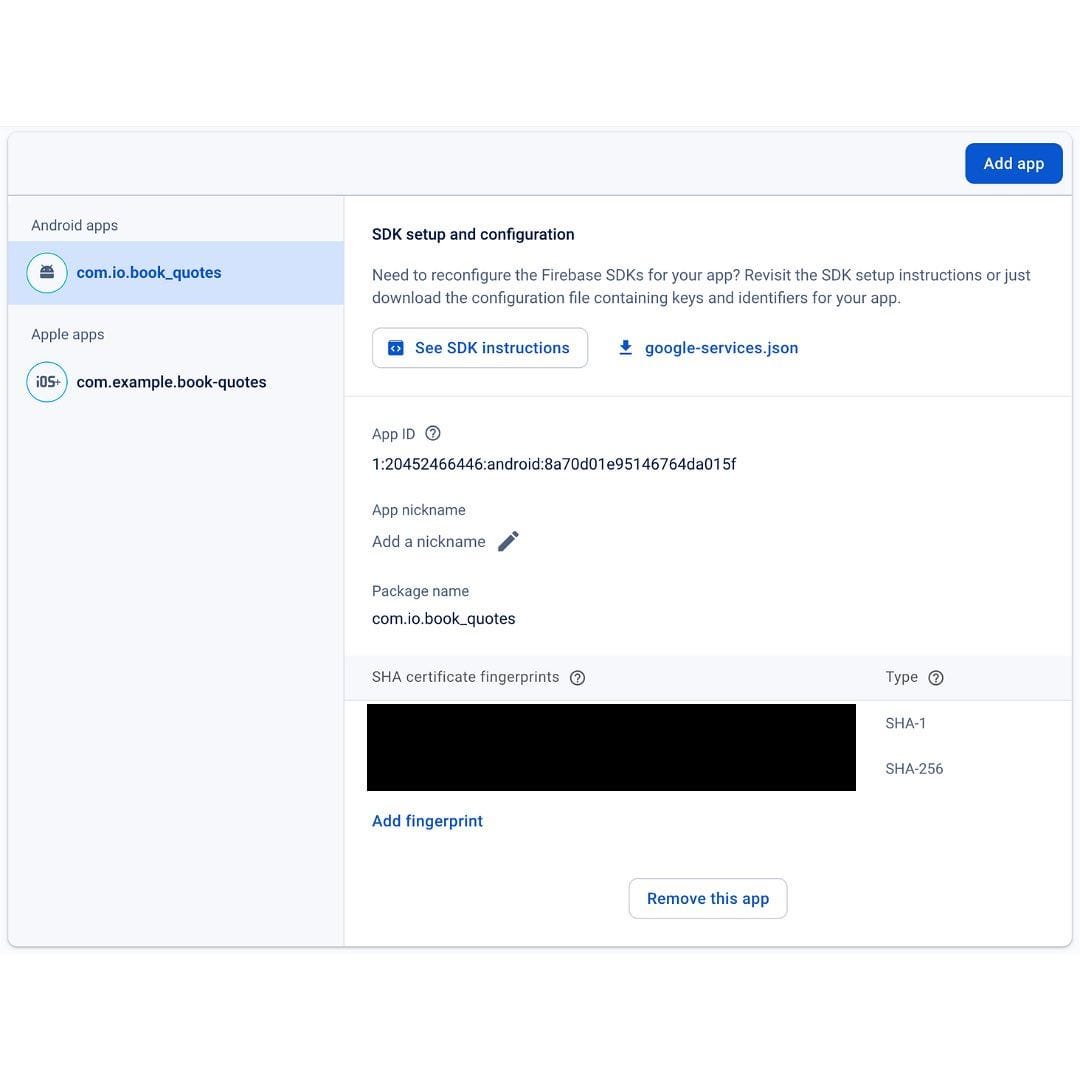
This time I added Google Auth to allow users to authenticate themselves via their own gmail accounts. One tedious task when setting all of this up, is the SHA fingerprints. SHA-1 information is required by Firebase Authentication when using Google auth or phone number auth, as well as for Firebase Dynamic Links.
Sample Image
ChatGPT response on how to generate the SHA-1 & SHA-256 fingerprints.

Typically Google and Apple are the most common 3rd party options for authentication, but for now I am focused on bringing Google into the equation.
Sample Image
SHA certificate fingerprints in Firebase, required for Google Authentication.

Related posts
Google Books API Integration for the Book Quotes App

Google Books API Integration for the Book Quotes App

Read more
Coffee & Code - Book Quote App Firebase Migration & Authentication

Coffee & Code - Book Quote App Firebase Migration & Authentication

Read more
Coffee & Code - Nakama Sessions & Authentication

Coffee & Code - Nakama Sessions & Authentication

Read more
Coffee & Code - Firestore Sorting & Toast Messages

Coffee & Code - Firestore Sorting & Toast Messages

Read more