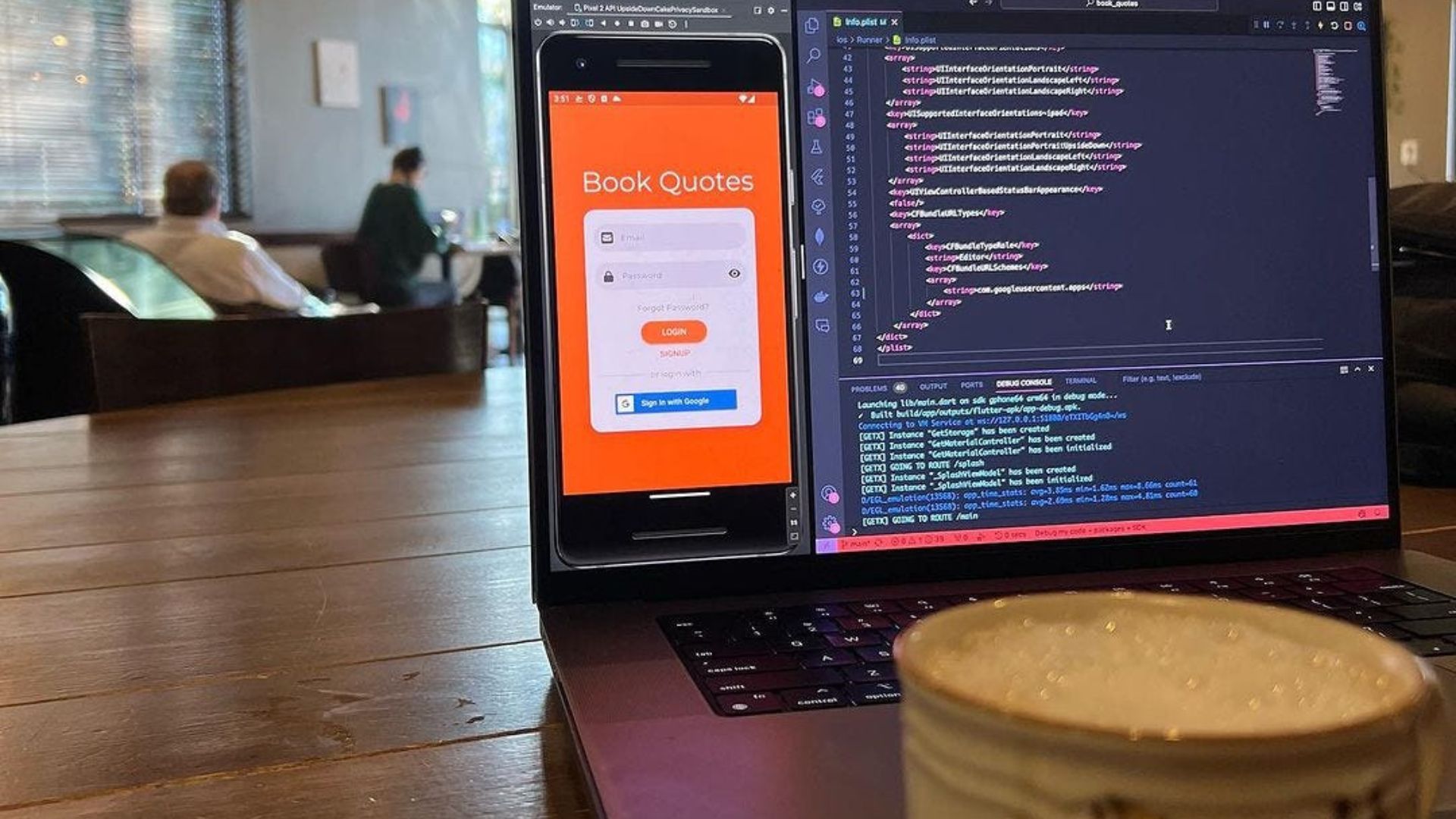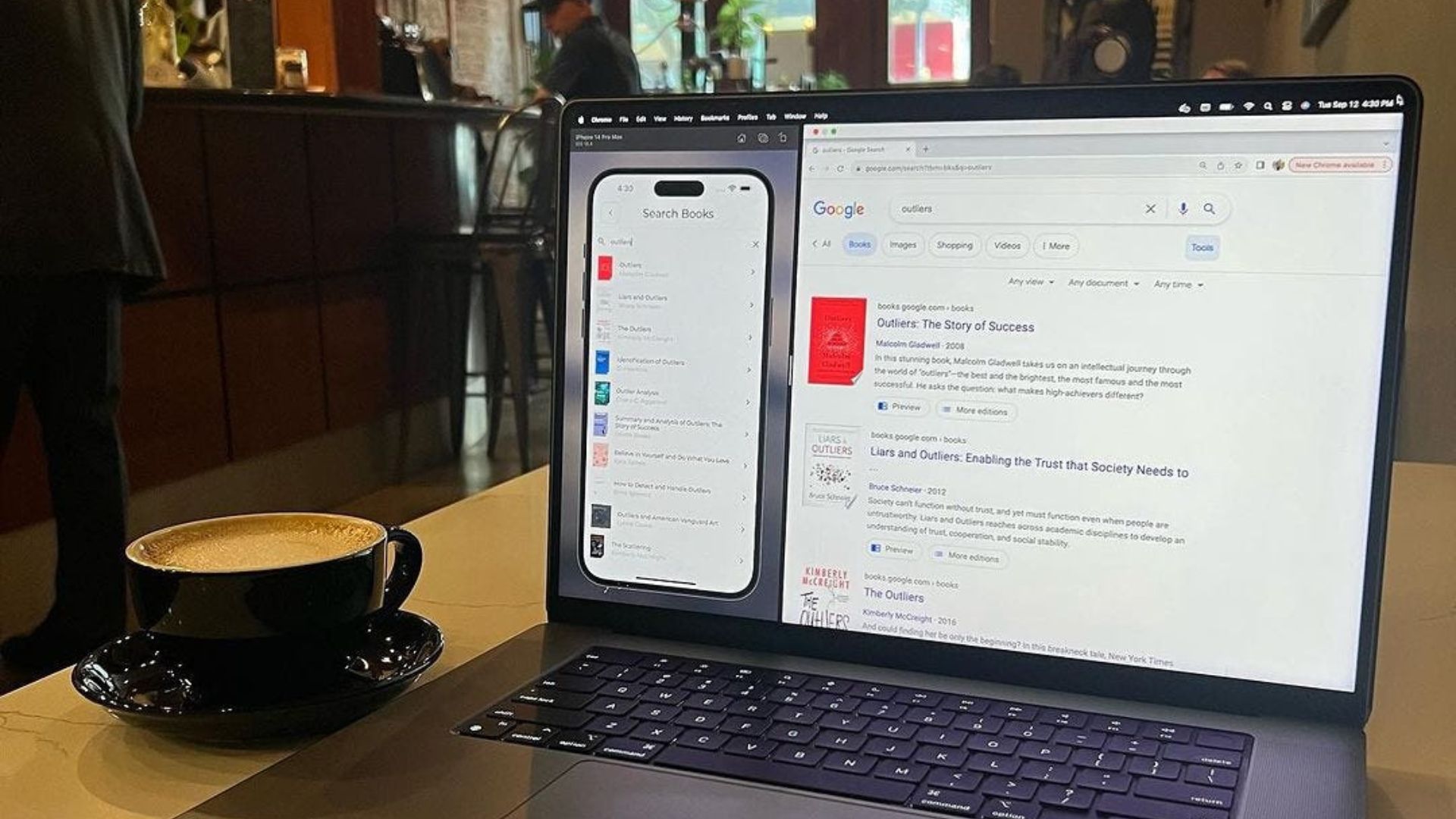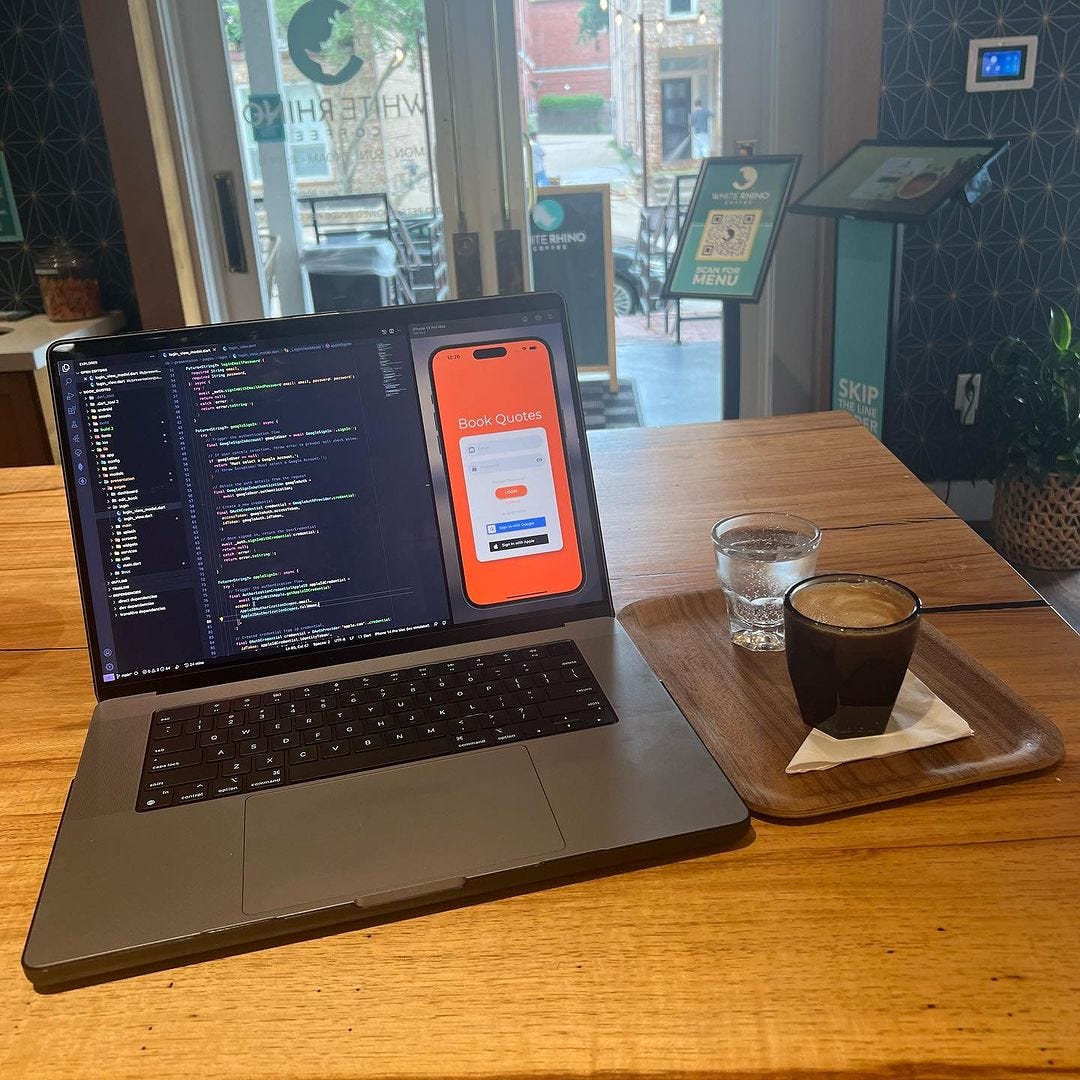
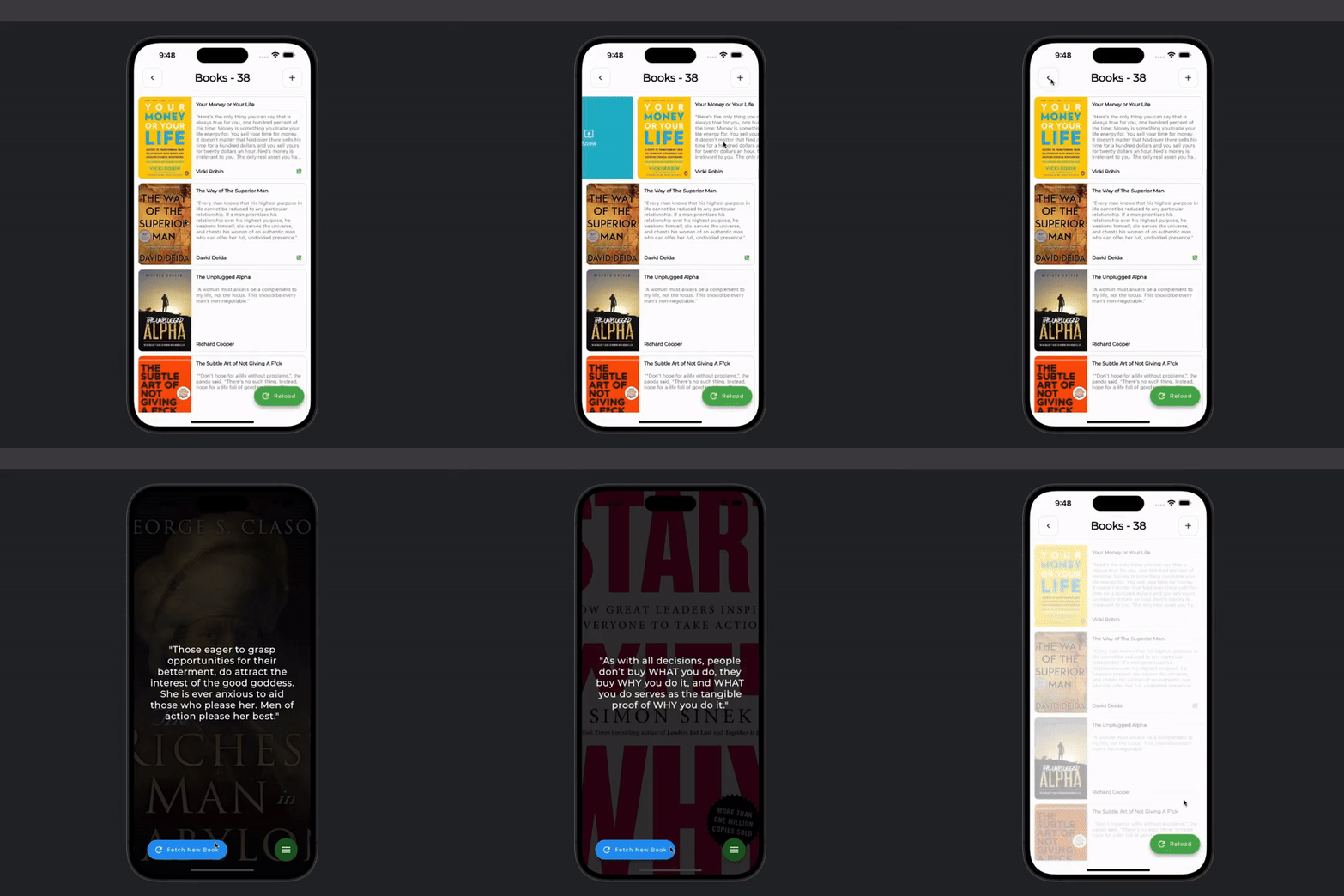
The Books Quote app needed some new features.
While using the app, the idea of hiding certain books from being displayed on the home page could prove to be helpful.
I made a few changes to implement this feature.
/// Method for fetching a random document in Firestore.
Future<BookModel> getRandom({required String uid}) async {
  try {
    // Create a random string to use as the index.
    String randomString = 20.getRandomString();
    // Create a base query for books that are not hidden.
    Query<BookModel> query = (_booksDB
        .where('uid', isEqualTo: uid)
        .where('hidden', isEqualTo: false)
        .orderBy('id')
        .limit(1));
    // Check for books with a greater index than random, (results maybe).
    List<QueryDocumentSnapshot<BookModel>> firstRoundDocs =
        (await query.where('id', isGreaterThanOrEqualTo: randomString).get())
          .docs;
    if (firstRoundDocs.isNotEmpty) {
      return firstRoundDocs[0].data();
    }
    // Check for books with a greater index than the empty string, (results guaranteed).
    List<QueryDocumentSnapshot<BookModel>> secondRoundDocs =
      (await query.where('id', isGreaterThanOrEqualTo: '').get()).docs;
    if (secondRoundDocs.isNotEmpty) {
      return secondRoundDocs[0].data();
    }
    throw Exception('No random book found.');
  } catch (e) {
    throw Exception(e.toString());
  }
}
/// If the book is hidden, display the 'Show' panel.
if (book.hidden) ...[  SlidableAction(
    onPressed: showBook,
    backgroundColor: colors [1],
    foregroundColor: Colors.white,i
    con: Icons.present_to_all,
    label: 'Show',
  ),
],
// If the book is not hidden, display the 'Hide' panel.
if (!book.hidden) ...[  SlidableAction(
    onPressed: hideBook,
    backgroundColor: _colors [2],
    foregroundColor: Colors.white,
    icon: Icons.hide_image,
    label: 'Hide',
  )
]
/// Toggle hide eproprety.
Future hideBook({required BookModel book}) async {
  try {
    // Update 'hidden' property on the BE.
    await _bookService.update(
      uid: uid,
      id: book.id!,
      data: {'hidden': true},
    );
    // Update 'hidden' property on the FE.
    books [books.indexOf(book)] = book.copyWith(hidden: true);
    notifyListeners();
  } catch (e) {
    throw Exception(e);
  }