When it comes to building applications, I used to jump right into development.
Minimum understanding, with a lack of structured resources was always a go to for me.
However, without having a strict process to follow, I always found myself asking more questions than I should while in the middle of development.
Maybe because of my eagerness to start coding, (I’m pretty sure that’s it), but I skipped one of the most important steps in development; creating user flows.
A user flow is a user experience (UX) concept that explores and records the actions a typical user must take to complete a specific task.
With this understanding, it makes the development smoother as you now how a solid reference on what the experience should be from the client’s perspective.
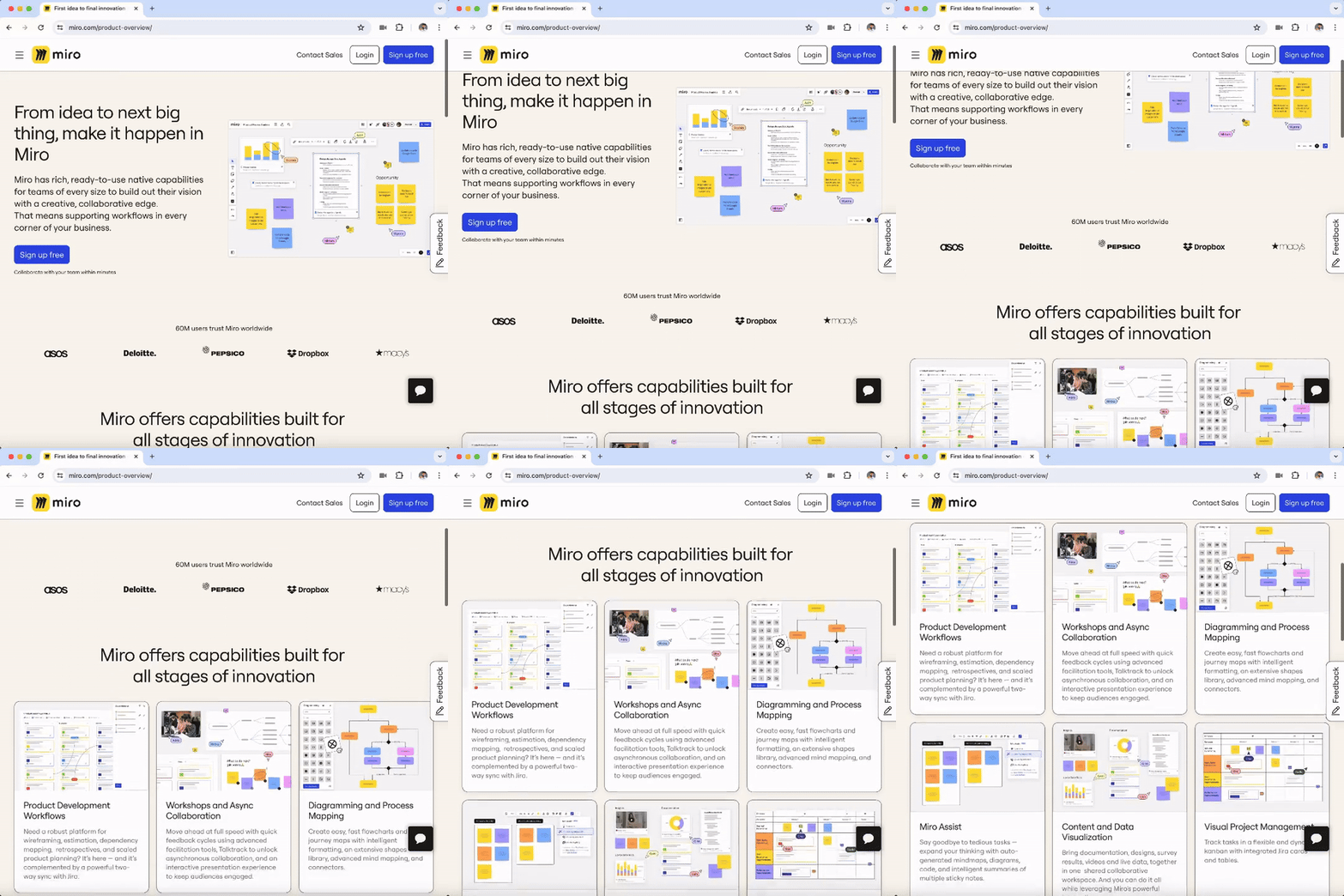
There are several softwares available to create user flows, including ClickUp and Figma, but I decided to try out Miro because of it’s simplicity and recommendation from other developers.
I am preparing to work on a web app for a local coffee shop and felt it was the opportune time to develop this app the right way.
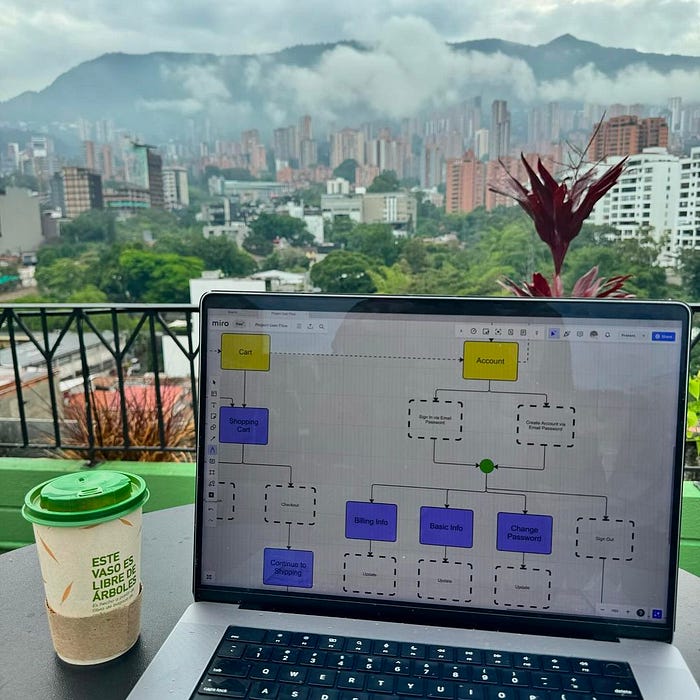
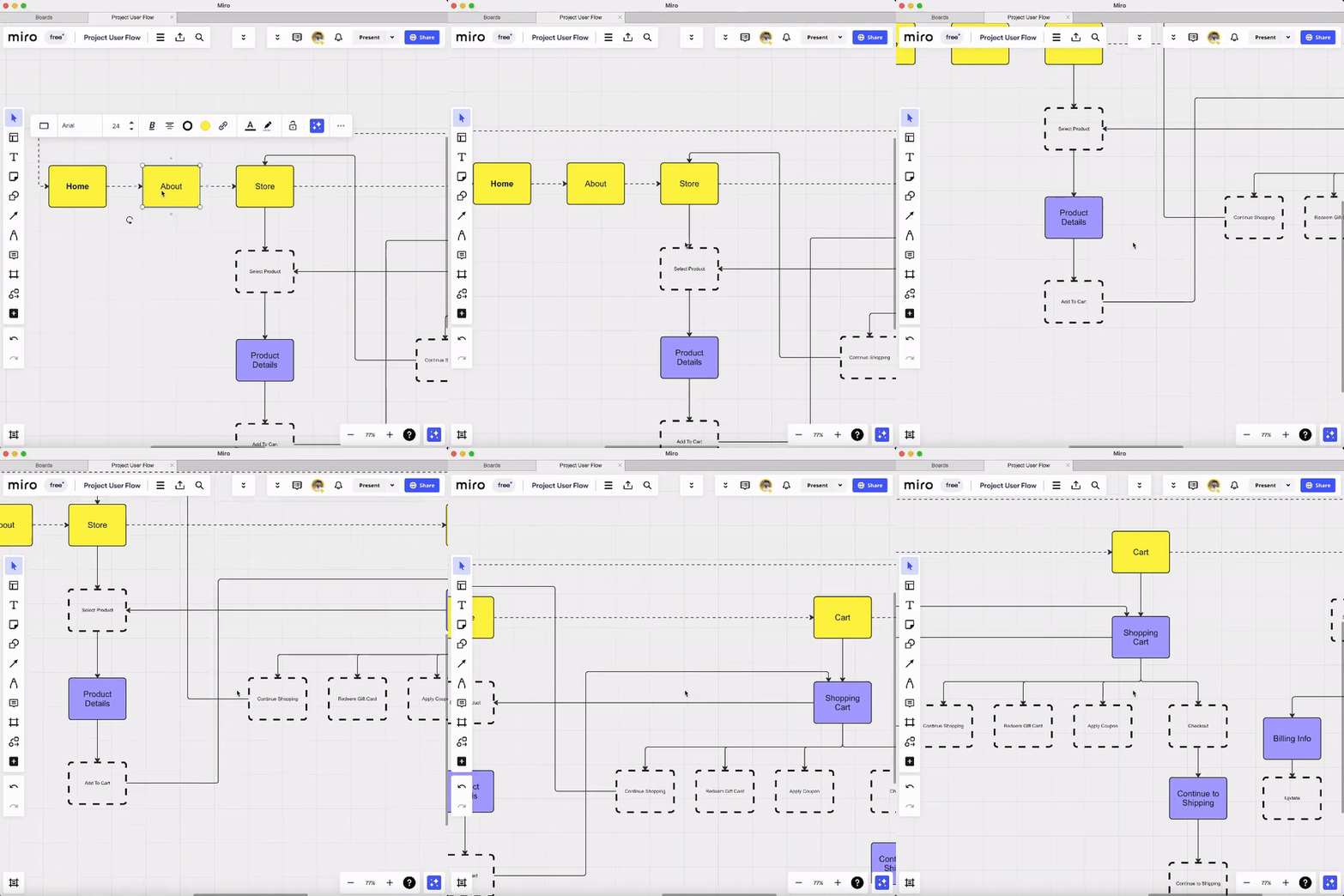
This is my simple user flow as of now, with navigation between pages and actions when clicking buttons.
More details coming soon as I progress on this new project.