With so many hosting options available today, choosing the right one for your website can be challenging.
In the past, I've used products like FatCow (my first hosting provider ever), Firebase hosting (sometimes the Firebase ecosystem is just too good), Netlify (although I didn't use it much, it was pretty reliable), and most recently, Render (which currently hosts several of my web apps and services).
Each has its pros and cons, but now that I'm using Jaspr to build my website, deploying with Render became more complicated.
To build the project, I had to either build it locally first or add an extra build command to my deployment process.
That was until I came across Globe, a hosting platform designed specifically for Dart and Flutter apps.
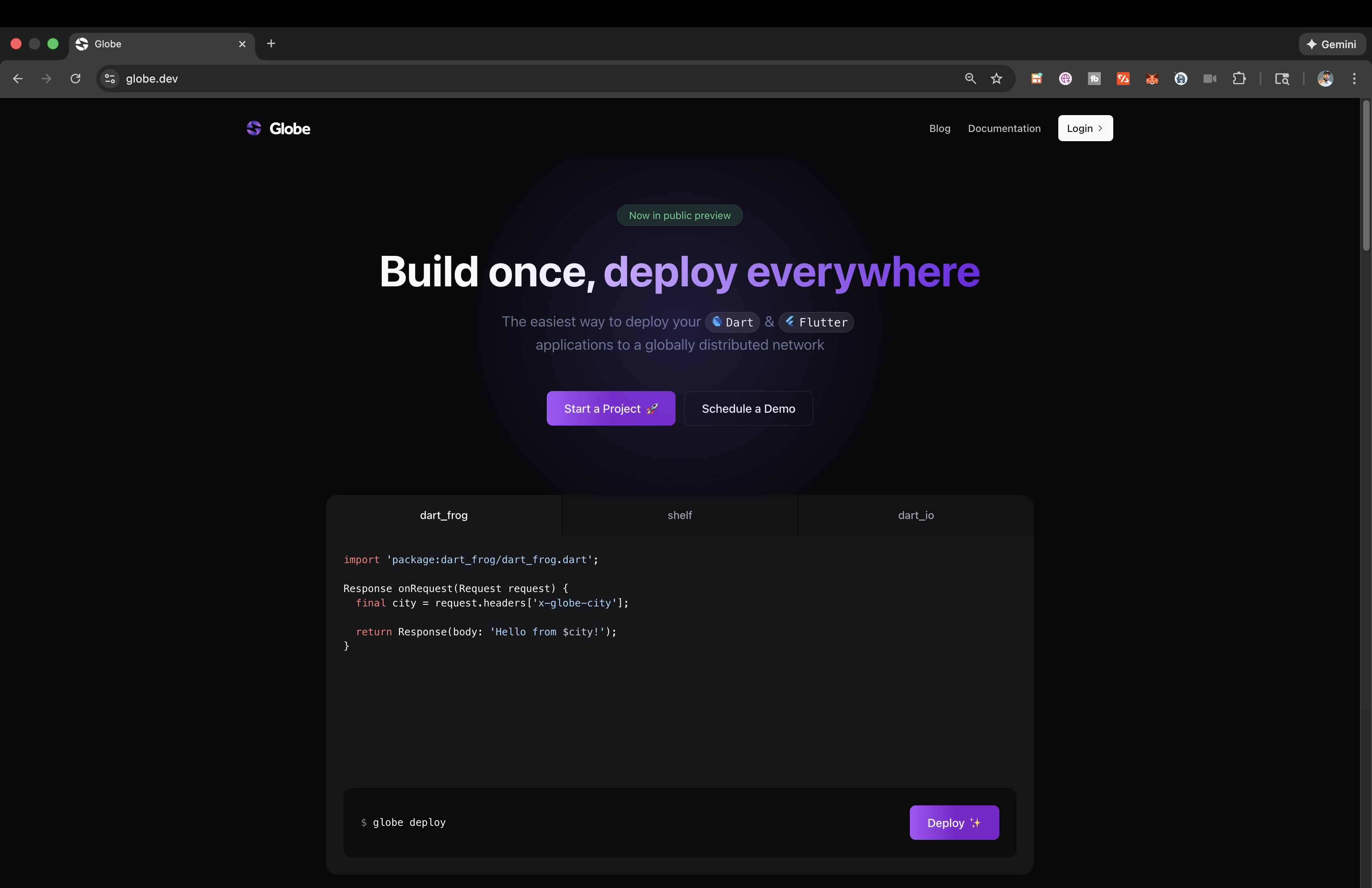
Globe is a full-stack deployment platform specifically designed for Dart and Flutter. It removes some of the friction when building a Dart project (or more specifically, a Jaspr project) by taking care of servers, networking, scaling, and deployments.
Some of the other benefits include:
- Flutter-optimized - Automatically detects Flutter projects and applies optimized defaults for build, deploy, and caching Globe. This makes it particularly appealing if you're building Flutter web apps.
- Global edge network - Apps are deployed to a global edge network with automatic scaling and low-latency delivery.
- Full-stack Dart support - Works with both frontend (Flutter Web) and backend Dart frameworks like Serverpod, Shelf, and Dart Frog.
This means I can deploy my website with a simple command.
globe deploy
When you're ready for production, simply add the --prod flag.
globe deploy --prod
(Keep in mind, the deployment was about 8 minutes when on my MacBook, and about 4 minutes from my iMac, so device and project size can affect the deployment time.)
My site is automatically given a preview URL that's available for the world to see (or it can use a custom domain, which I'll explain shortly).
Migrating my website from Render to Globe was surprisingly straightforward. I did run into one issue when attempting to deploy the project: the file upload size limit was exceeded.
This was due to a blog directory within the project containing all of my blog posts, including videos and images.
This caused my project to exceed 100MB in upload size, returning a 413 Request Entity Too Large error (read more about that specific error here).
While annoying at first, it actually forced me to make my project lighter by hosting the images and videos elsewhere—a win-win for sure.
As with most hosting sites, a custom domain feature is almost a must for me at this point (treyhope.dev just looks too beautiful to be hidden).
My domain is currently managed through GoDaddy, and connecting it simply required adding a CNAME entry for domains.globeapp.dev.
About 30 minutes later, once propagation was complete, my website was no longer being hosted on Render but instead on Globe (and the page even loaded quicker, if I'm not mistaken).
If for some reason you’re looking into using more than one custom domain for your project, you’ll need to upgrade from the Hobby Tier to the Enterprise Tier, as you can have max 1 domain via this plan.
Knowing that this platform is deeply integrated within the Dart ecosystem gives me a true sense of ease while developing.
Fast deployment, Dart-native workflow, and optimization for Flutter web make this product truly irresistible for a Dart developer like myself.
Not to mention the awesome team of developers working with Globe; major kudos to Jamiu Okanlawon for helping me with my setup on Globe.