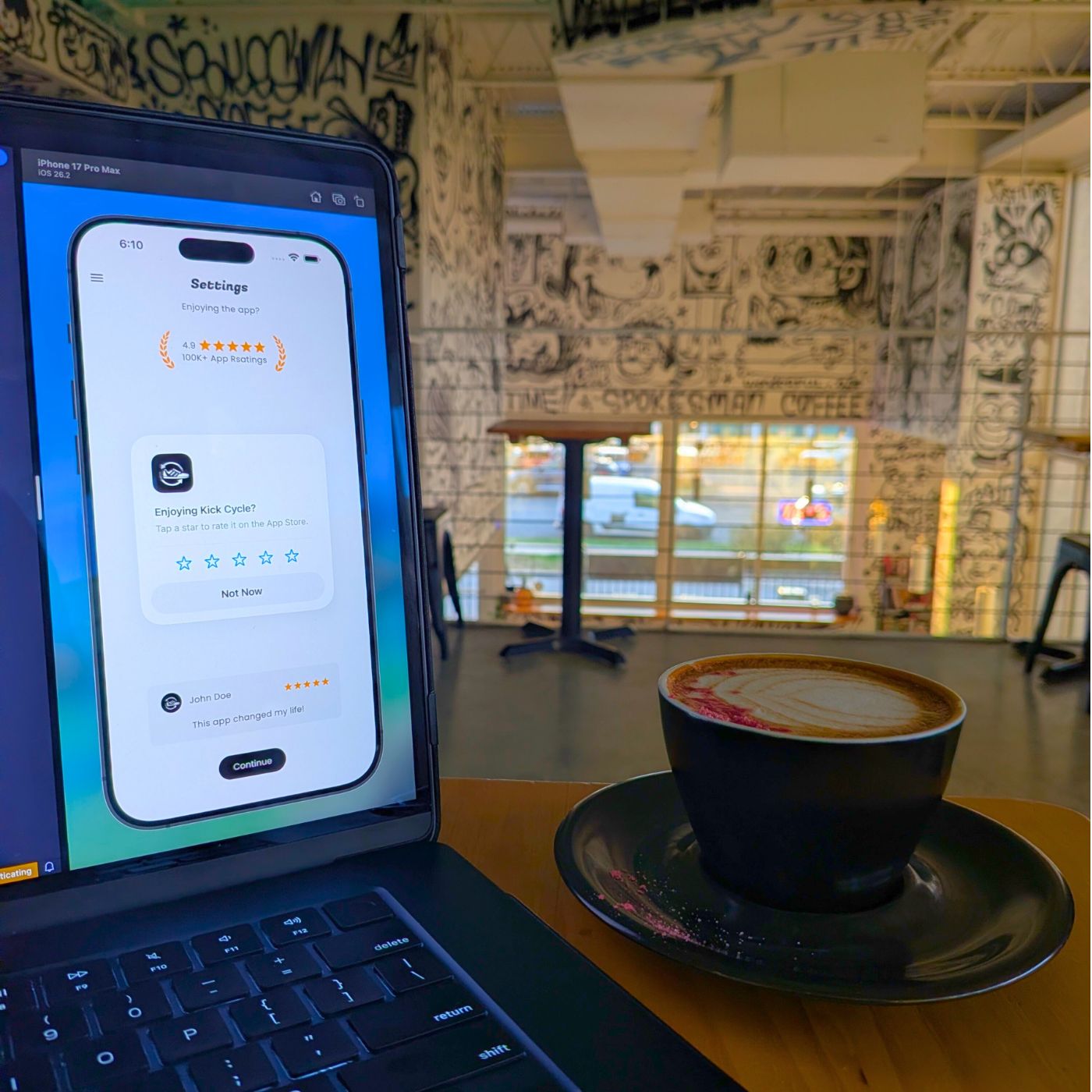
Using Fluo For Fluidity
I've been using Fluo for authentication in the Kick Cycle
app for a while now, (the official flutter package can be found here). Their recent updates have added even more components to their toolkit. Since upgrading from version
3.3.2 to 4.0.0, I discovered two new screens that fit perfectly into my app. The first is the
FluoInfoScreen for displaying quick status updates about actions in the app. The second is the
FluoRatingScreenfor sending ratings to the app store.
The Fluo Info Screen
Like most apps, there are several places where I'm making API calls. When a call succeeds or fails, I display a snackbar—a toast notification that slides up from the bottom—to inform the user. This worked for a while, but the
FluoInfoScreen is cleaner. The update is more direct and easier to read, rather than appearing below already-displayed content.
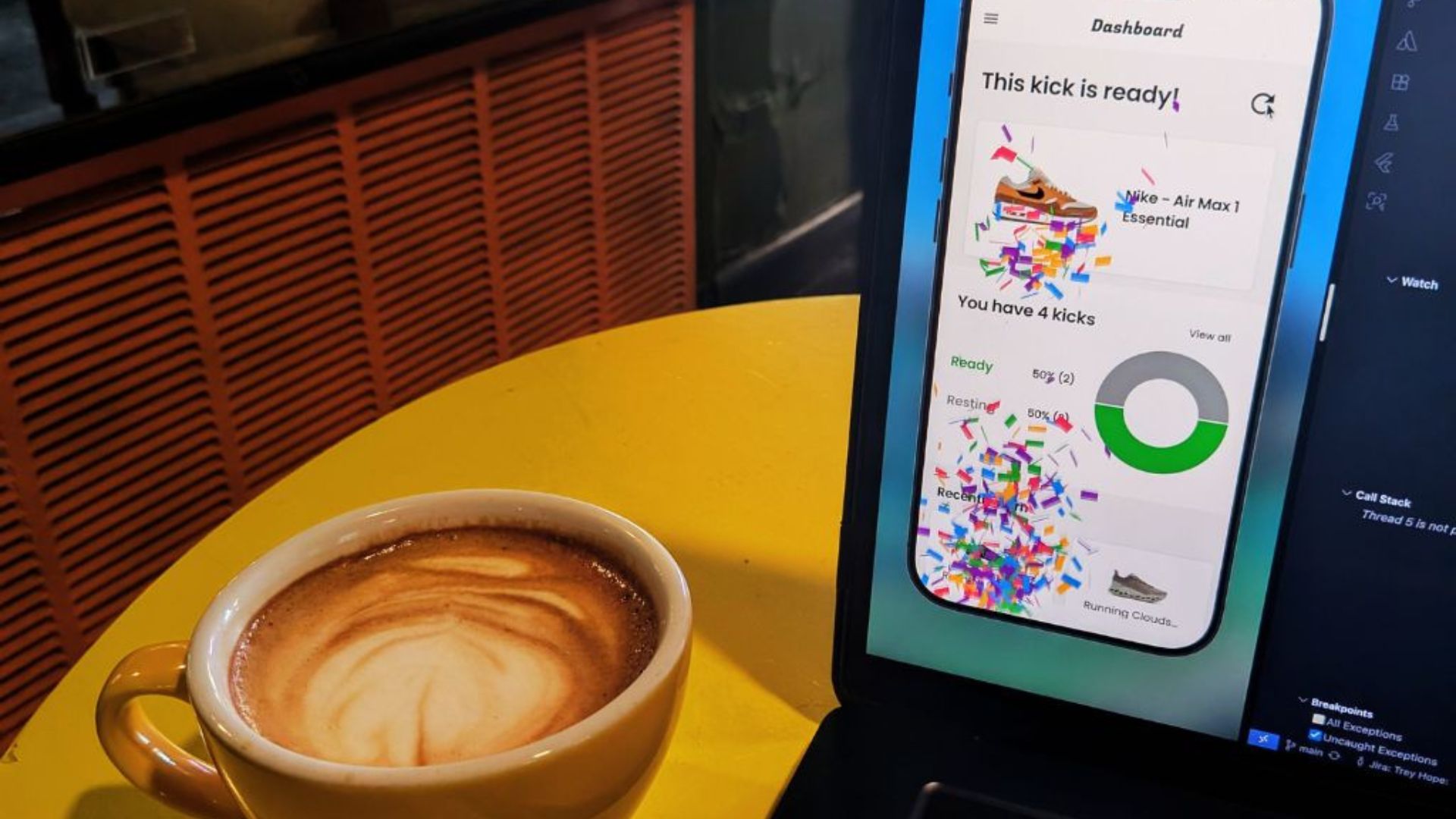
For example, after a user successfully creates a new closet in the app, they're sent to the InfoScreen
(a combination of the FluoInfoScreen and other components) to confirm their successful creation. There's also some
confetti that drops down—just to let you know how proud I am of this accomplishment.
// closet_upsert_form.dart

// Send the user to the InfoScreen.
Navigator.push(
	context,
	MaterialPageRoute(
		builder: (context) => InfoScreen(
			confettiController: _confettiController,
			title: 'You\'re all set!',
			subtitle: state.success!,
			onContinue: () {
				closetRefreshCubit.triggerRefresh();
				context.pop();
				context.pop();
			},
		),
	),
);
// info_screen.dart

class InfoScreen extends StatelessWidget {
  @override
  Widget build(BuildContext context) => Confetti(
    confettiController: confettiController,
    child: FluoInfoScreen(
      icon: Lottie.network(success ? _successIcon : _errorIcon),
      title: title,
      subtitle: subtitle,
      onContinue: onContinue,
    ),
  );
}
Note: The confetti is completely optional for this demonstration, but if you’re interested in it, check out the confetti package here.
The Fluo Rating Screen
Another essential feature for mobile apps is the ability to leave a rating on the app store. In the past, this required a Flutter package to prompt the user for their review—or using native code to handle it directly. However, with the
FluoRatingScreen, it's much simpler. As soon as the user opens the screen, they see the number of app ratings, the app's rating, and a review from a user.
Keep in mind that these are all user-generated, but I really appreciate the convenience of this screen. I have a
RatingScreen to wrap around the FluoRatingScreen, and I place it within the
SettingsPage of my app.
// settings_page.dart

SettingsTile.navigation(
  leading: Icon(MdiIcons.star, color: Colors.amber),
  title: const Text('Rate this app'),
  onPressed: (context) async => Navigator.push(
    context,
    MaterialPageRoute(builder: (context) => const RatingScreen()),
  ),
),
// rating_screen.dart

class InfoScreen extends StatelessWidget {
  @override
  Widget build(BuildContext context) => FluoRatingScreen(
    title: 'Enjoying the app?',
    appStoreId: Platform.isAndroid ? 'com.io.kick_cycle' : '6758188172',
    userName: 'John Doe',
    userReview: 'This app changed my life!',
    onContinue: () => context.pop(),
    ratingTitle: '4.9',
    ratingSubtitle: '100K+ App Rsatings',
    style: FluoRatingScreenStyle(backgroundColor: colorScheme.background),
  );
}
What Else Is New In Fluo?
The new release also includes a FluoQuestionScreen for asking users questions, a FluoFeaturesScreen
for showcasing your app's features to new users, and updated authentication flows for email, mobile, Google, and Apple that give you more control. I haven't needed to switch to these features yet, but I'll make the adjustment when the opportunity arises.
Thanks for reading
I hope you found this article helpful—if so, please share it!
Coffee Break: Lover Boy Cappuccino
I believe this cappuccino was a seasonal drink, but I wouldn't mind if it were available year-round. The hint of raspberry flavor was surprisingly delicious. I'd prefer even more flavor next time. For about $5, it's a good deal.
8/10