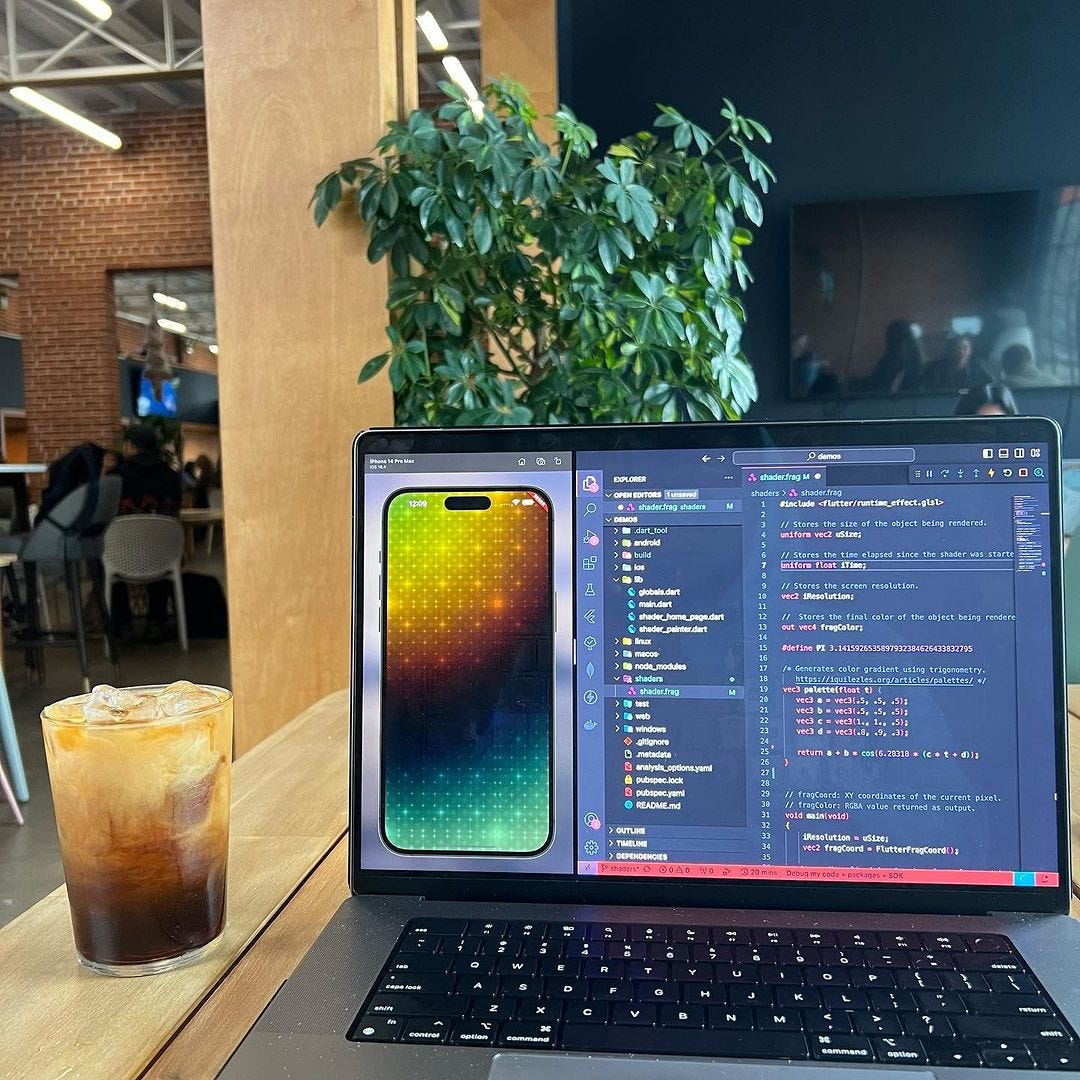
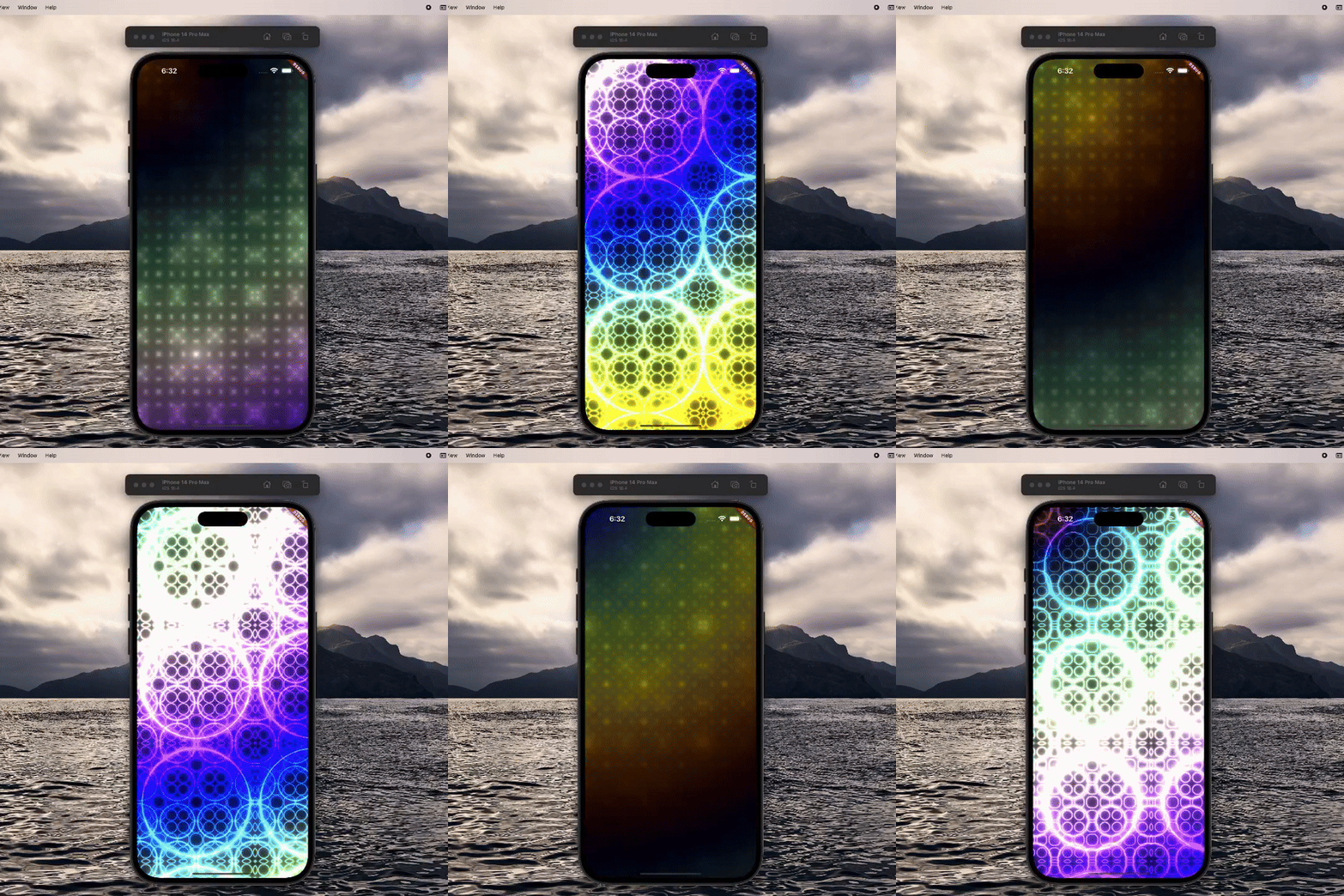
If you thought that Flutter couldn’t do any more, you were wrong. Welcome to the beautiful world of Shaders.
// fragCoord: XY coordinates of the current pixel.
// fragColor: RGBA value returned as output.
void main(void)
{
  iResolution = uSize;
  vec2 fragCoord = FlutterFragCoord();
  /* uv: Normalized fragCoord; x & y values set between -1 and 1 so
  that they do not depend on the current resolution of the canvas.
  Do this by deviding the canvas resolution.

  iResolution holds the width, height, and depth (when rendering 3D). */
  vec2 pixelCoord = fragCoord / iResolution.xy;

  // Fix aspect ratio to prevent stretching on the x axis.
  pixelCoord.x *= iResolution.x / iResolution.y;

  // Original normalized pixel coordinates.
  vec2 originalPixelCoord = pixelCoord;

  // Final RGB values to be returned in output; default to black for now.
  vec3 finalColor = vec3(0.);

  float offSet = .5;
  float lineIntensity = 1.5;
  float layerIntensity = 2.;
  float quadrantIntensity = PI;
Shaders can manipulate the pixels and vertex data of graphical objects to create visual effects like gradients, image filtering, shadows, and more.
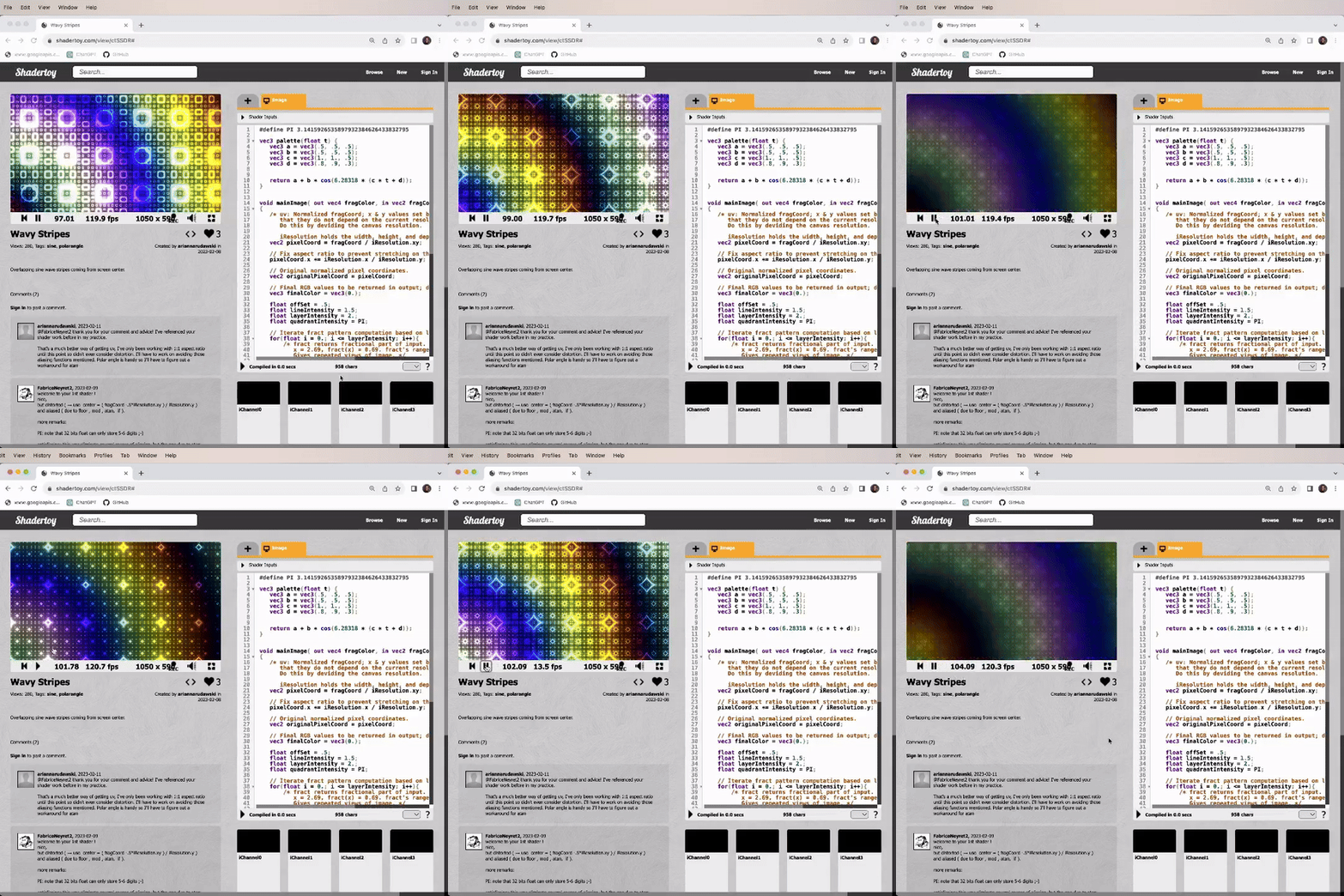
// Iterate fract pattern computation based on layer intensity.
for(float i = 0.; i <= layerIntensity; i++){
  /* fract returns fractional part of input. For example
  x = 2.69, fract(x) = 0.69. fract's range is 0 - 1.
  Gives repeated views of image. */
  vec2 fractVal = fract(pixelCoord * quadrantIntensity);

  // Subtract offset to center origin.
  pixelCoord = fractVal - offSet;
  // Diameter from origin of canvas to the uv coordinates.
  float disFromOrigin = length(pixelCoord) * exp(length(pixelCoord));
  /* Diameter from origin to the pixelCoord coordinates + time elapased since
  the beginning of the animation. iTime makes gradient continually shift. */
  float timeLapsedPixelCoord = length(originalPixelCoord) + (iTime * 0.5);

  // Palette color to use based of timeLapsedPixelCoord.
  vec3 color = palette(timeLapsedPixelCoord);
  /* Generates repeating rings around origin. An increased sin values means
  that more lines are oscillating back and forth between -1 and 1. */
  disFromOrigin = sin(disFromOrigin * lineIntensity + iTime) / lineIntensity;

  /* Negative values are now positive, showing values that are at 0 to be different
  than those closer to the edges, (1 or -1). */
  disFromOrigin = abs(disFromOrigin);

  /* Value closer to 1, intensity rises because majority of pixels are highlighted.
  Value closer to 0, looks more silent with not as many highlighted. */
  disFromOrigin = .075 / disFromOrigin;
  finalColor += color * disFromOrigin;
}
// Return fragmentl
fragColor = vec4(finalColor, 1.0);
Shaders are powerful because they are highly efficient and run directly on the GPU, making them ideal for complex or computationally intensive graphics operations.
I have yet to find an exact purpose for them in the projects that I am working on, but it still is pretty cool to see what graphical boundaries the Flutter framework can push.
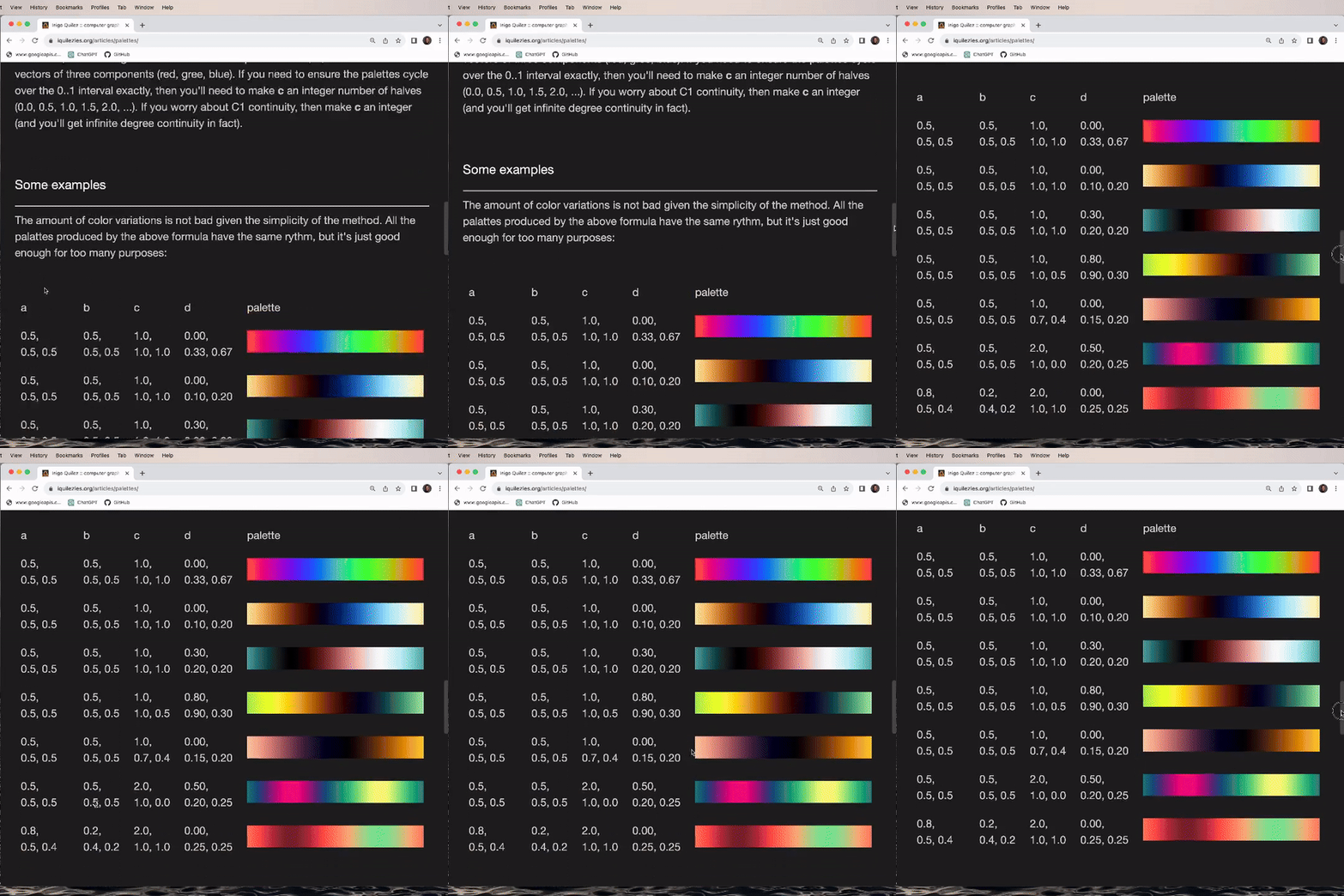
/* Generates color gradient using trigonometry.
   https://iquilezles.org/articles/palettes/ */
vec3 palette(float t) {
   vec3 a = vec3(.5, .5, .5);
   vec3 b = vec3(.5, .5, .5);
   vec3 c = vec3(1., 1., .5);
   vec3 d = vec3(.8, .9, .3);

   return a + b * cos(6.28318 * (c * t + d));
}
View the source code to this demonstration here