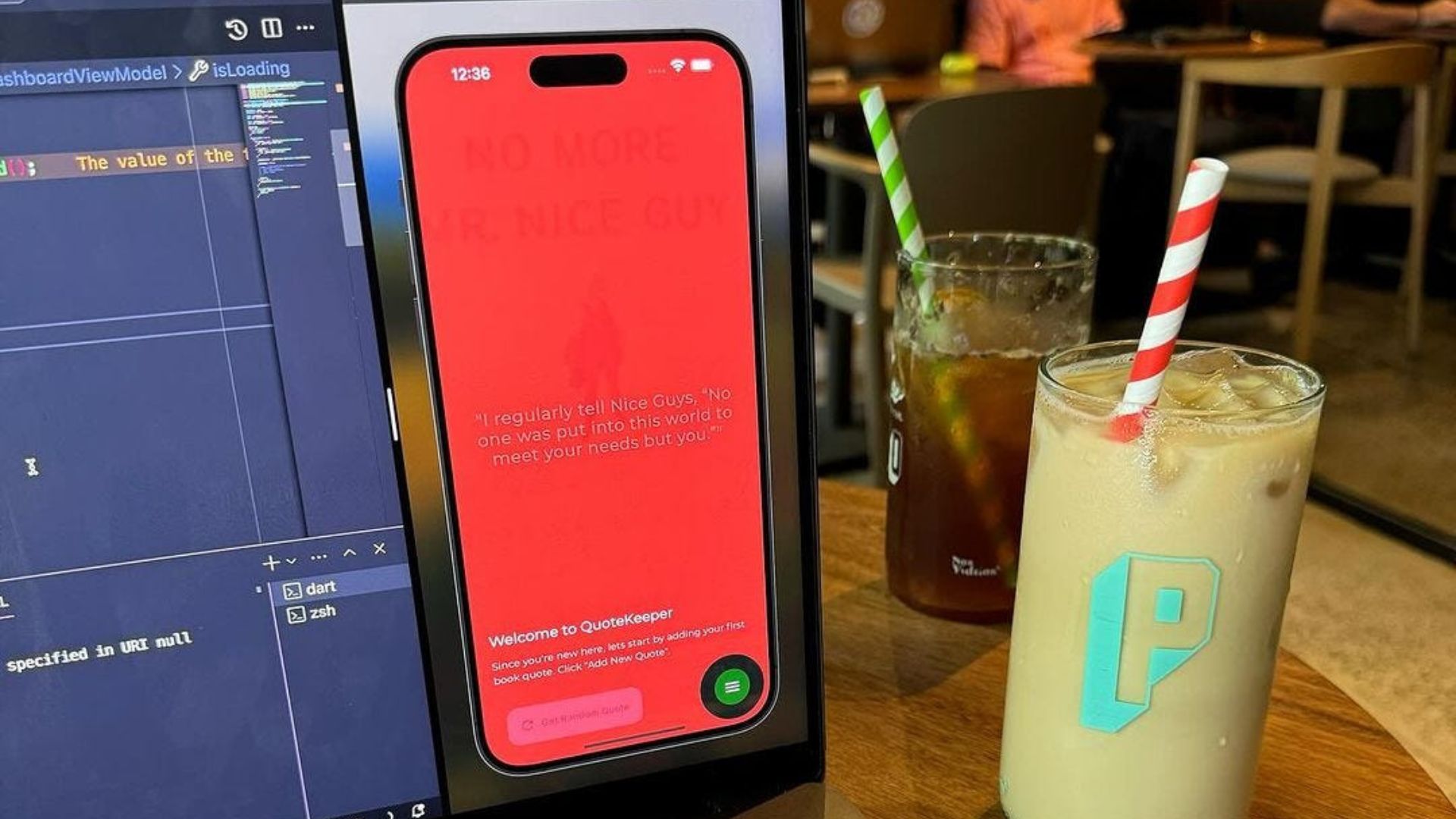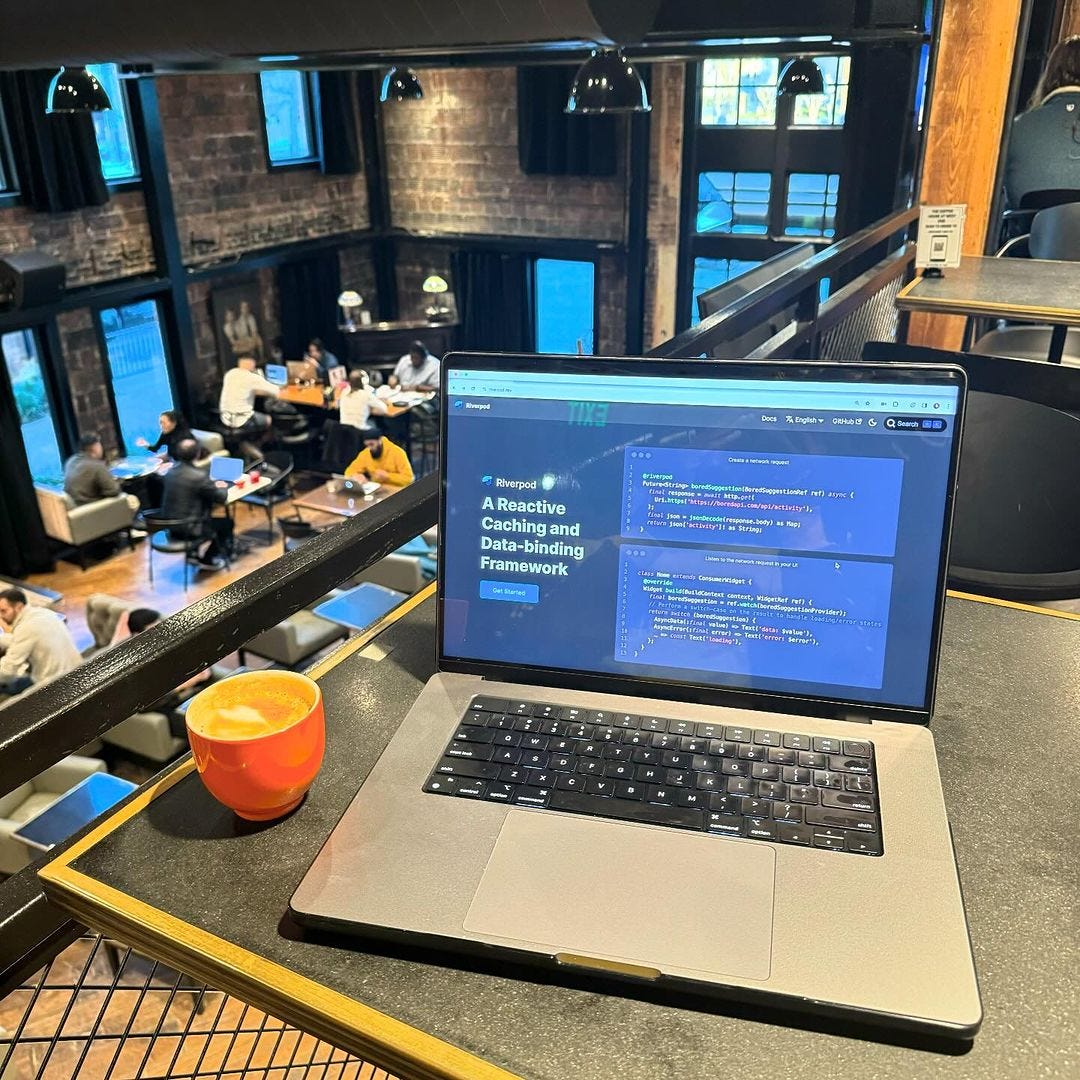
In discussions about State Management, I’ve usually leaned towards GetX and Bloc. However, I’ve been recently exploring Riverpod, a State Management tool that, in some ways, is simpler than the other two.
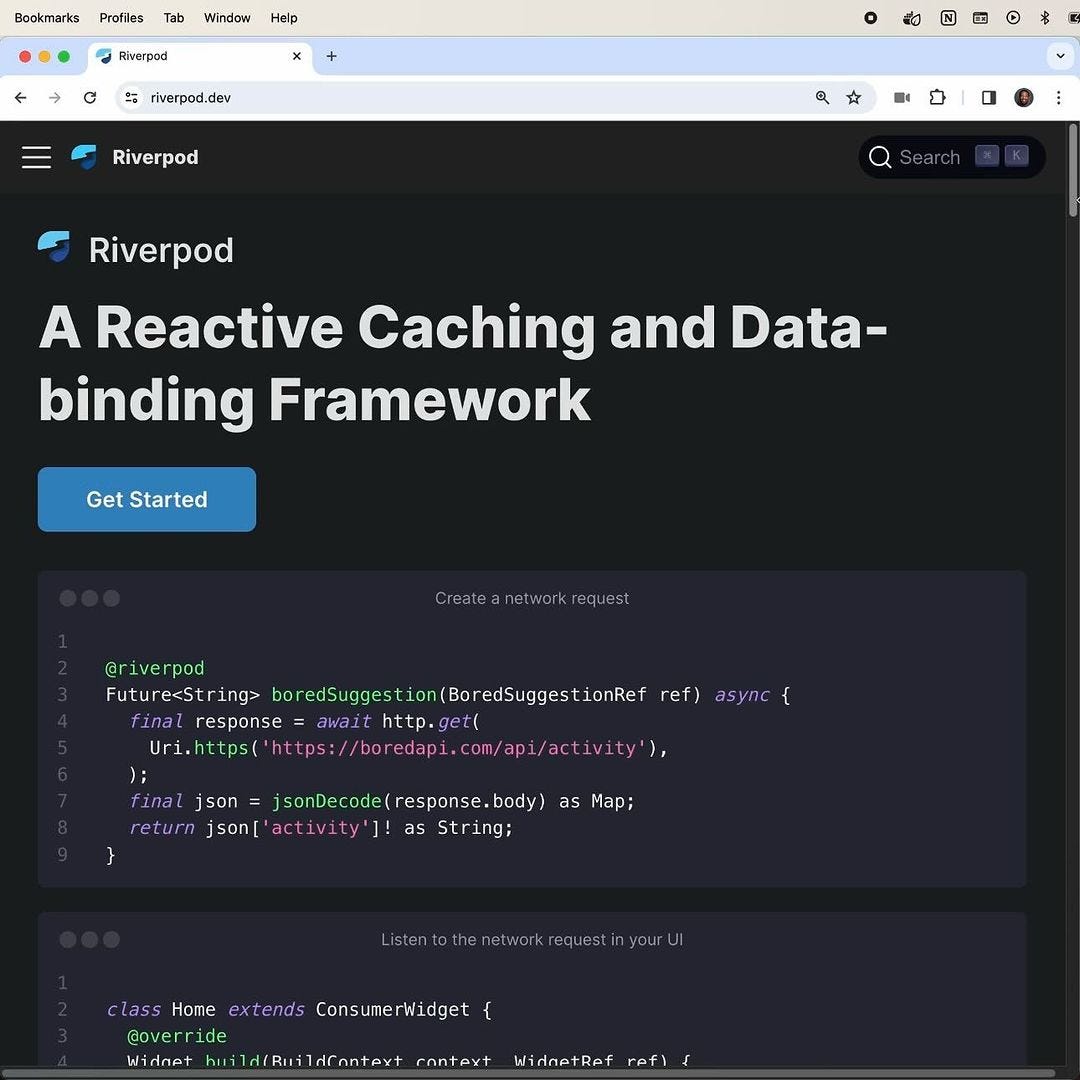
From my understanding, AsyncNotifiers and Notifiers hold the state, which is the data about a particular item.
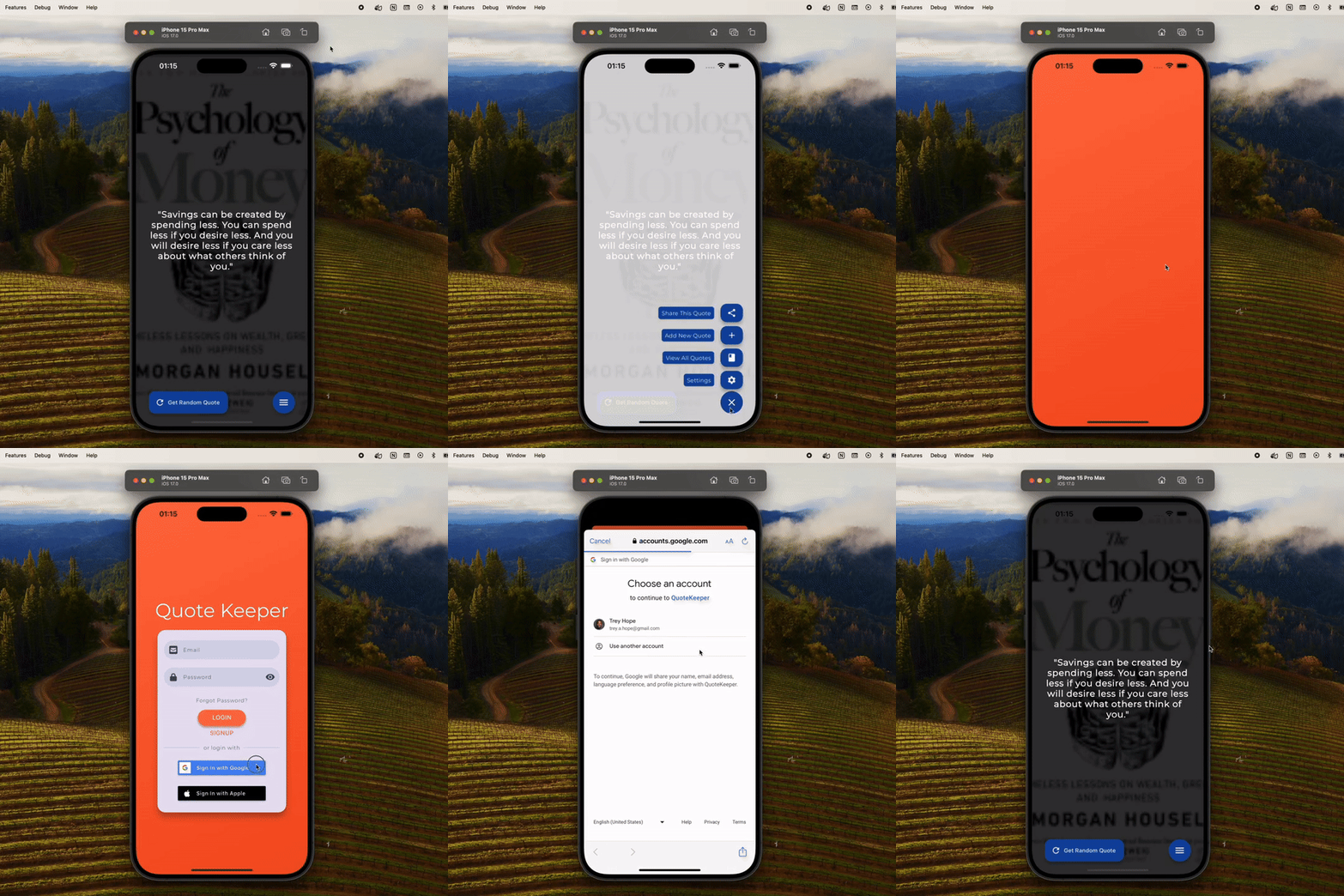
Meanwhile, Providers grant us access to these states from anywhere at any time.
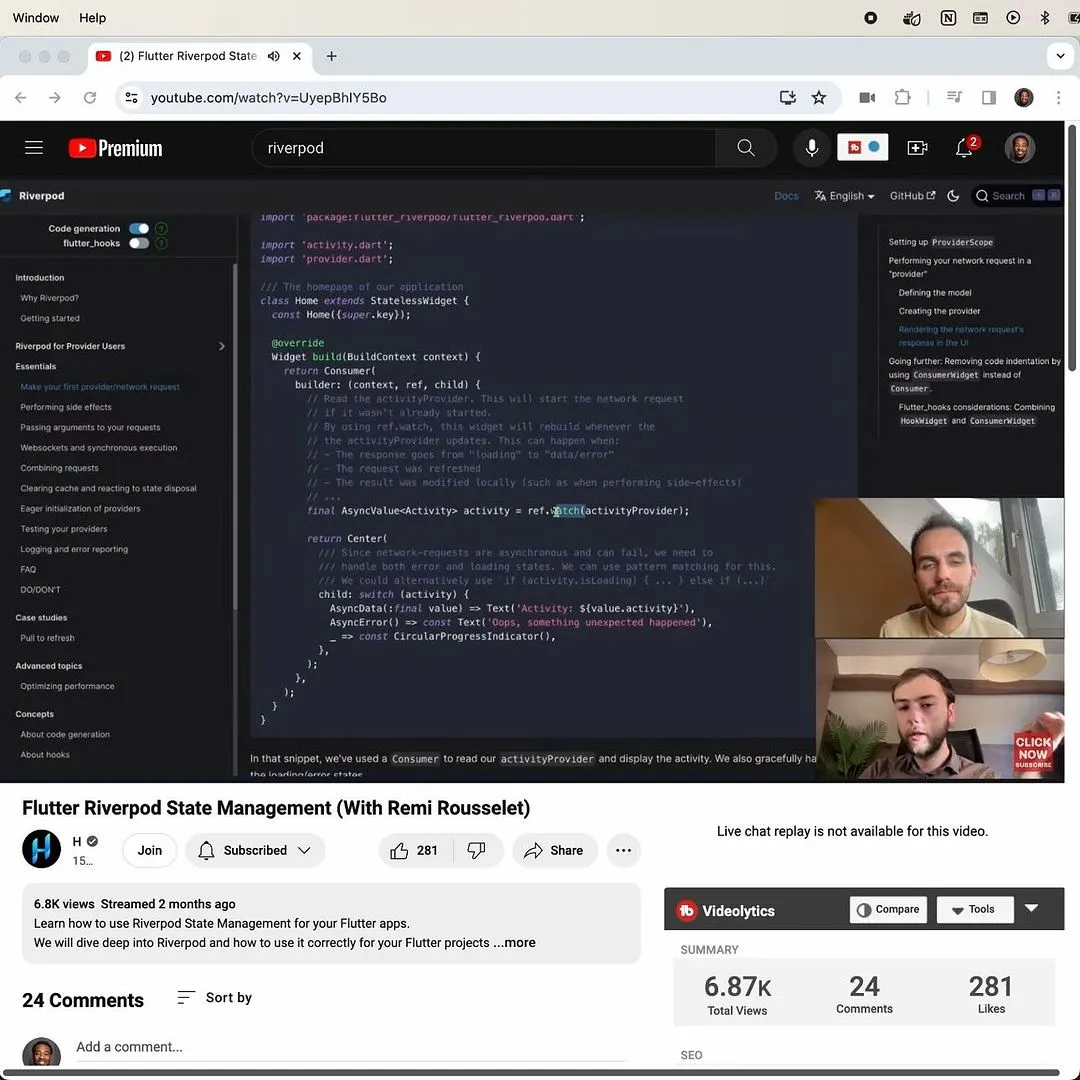
To illustrate this with an analogy, think of Riverpod as a world in a different galaxy.
/// Notifier that handles authentication.
class AuthAsyncNotifier extends AsyncNotifier<User?> {
  // FirebaseAuth instance.
  final FirebaseAuth _auth = FirebaseAuth.instance;

  // This state holds a nullable auth user.
  @override
  User? build() => _auth.currentUser;
  AuthAsyncNotifier(): super() {
    // Update state based on auth changes.
    _auth.authStateChanges().listen(
      (user) => user == null
        ? state = const AsyncData(
          null,
        : _prepareUser(
          user,
          ),
        );
  }
}
The Notifiers are the data in that world, and the Providers are the gateways that link our world to that one.
/// Providers "provide" data.
class Providers {
  // This one "provides" an auth user.
  static final authAsyncNotifierProvider =
    AsyncNotifierProvider<AuthAsyncNotifier, User?>(
      AuthAsyncNotifier.new,
    );
}
This system lets us access whatever data we need whenever we desire it. As a result, the files for the views and controllers of the app are now much more streamlined.
GoRouter appRoutes(bool isAuthenticated) => GoRouter(
  // Redirect to login screen if user is not authenticated.
  redirect: (context, state) =>
    isAuthenticated ? null: '/${Globals.routeLogin}',
    // Default location is the dashboard screen.
    initialLocation: '/${Globals.routeDashboard}',
    // Routes provided by the app.
    routes: [      GoRoute(
        path: '/${Globals.routeLogin}',
        name: Globals.routeLogin,
        builder: (context, state) => const LoginScreen(),
      ),
      GoRoute(
        path: '/${Globals.routeDashboard}',
        name: Globals.routeDashboard,
        builder: (context, state) => DashboardScreen(),
      ),
    ],
  );