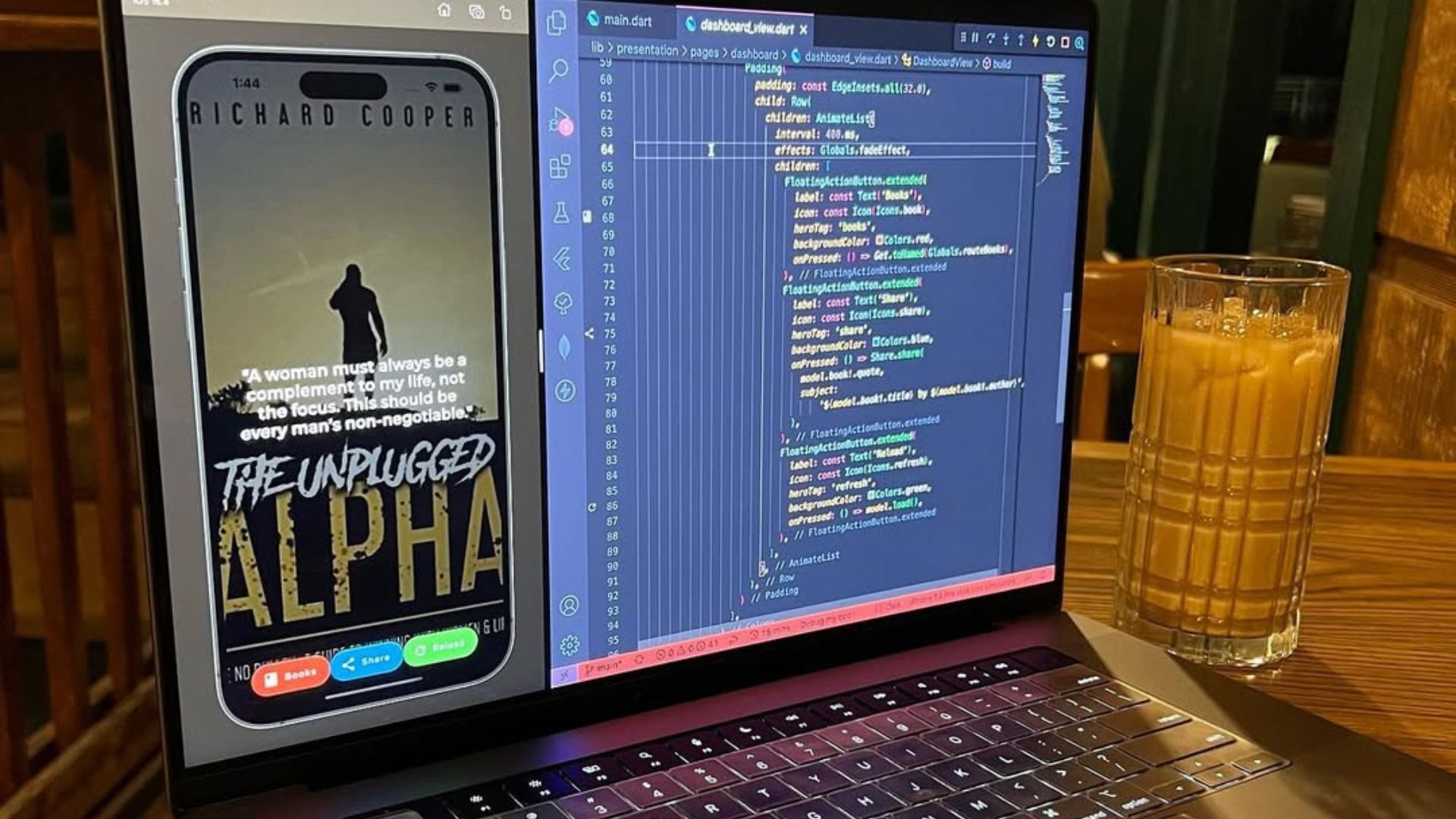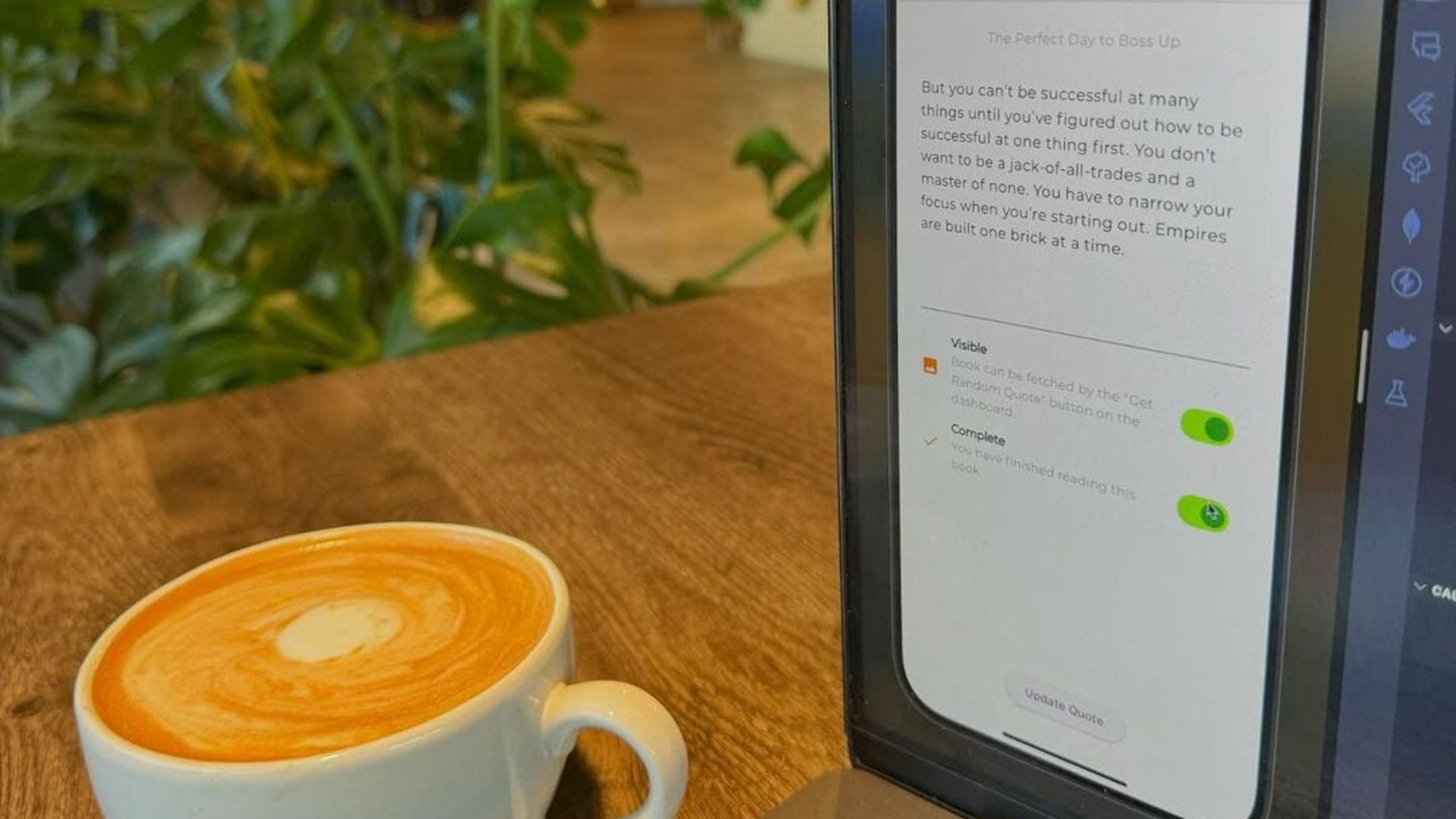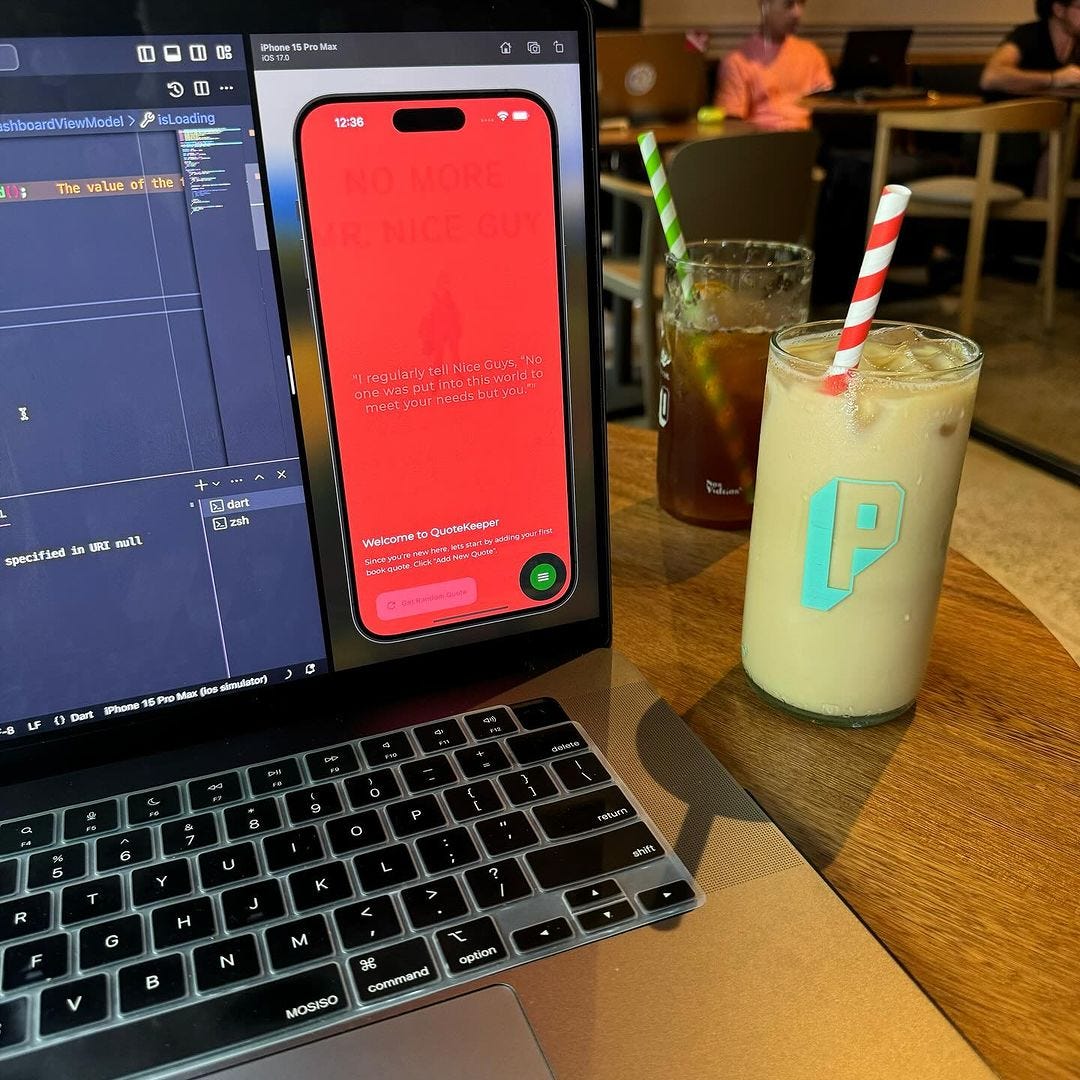
I realized that after uploading the first version of QuoteKeeper to the App Store and Play Store, that there weren’t any instructions on how to use the app. With that being said, I implemented the Tutorial Coach Mark flutter package.
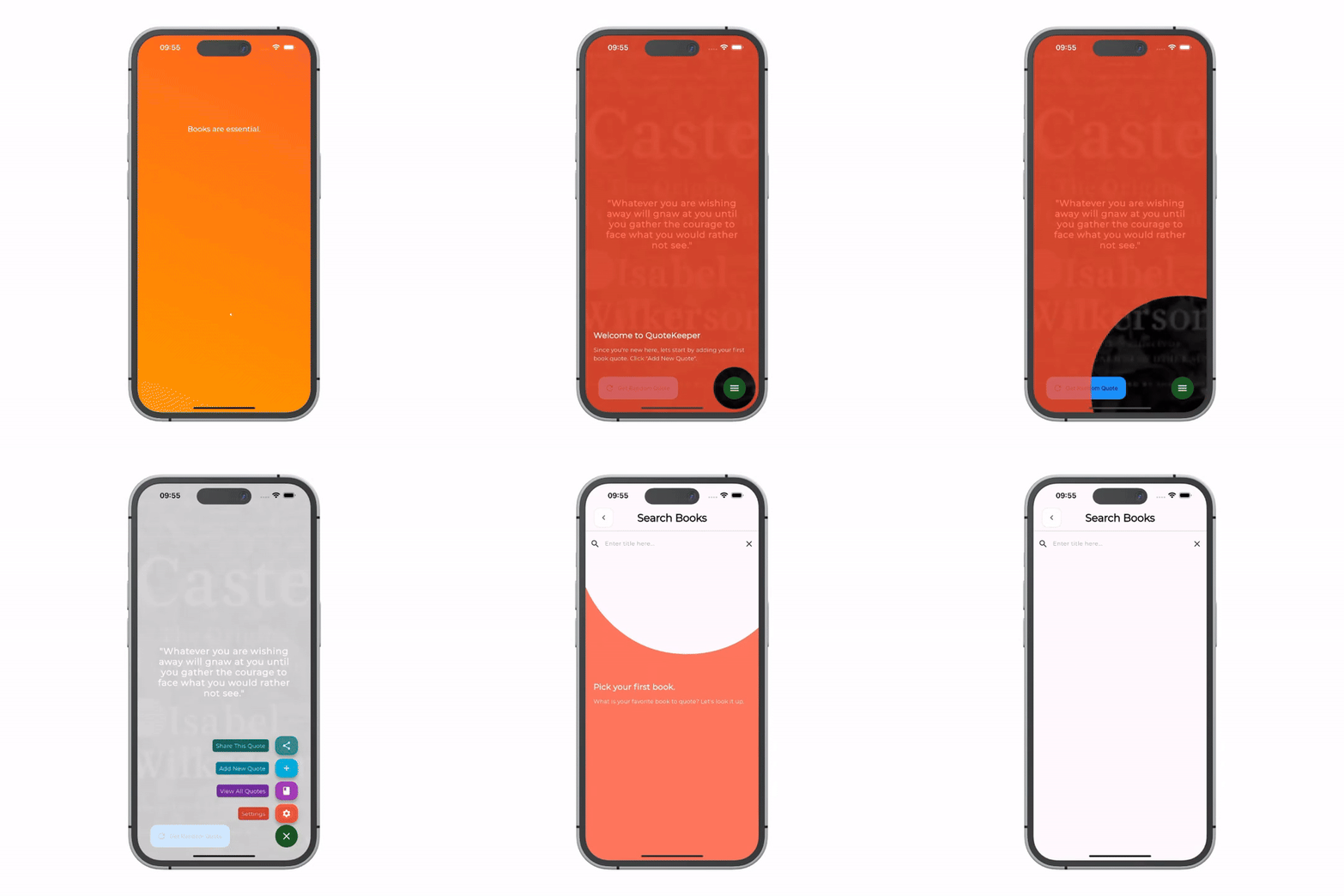
This package creates stunning and easy tutorial screens for your application, and is very flexible. The TargetFocus is the class that represents the widget that will be focused on. That can be a FloatingActionButton, a TextField, or even an Image; any widget you can think of.
/// Dashboard
GlobalKey dashboardTarget = GlobalKey();
final List<Target Focus> _dashboardTargets = [];
bool _displayDashboardTutorial = true;
/// Search Books
GlobalKey searchBookTarget = GlobalKey();
final List<TargetFocus> _searchBookTargets = [];
bool _displaySearchBookTutorial = true;
/// Create Quote
Globalkey createQuoteTarget = GlobalKey();
final List<TargetFocus> _createQuoteTargets = [];
bool _displayCreateQuoteTutorial = true;
In addition to the existing features of the application, I have implemented a new boolean flag for each user. This particular flag, which I have named ‘tutorialComplete’, serves a critical function in the user experience of the application. It essentially represents whether a specific user has successfully completed the tutorial flow at least once.
_searchBookTargets.add(
  TargetFocus(
    identify: 'searchBookTarget',
    keyTarget: searchBookTarget,
    contents: [      TargetContent(
        align: ContentAlign.bottom,
        padding: const EdgeInsets.symmetric(horizontal: 20, vertical: 300),
        child: const Column(
          mainAxisSize: MainAxisSize.min,
          crossAxisAlignment: CrossAxisAlignment.start,
          children: <Widget>[            Text (
              'Pick your first book.',
              style: TextStyle(
                fontWeight: FontWeight.bold,
                color: Colors.white,
                fontSize: 20.0),
            Padding(
              padding: EdgeInsets.only(top: 10.0),
              child: Text(
               'What is your favorite book to quote? Let\'s look it up.',
                style: TextStyle(color: Colors.white),
              ),
            ),
          ],
        ),
      ),
    ],
  ),
),
The underlying purpose of the ‘tutorialComplete’ flag is to provide a more streamlined and user-friendly experience. Without the implementation of this flag, every time a user opens the application, they would be required to navigate through the tutorial. This could lead to a repetition that might be perceived as unnecessary and even frustrating by users who are already familiar with the application.
void _showTutorial (BuildContext context, List<TargetFocus> targets) {
  TutorialCoachMark(
    targets: targets, // List<TargetFocus>
    colorShadow: Colors.red, // DEFAULT Colors.black
    onClickTarget: (target) {},
    onClickTargetWithTapPosition: (target, tapDetails) {},
    onClickOverlay: (target) {},
    onSkip: () {
      return false;
    },
    onFinish: () {},
    hideSkip: true,
  ).show(context: context);
}
The feature is available for the following versions on each platform.