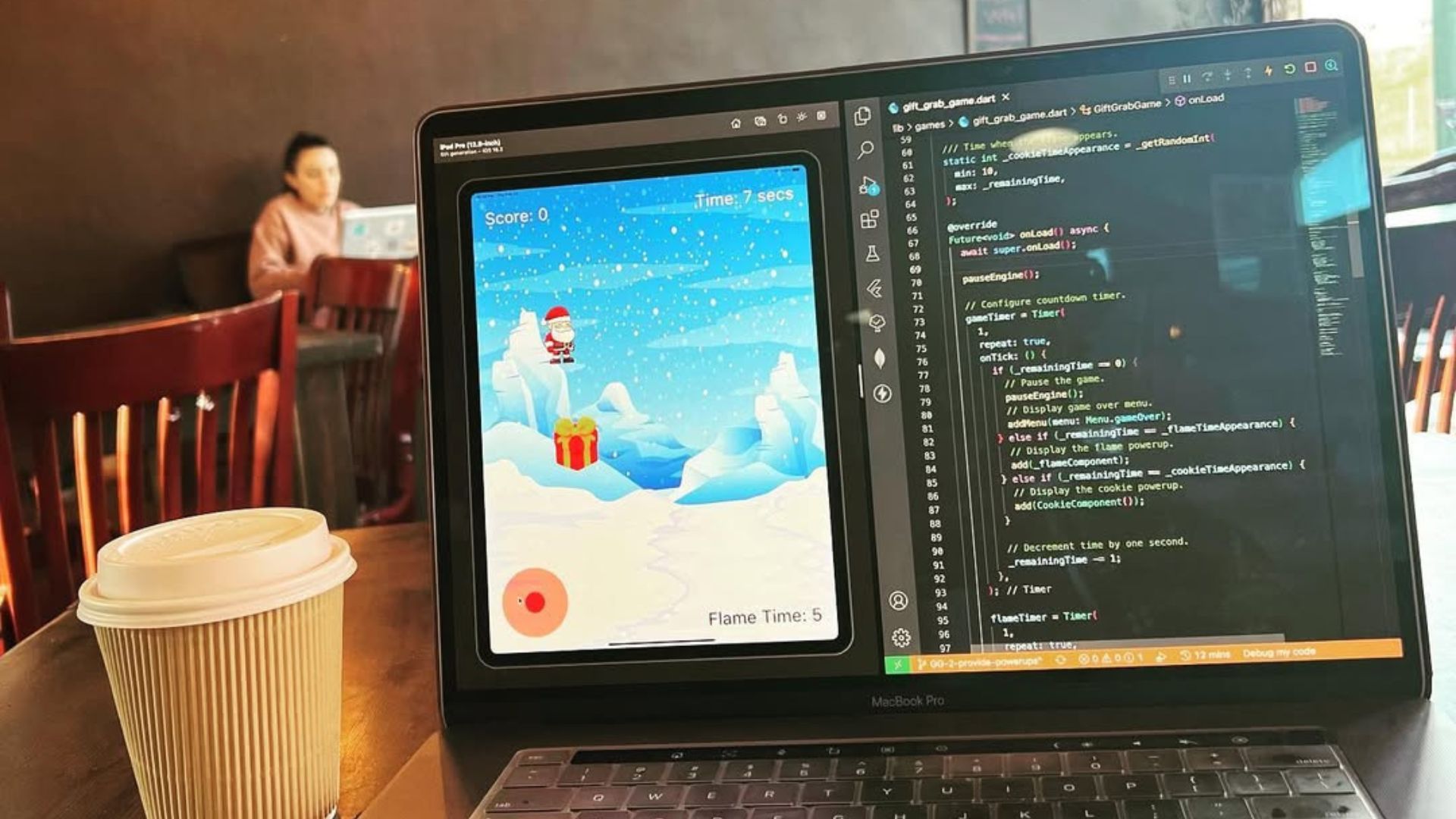
Applying that concept to reality, Augmented Reality (or AR) is a concept I’ve been interested in for a while but didn’t fully understand.
As usual, I researched AR technologies available in Flutter, and came across ARKit.
ARKit is Apple’s official software development kit that provides AR capabilities for your app.
Luckily, they have an official package for Flutter that’s easy to setup and build with.
import 'package:arkit_plugin/arkit_plugin.dart';
import 'package:vector_math/vector_math_64.dart' as vm;

// Contoller for udpating the ARKitView.
_arkitController = arkitController;

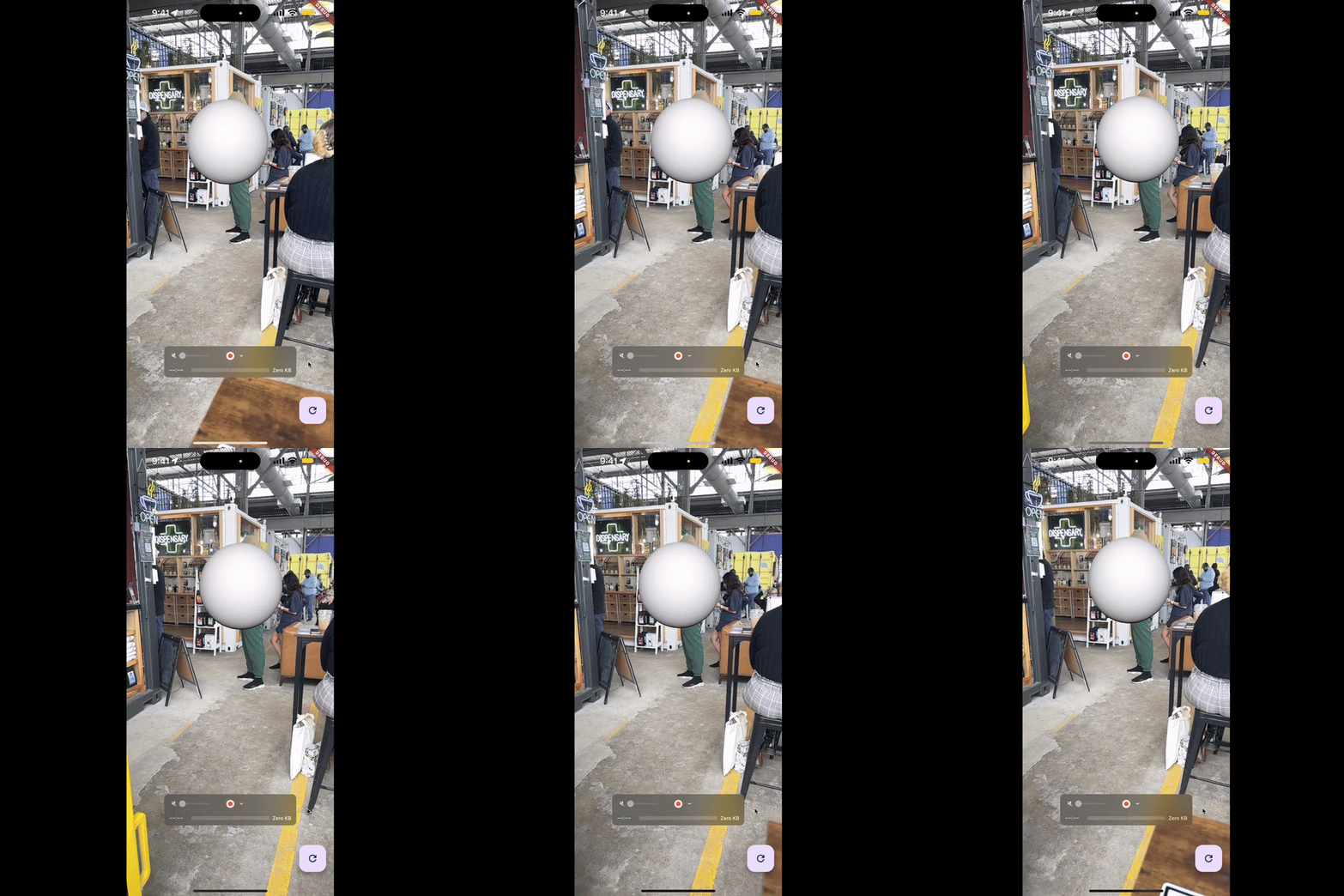
// Create white sphere node.
final whiteSphere = ARKitNode(
  name: 'White Sphere',
  geometry: ARKitSphere(
    radius: 0.5,
  ),
  position: vm.Vector3(0, 0, -3),
);

// Add to scene via the controller.
_arkitController.add(whiteSphere);
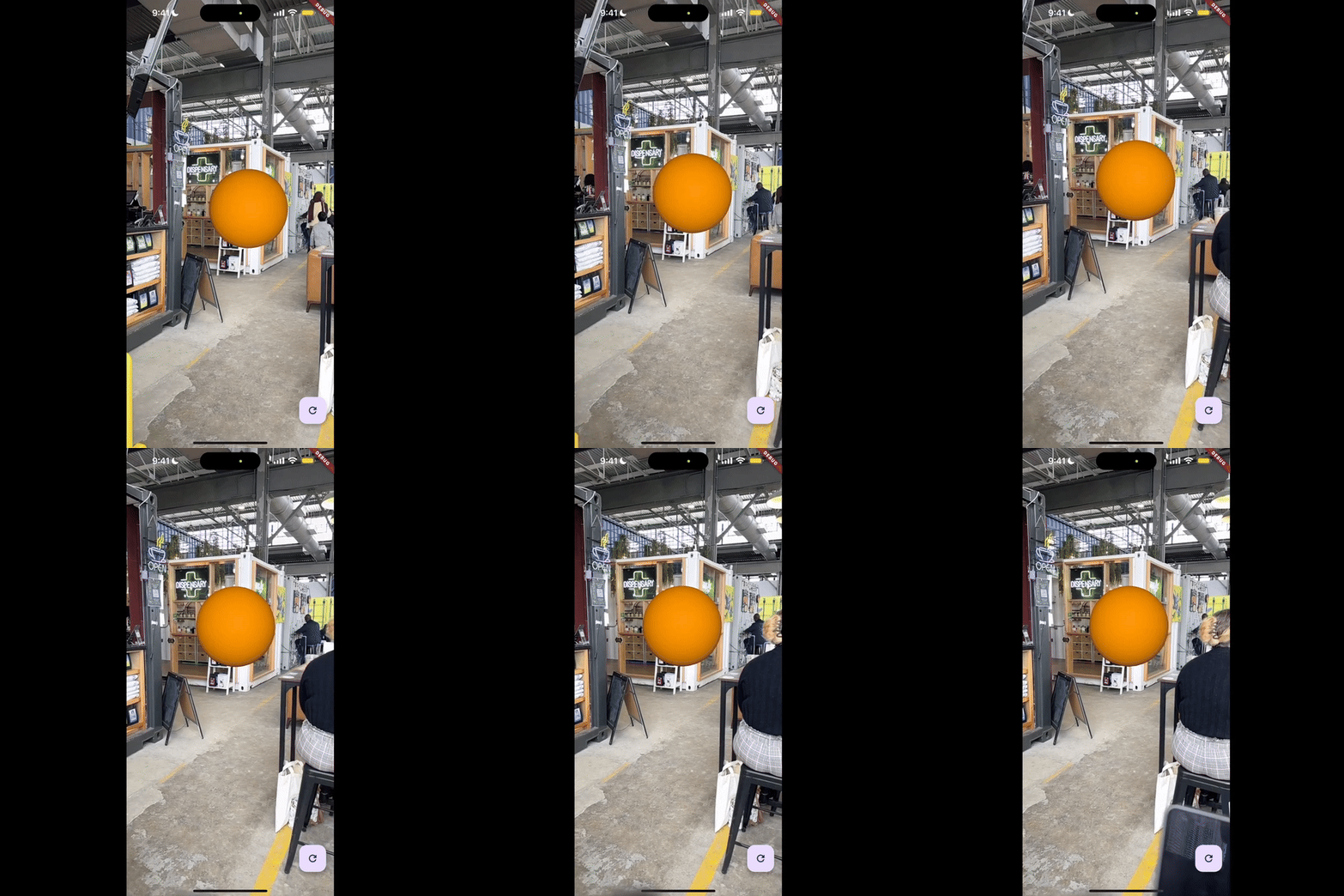
import 'package:arkit_plugin/arkit_plugin.dart';
import 'package:vector_math/vector_math_64.dart' as vm;

// Update name.
final orangeSphere = ARKitNode(
  name: 'Orange Sphere',
  radius: 0.5,
  // Specify orange color.
  materials: [    ARKitMaterial(
      diffuse: ARKitMaterialProperty.color(Colors.orange),
    )
  ],
  position: vm.Vector3(0, 0, -4)
)
_arkitController.add(orangeSphere);
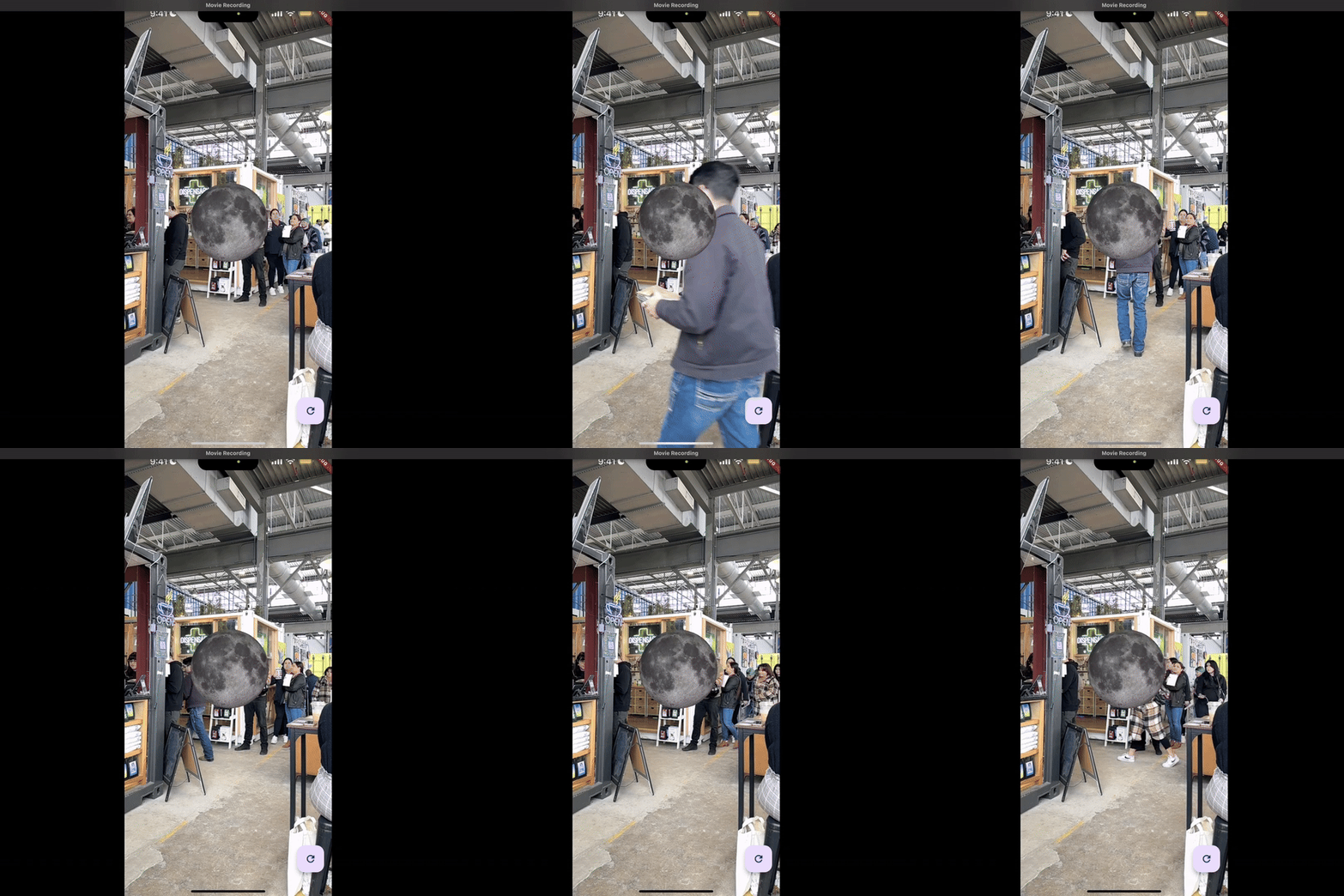
import 'package:arkit_plugin/arkit_plugin.dart';
import 'package:vector_math/vector_math_64.dart' as vm;

// Update name.
final moon = ARKitNode(
  name: 'Moon',
  radius: 0.5,
  // Specify moon diffuse.
  materials: [    ARKitMaterial(=
      diffuse: ARKitMaterialProperty.image('assets/images/moon.jpg'),
    )
 ],
 position: vm.Vector3(0, 0, -4)
)
_arkitController.add(moon);
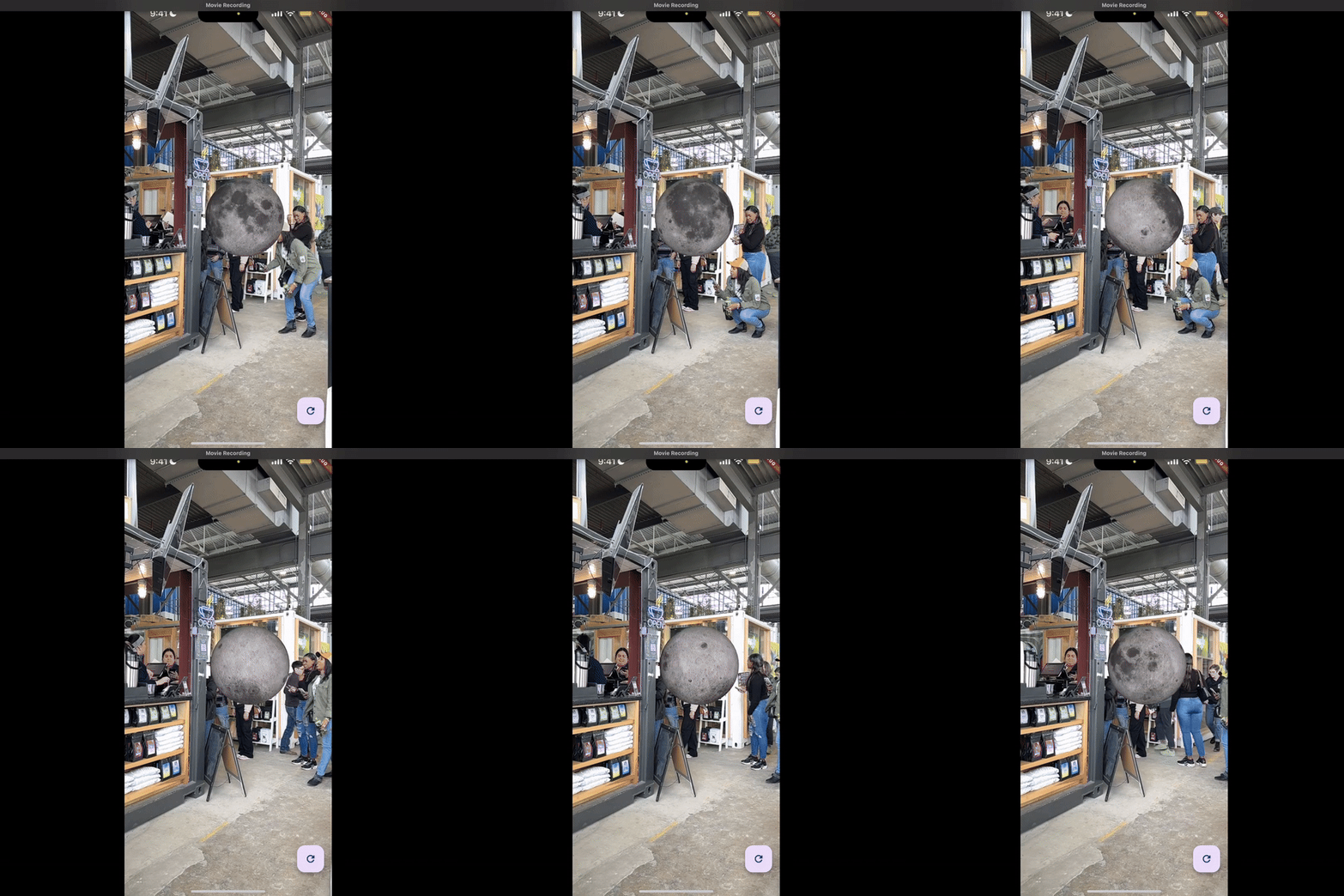
import 'package:arkit_plugin/arkit_plugin.dart';
void _rotateNodeOnXAxis(ARKitNode node, double pitch) {
  // Rotate the node on its x-axis by pitch value.
  node.eulerAngles = node.eulerAngles..x += pitch;
}
_arkitController.updateAtTime = (time) {
  // Rotate node (moon) with moon spin speed.
  _rotateNodeOnXAxis(moon, Planets.moon.spinSpeed!);
};
You can watch my entire process of building an AR Solar System on YouTube.