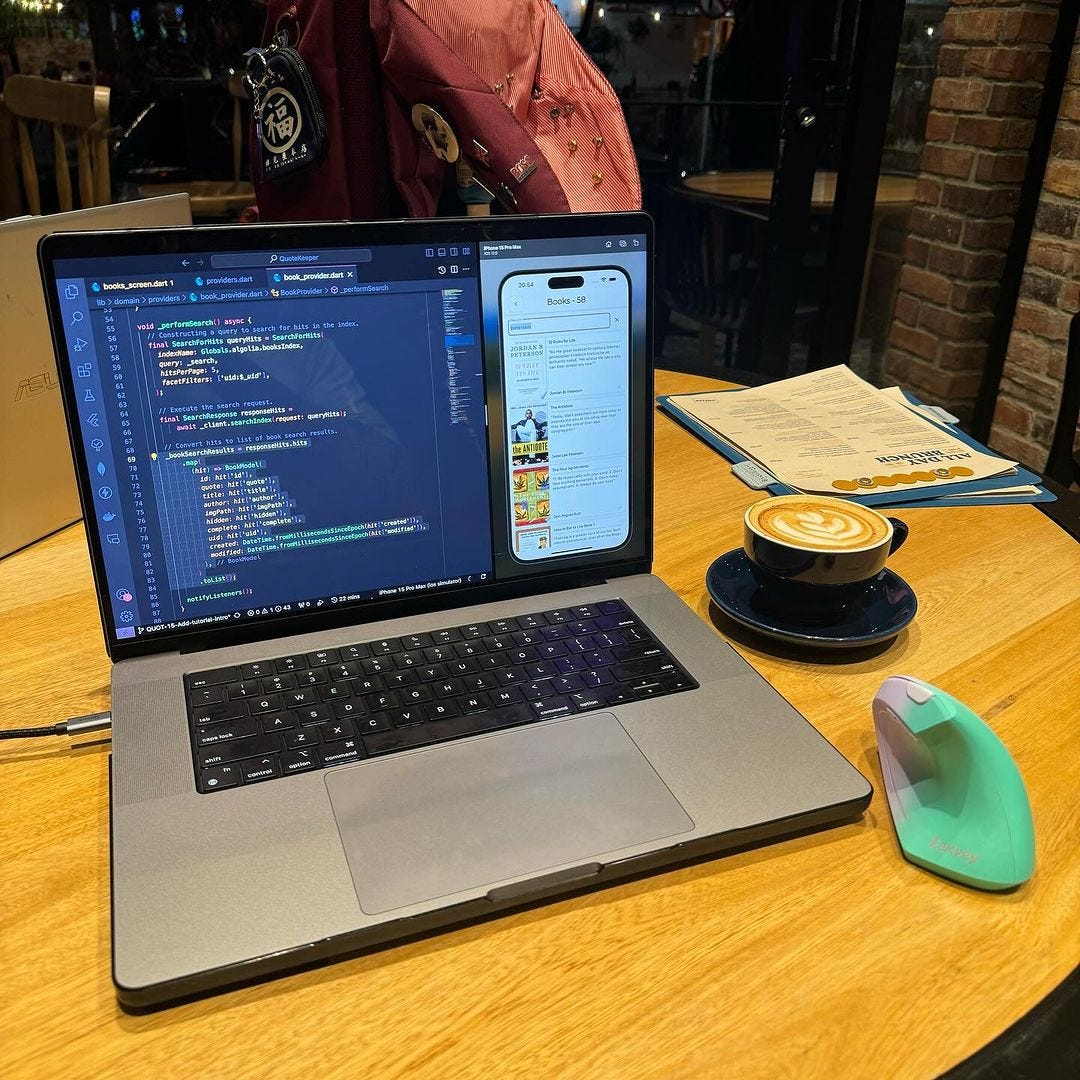
There are three key components that I have made progress on for the app this sprint.
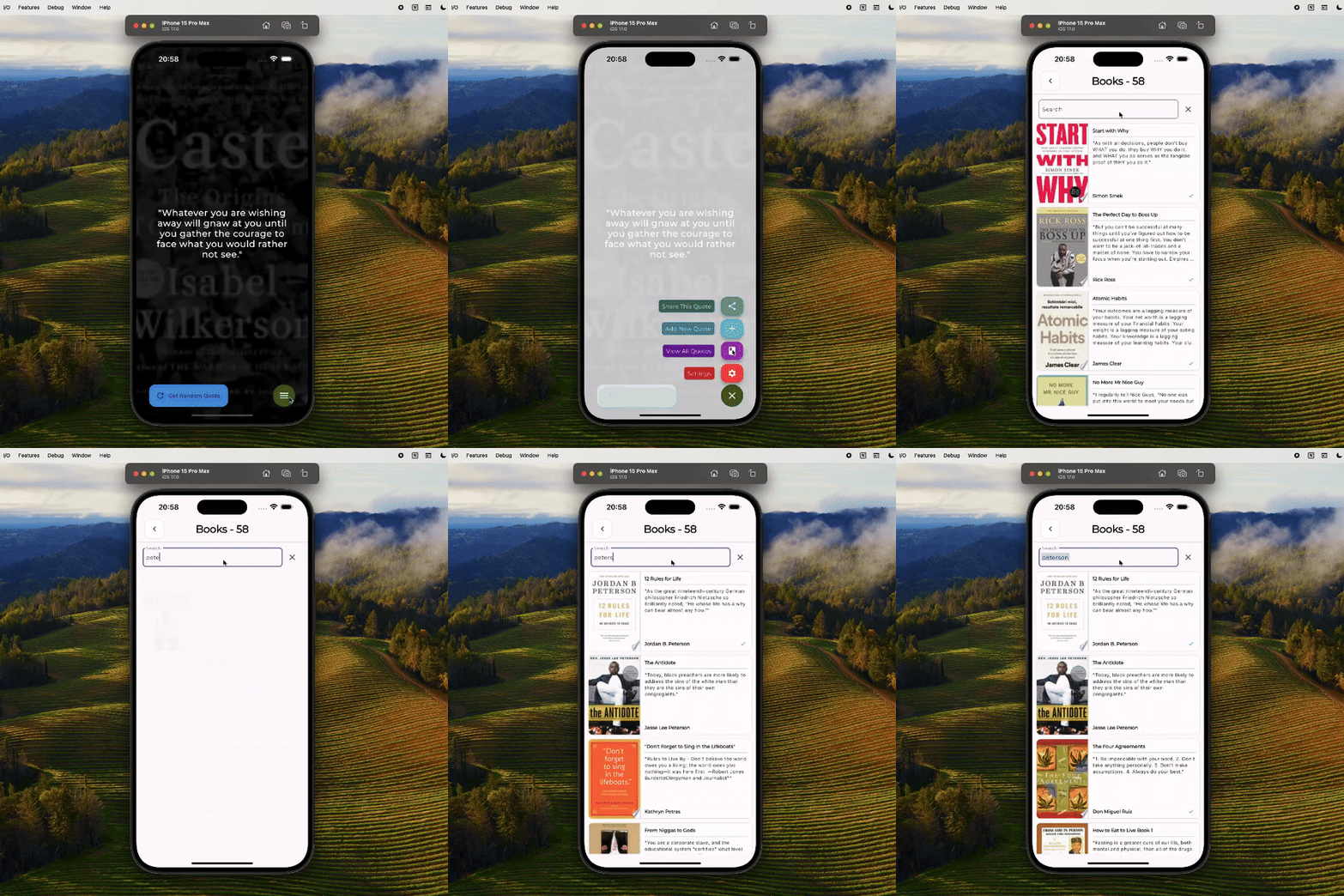
1. Full text search, using Algolia and Firebase Extensions.
Using this popular search-as-a-service platform, Algolia allows me to integrate fast, accurate, and customizable search features into the app. The process is made even smoother by syncing with my Firestore database whenever a new document is modified. This is all possible with Firebase Extensions, pre-packaged solutions that integrate other services into my Firebase project.
/// Query for books based on search text and match the current uid.
void _performSearch() async {
  final SearchForHits queryHits = SearchForHits (
    indexName: 'books',
    query: searchText,
    // Return 5 results per query.
    hitsPerPage: 5,
    facetFilters: ['uid:$_uid'],

  // Execute the search request.
  final SearchResponse responseHits = await _client.searchIndex (request: queryHits);
  // Convert hits to list of book search results.
  _bookSearchResults = responseHits.hits
    .map(
      (hit) => BookModel(
        id: hit['id'],
        quote: hit['quote'],
        title: hit['title'],
        author: hit ['author'],
        imgPath: hit ['imgPath'],
        hidden: hit['hidden'],
        complete: hit['complete'],
        uid: hit['uid'],
        created: DateTime.from MillisecondsSinceEpoch (hit['created']),
        modified: DateTime.fromMillisecondsSinceEpoch (hit ['modified']),
      )
    )
    .toList();
  // Update state.
  notifyListeners();
}
2. Book Completed Flag
Once users finish reading a book, they can mark it with a green checkmark. By toggling this boolean flag on or off, users can keep track of the books they’ve read and those they still need to finish.
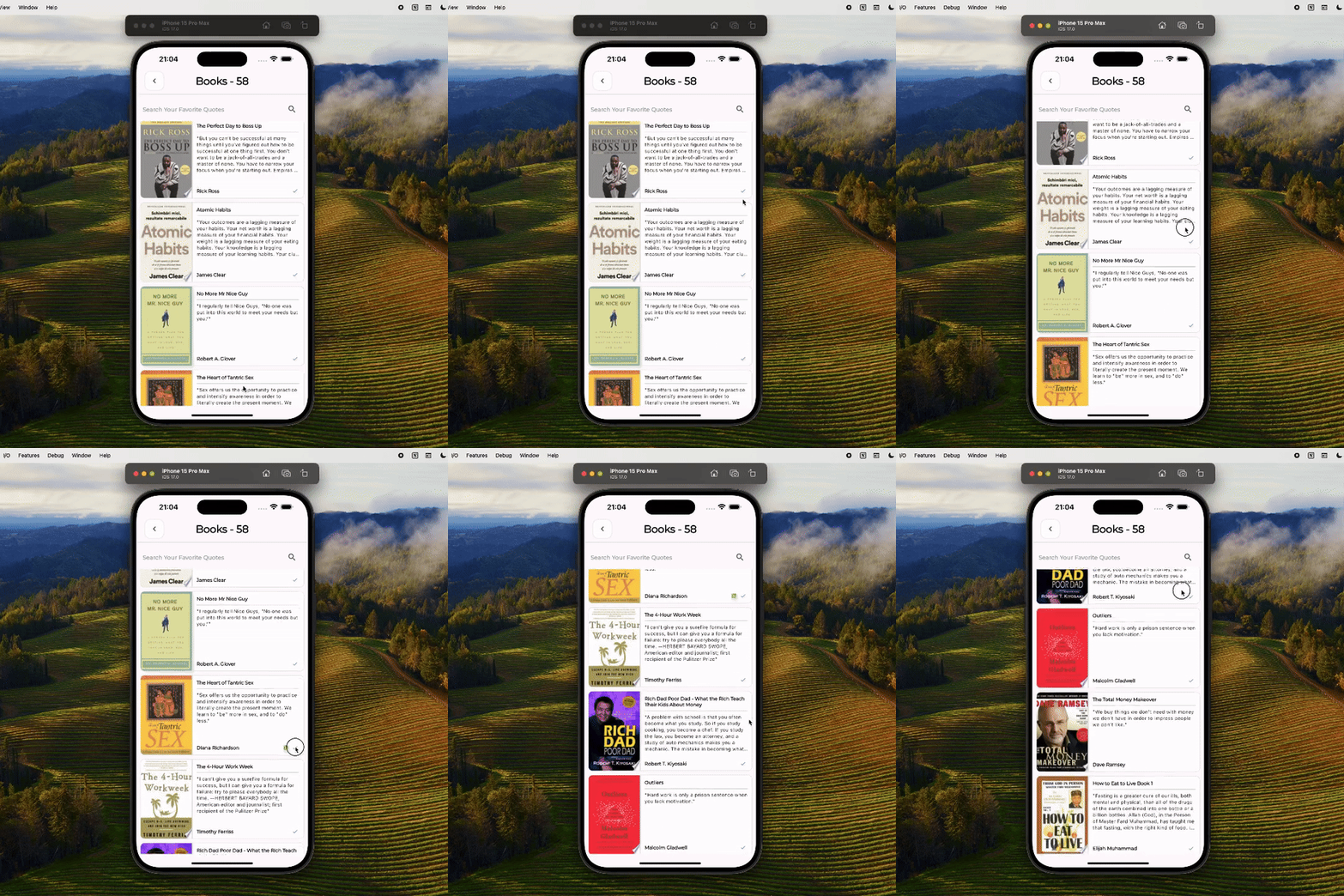
if (book.complete) ... [  const Padding (
    padding: EdgeInsets.symmetric (horizontal: 4.0),
    child: Icon(
      Icons.check,
      color: Colors.blue,
      size: 15,
    )
  )
]
3. Crashlytics
By using this real-time crash reporting tool, it helps monitor any issues that could harm the app’s overall quality. It provides detailed crash reports, helping me prioritise and solve these problems, thus improving the app’s stability and user satisfaction.
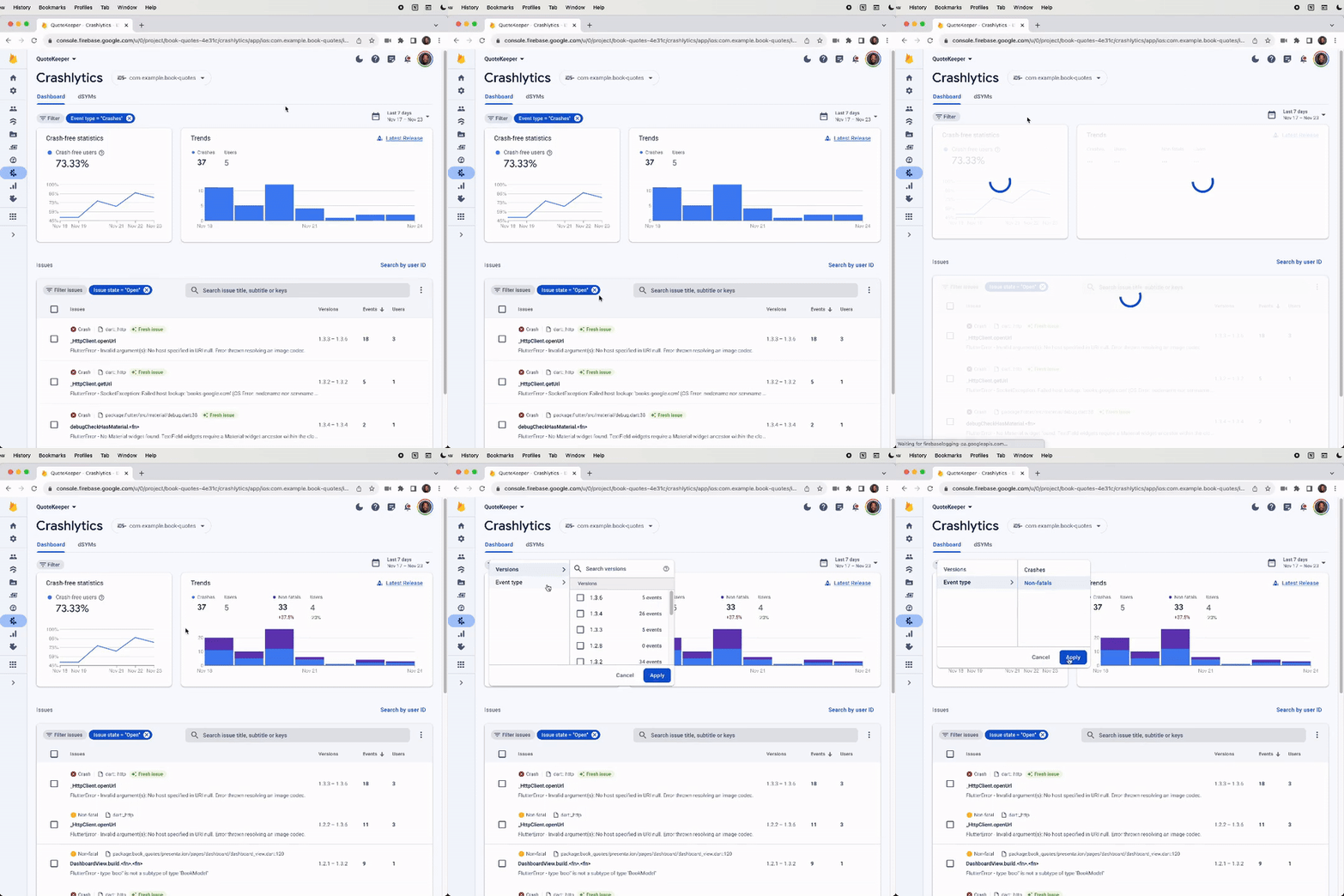
/// Setup crashlytics.
Future<void> _setupCrashlytics() async {
  final crashlytics = FirebaseCrashlytics. instance;
  await crashlytics.setCrashlytics CollectionEnabled(true);
  FlutterError.onError = (errorDetails) async {
    await crashlytics. record FlutterError(errorDetails);
  };
  // Pass all uncaught asynchronous errors that aren't
  // handled by the Flutter framework to Crashlytics.
  PlatformDispatcher.instance.onError = (error, stack) {
    crashlytics.recordError(error, stack, fatal: true);
    return true;
  };
}
Also, the app is now available on iOS and Android! Any feedback is appreciated.