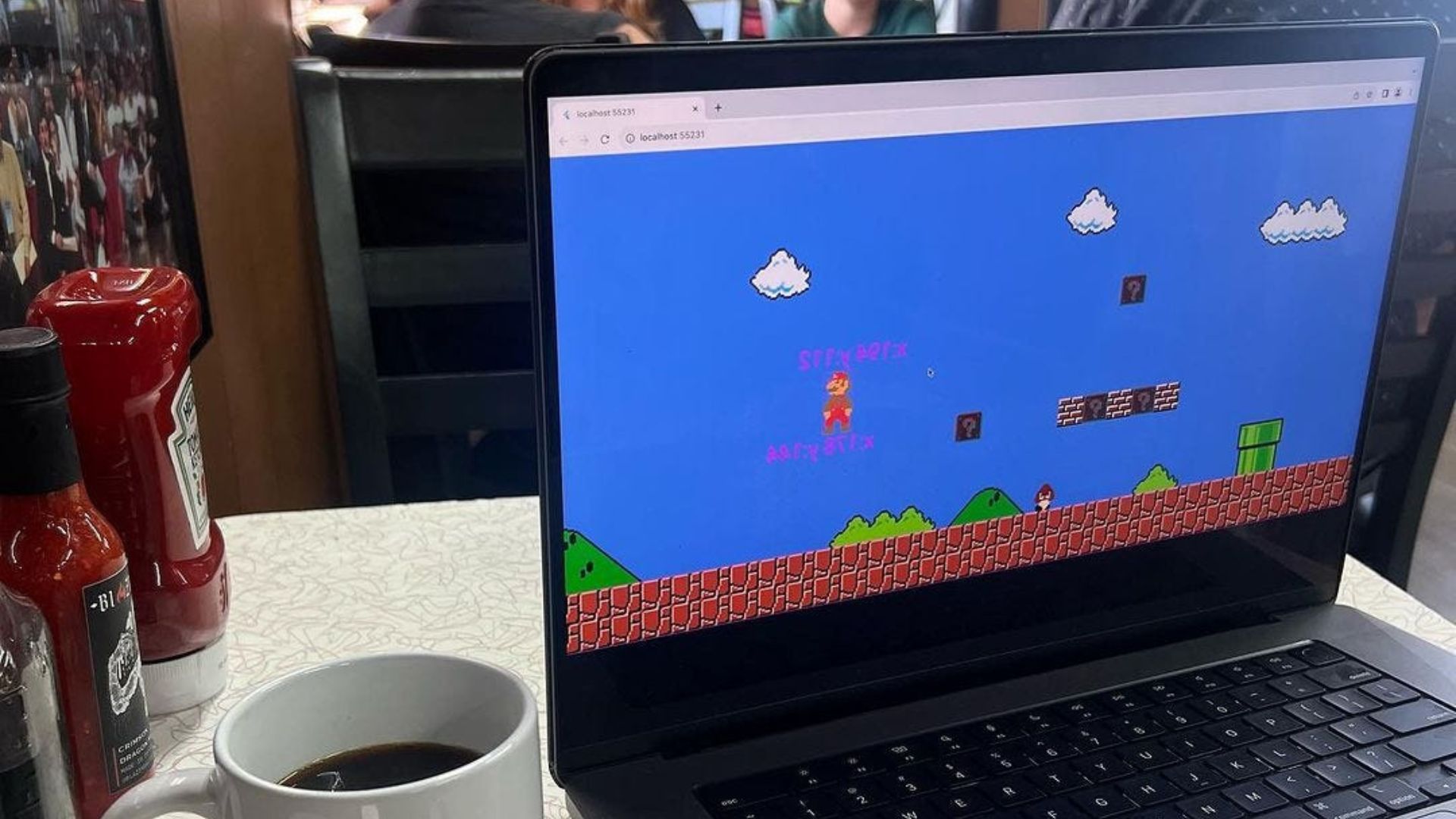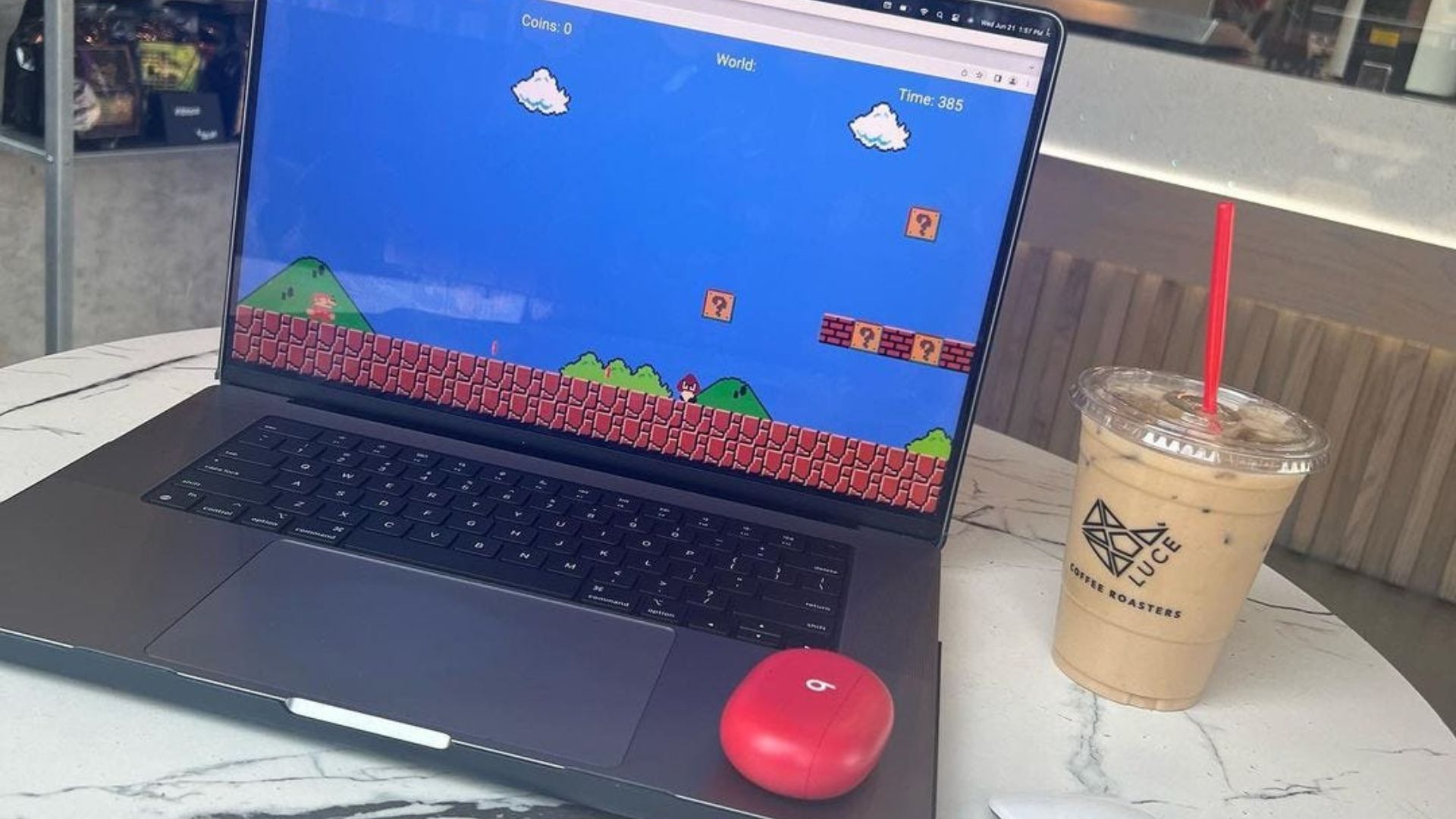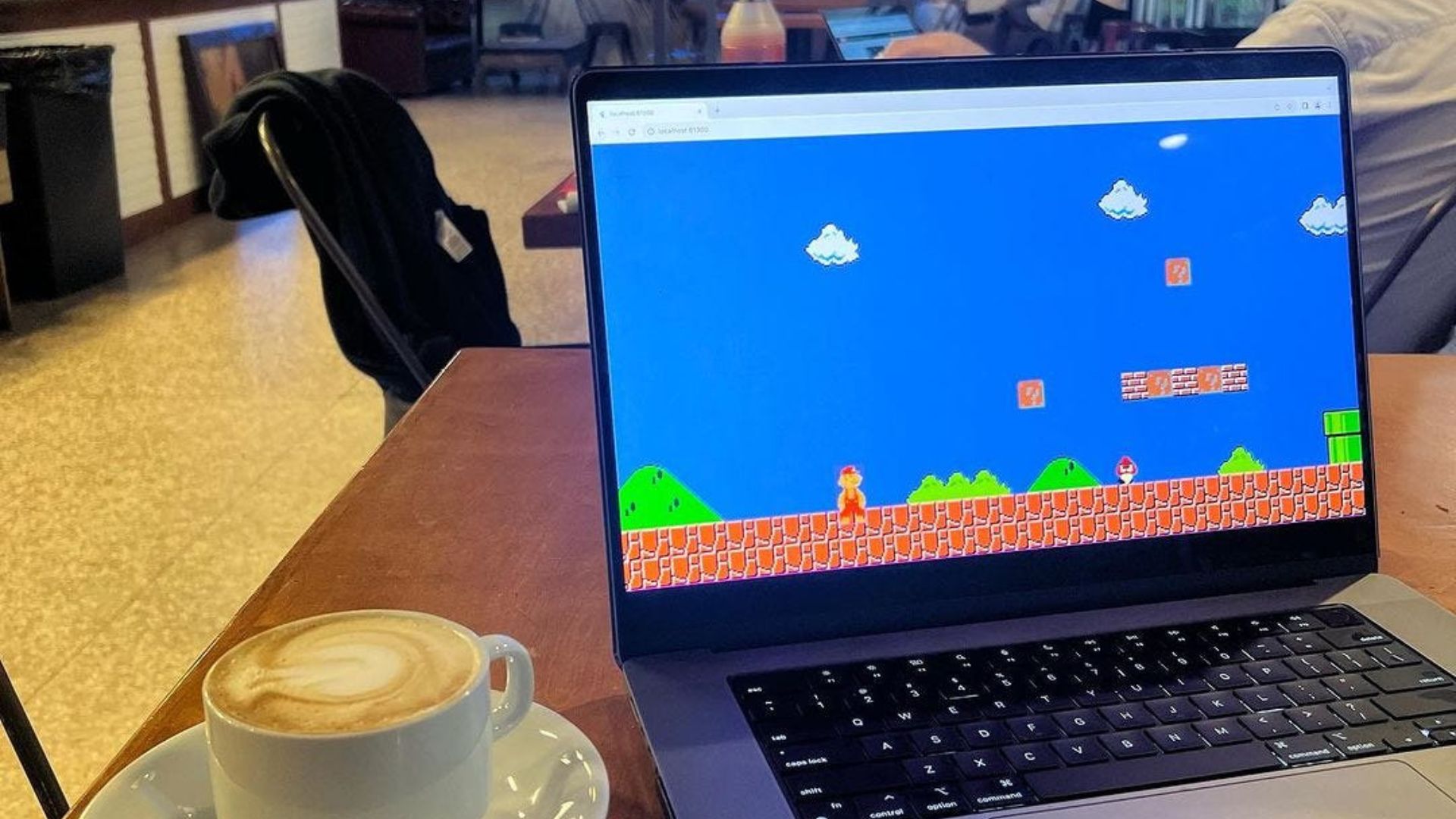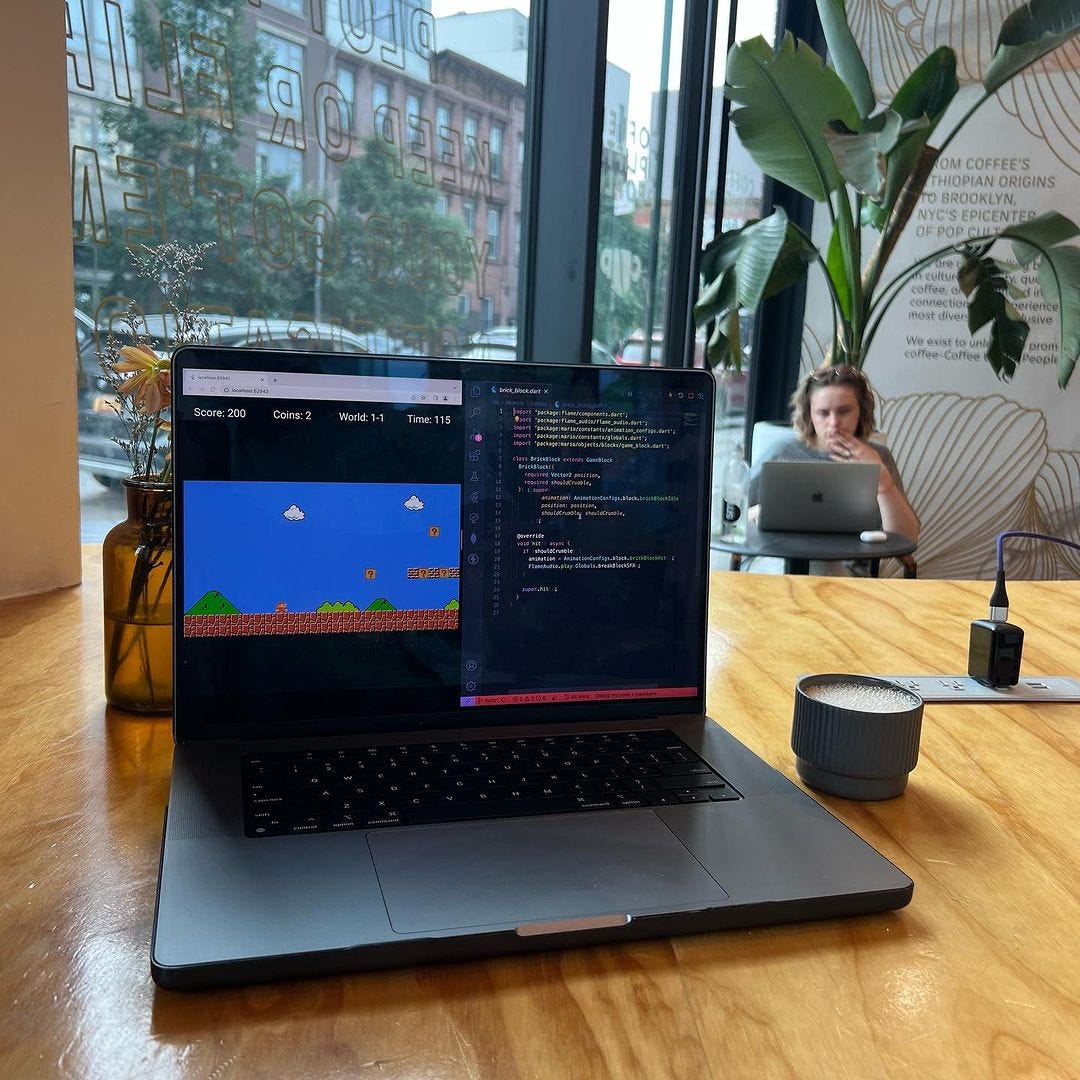
For instance, the components used for providing block within the game, have a few different features.
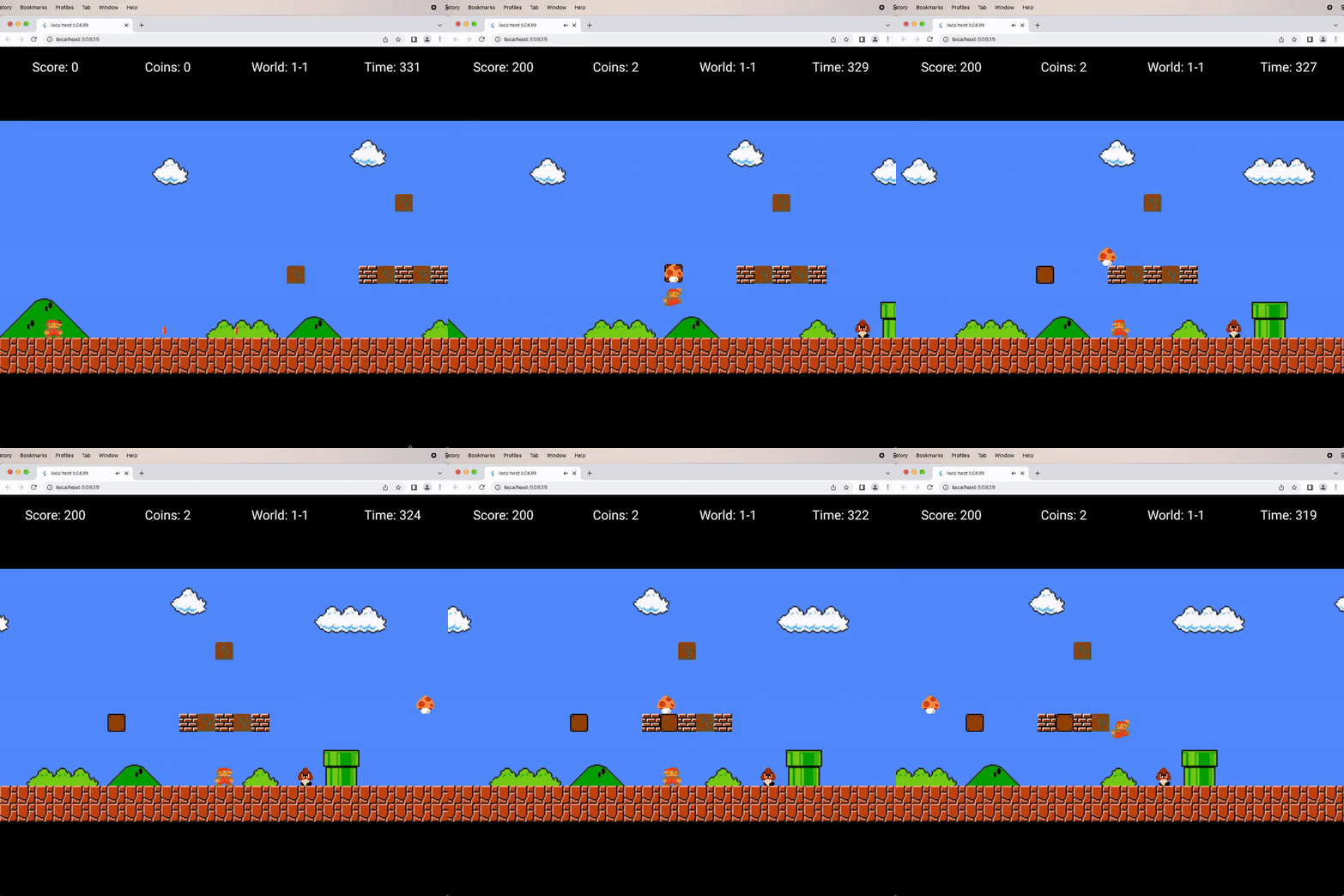
I created a Mystery Block and Brick Block class to allow for subclassing of a Game Block.
Can’t wait to share.
The Game Block.
class GameBlock extends SpriteAnimationComponent with CollisionCallbacks {
  // Components position on the map, used to revert back.
  late Vector2 _originalPos;
  // Switch between disappearing and being bumped temporarily.
  final bool shouldCrumble;
  // How far the block moves up.
  final double _hitDistance = 5;
  // How for the block moves back down.
  final double _gravity = 0.5;
  // Constructor
  GameBlock({
    required Vector2 position,
    required SpriteAnimation animation,
    required this.shouldCrumble,
  }) : super(
          // Sequence of sprites.
          animation: animation,
          // Components position on the map.
          position: position,
          // Components size.
          size: Vector2(
            Globals.tileSize,
            Globals.tileSize,
          ),
        ) {
    // Save default position for when bumped.
    _originalPos = position;
    // Apply collision detection.
    add(RectangleHitbox()..collisionType = CollisionType.passive);
  }
  @override
  void update(double dt) {
    // Gradually move block back to original position.
    if (y != _originalPos.y) {
      y += _gravity;
    }
    super.update(dt);
  }
  /// Perform hit block action.
  void hit() async {
    if (shouldCrumble) {
      // Wait a quarter second.
      await Future.delayed(
        const Duration(
          milliseconds: 250,
        ),
      );
      // Remove the block from the view.
      add(RemoveEffect());
    } else {
      // Play sound effect.
      FlameAudio.play(Globals.bumpSFX);
      // Move the block up.
      y -= _hitDistance;
    }
  }
}
The Mystery Block.
class MysteryBlock extends GameBlock {
  bool _hit = false;
  MysteryBlock({
    required Vector2 position,
  }) : super(
          animation: AnimationConfigs.block.mysteryBlockIdle(),
          position: position,
          shouldCrumble: false,
        );
  @override
  void hit() {
    if (!_hit) {
      _hit = true;
      // Updated to empty block animation.
      animation = AnimationConfigs.block.mysteryBlockHit();
    }
    super.hit();
  }
}
The Brick Block.
class BrickBlock extends GameBlock {
  BrickBlock({
    required Vector2 position,
    required shouldCrumble,
  }) : super(
          animation: AnimationConfigs.block.brickBlockIdle(),
          position: position,
          shouldCrumble: shouldCrumble,
        );
  @override
  void hit() async {
    if (shouldCrumble) {
      animation = AnimationConfigs.block.brickBlockHit();
      FlameAudio.play(Globals.breakBlockSFX);
    }
    super.hit();
  }
}